Cropping means trimming the edges of a photograph after it is taken to improve the framing, change its shape or level it. To crop well, straighten first, pick the shape the picture needs, move the edges in until every distraction is gone, and check that enough pixels remain for the intended use. Cropping to half the width and height keeps only a quarter of the pixels, so crop for a reason and no further than you need.
This guide covers the whole job: reasons to crop, the crop tool itself, straightening, where the frame edge can and cannot cut a person, what cropping costs in megapixels, cropping for prints and screens, and how to shoot so a crop is possible. What each frame shape does to a picture is covered in aspect ratio; this page is about the cutting. Cropping is also not the same as crop factor, which describes sensor size.
Four reasons to crop, and one reason not to
Every good crop does at least one of four jobs. Name the job before you drag a handle, and you will know when to stop.
- Remove. Take out something at the edge that pulls the eye: a bright patch of sky, half a passer-by, a branch poking into the corner, a strip of empty foreground. The guide to checking the edges of the frame lists what to look for.
- Tighten. Make the subject larger in the frame so it carries the picture. This is the editing version of filling the frame.
- Reshape. Change the proportions to suit the subject or the destination: a long, shallow frame for a line of hills, a square for a centred subject, a 4:5 frame for a print.
- Level. Rotate the picture so horizons are horizontal and buildings stand upright. Rotation always forces a crop.
The reason not to crop is to rescue a picture that failed for another reason. A crop cannot fix missed focus or blur, and enlarging a small part of the frame makes both more visible. If the subject is a tiny, soft shape in the distance, cropping gives you a larger soft shape.
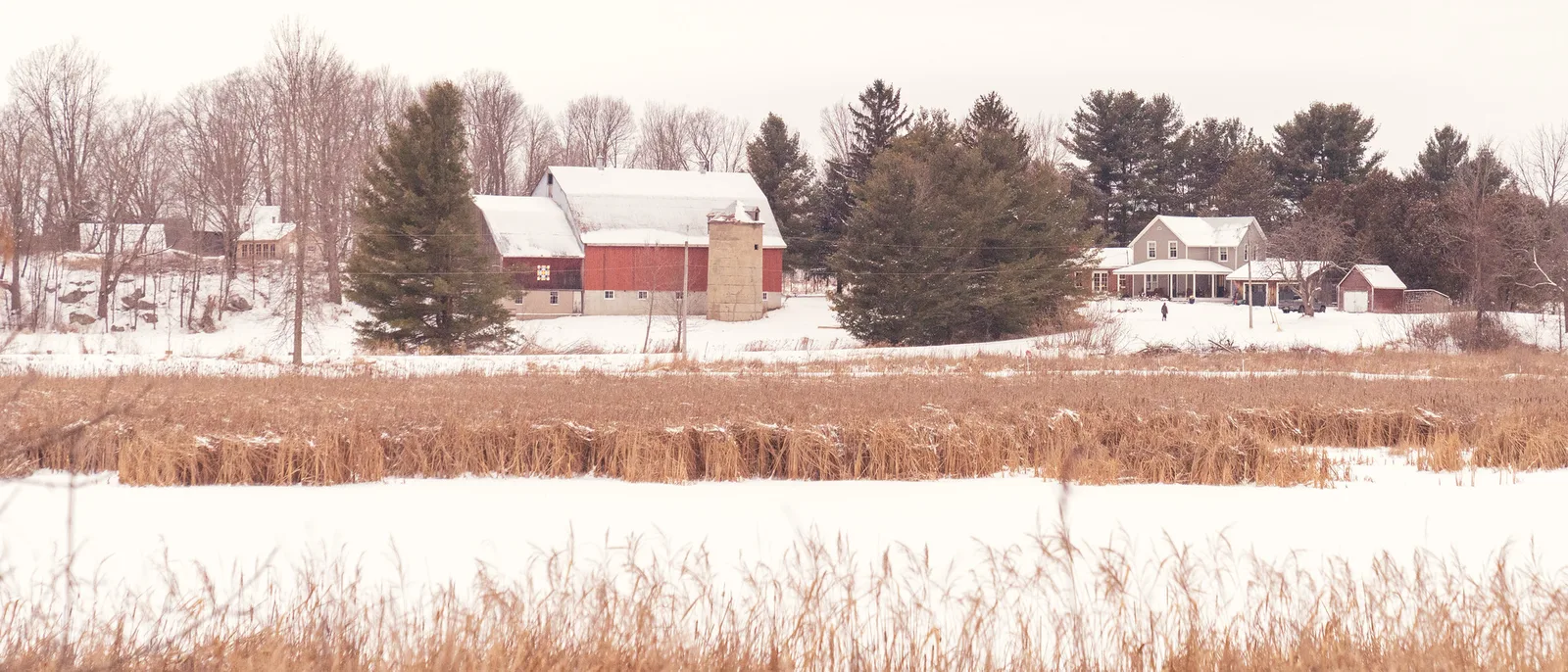
Using the crop tool step by step
Crop tools look much the same in every editor, on a computer or a phone: a rectangle with handles, a ratio menu, a rotate or straighten control and an overlay of guide lines. Names and positions shift between programs and versions, but the working order does not.
- Apply lens and perspective corrections first. Correcting distortion or leaning verticals reshapes the image and changes what is available at the edges, so do it before you set the frame.
- Straighten. Level the picture before deciding the edges, because rotation eats into all four sides.
- Choose the ratio. Pick “original” to keep the camera’s shape, a fixed ratio such as 4:5 or 16:9 for a known destination, or switch off the ratio lock for a free shape. Most tools have a button or shortcut to flip the rectangle between horizontal and vertical.
- Set the edges one at a time. Move each side in until the distraction on that side is gone, then stop. Watch what each edge touches: an edge that just grazes a subject looks accidental.
- Place the subject. Slide the picture inside the rectangle. The overlay grid helps you put the subject on a rule of thirds line, or dead centre for a symmetrical subject. Leave more space in front of a moving or looking subject than behind it, as the rule of space describes.
- Check the size. Read the pixel dimensions of the result before you commit. The megapixel section below explains what the numbers mean.
- Look away, then look again. Toggle between the cropped and uncropped views. If the crop is not clearly better, undo it.
A habit worth forming: try the opposite orientation. Many horizontal frames contain a stronger vertical picture, and the crop tool lets you test that in a second, provided the file has pixels to spare.
Straightening, and why it costs the corners
A sloping horizon is one of the most noticeable faults in a photograph, and one of the easiest to fix. Most editors offer three ways to level a picture: an automatic level button, a slider or dial that rotates in fractions of a degree, and a straighten tool that lets you draw a line along something that should be horizontal or vertical. The line method is the most reliable. Draw it along the sea horizon, the surface of a lake, or the edge of a building near the centre of the frame, where lens distortion and perspective are least. A quick walk-through for one editor is in how to straighten a photo in Lightroom.
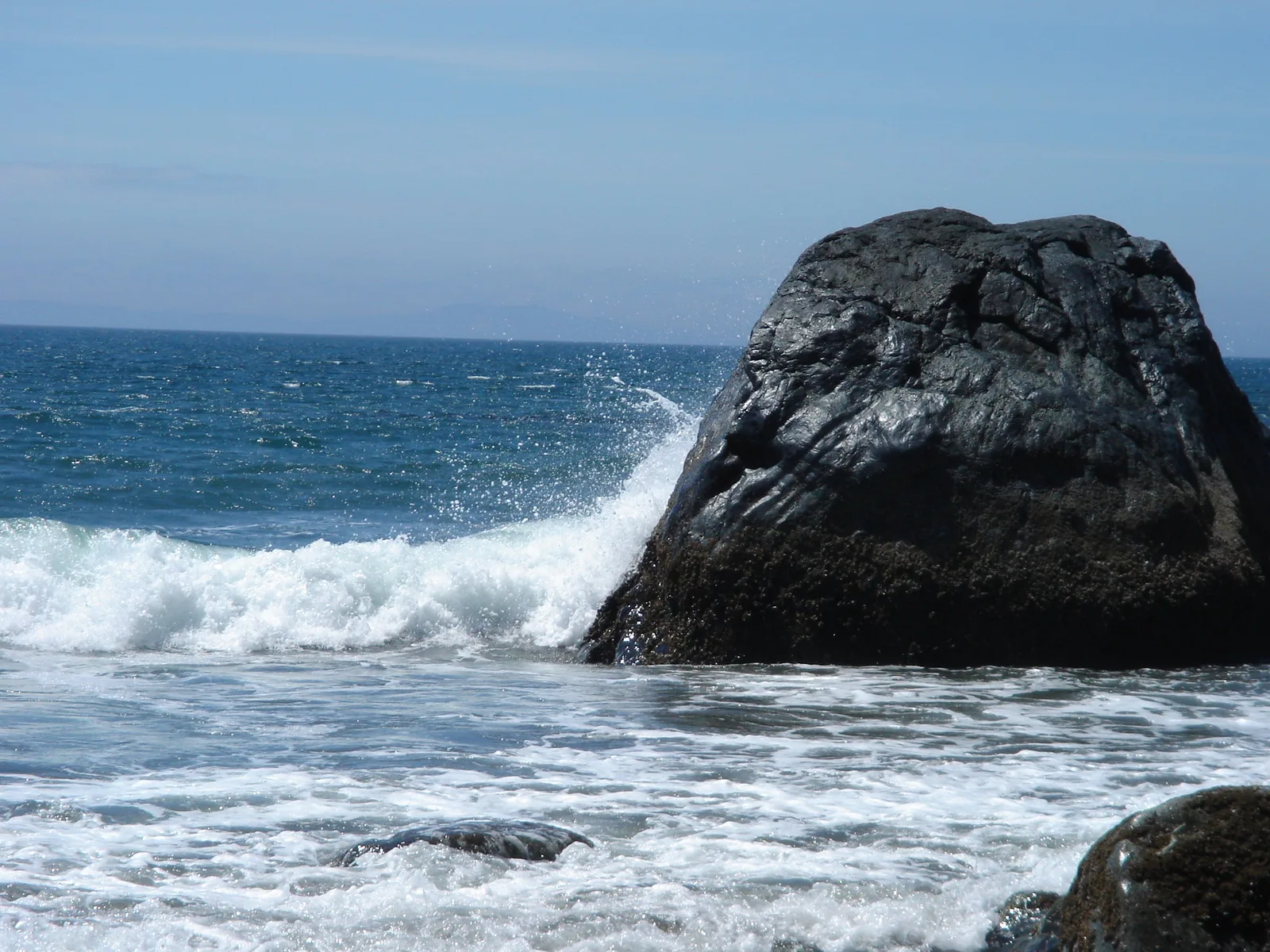
When a rectangle is rotated, its corners swing outside the original frame and empty wedges appear along each side. The editor hides them by shrinking the crop until it fits inside the rotated picture. The loss is larger than most people expect. For a 3:2 frame that keeps its shape:
| Rotation | Width and height kept | Pixels lost |
|---|---|---|
| 1 degree | about 97% | about 5% |
| 2 degrees | about 95% | about 10% |
| 5 degrees | about 89% | about 21% |
More important than the pixel count is where the loss falls: a strip from every side. A subject that sat comfortably inside the frame can end up touching the edge after a 3 degree correction. Two things follow. Level the camera when you shoot, using the electronic level or grid lines in the viewfinder. And if you could not, straighten before you make any other framing decision.
Some editors can fill the empty wedges with invented detail instead of cropping them off. That works acceptably on plain sky, sand or water and poorly on anything with structure, so inspect the corners at full size if you use it.
Verticals leaning as well as the horizon? The transform tool in Lightroom covers automatic corrections, guided upright and handling cropped corners.
Where the frame edge can cut a person
The edge of a picture can cross a body almost anywhere except at a joint. An edge at the ankle, knee, wrist, elbow or neck makes the limb look severed, because the eye has no clue that it continues. An edge through the long part of a limb reads as a deliberate choice. The table gives the usual safe and unsafe lines; the reasoning is covered in more depth in amputation in photography.
| Avoid cutting at | Cut here instead |
|---|---|
| Ankles, or through the feet | Mid-shin, or include the whole foot with a margin below |
| Knees | Mid-thigh |
| Hips, at the joint | At the waist or mid-thigh |
| Wrists, or through fingers | Mid-forearm, or include the whole hand |
| Elbows | Mid upper arm or mid-forearm |
| Neck or chin | Across the chest or upper arms, or (for a tight face) across the forehead while keeping the chin |
Three more points apply to cropping people:
- Be decisive. Either leave clear space around a hand, foot or head, or cut well into it. A sliver of missing fingertip or a hairline clipped by a few pixels looks like an error.
- Eyes go in the upper half. In a head-and-shoulders crop, the eyes usually sit about a third of the way down. Headroom and lead room covers the space above and in front.
- Watch the other edge. When you trim the bottom to avoid a knee, check what the same crop did at the top and sides. With a locked ratio, moving one edge moves another.
Framing a head and shoulders crop? How to make a great headshot covers framing and crop, lens choice and distance, and posing the body and face.
What cropping costs in megapixels
Cropping does not harm the pixels that remain. It reduces how many there are, and the reduction is steeper than it looks, because pixel count follows area. Keep half the width and half the height and you keep a quarter of the pixels.
Take a 24 megapixel photograph of 6,000 by 4,000 pixels and crop in while keeping the 3:2 shape:
| Width and height kept | Pixel dimensions | Megapixels left | Largest print at 300 pixels per inch | Same view as a lens this much longer |
|---|---|---|---|---|
| 100% (no crop) | 6,000 x 4,000 | 24 | 20 x 13.3 inches | 1x |
| 80% | 4,800 x 3,200 | 15.4 | 16 x 10.7 inches | 1.25x |
| 70% | 4,200 x 2,800 | 11.8 | 14 x 9.3 inches | about 1.4x |
| 50% | 3,000 x 2,000 | 6 | 10 x 6.7 inches | 2x |
| 33% | 2,000 x 1,333 | 2.7 | 6.7 x 4.4 inches | 3x |
| 25% | 1,500 x 1,000 | 1.5 | 5 x 3.3 inches | 4x |
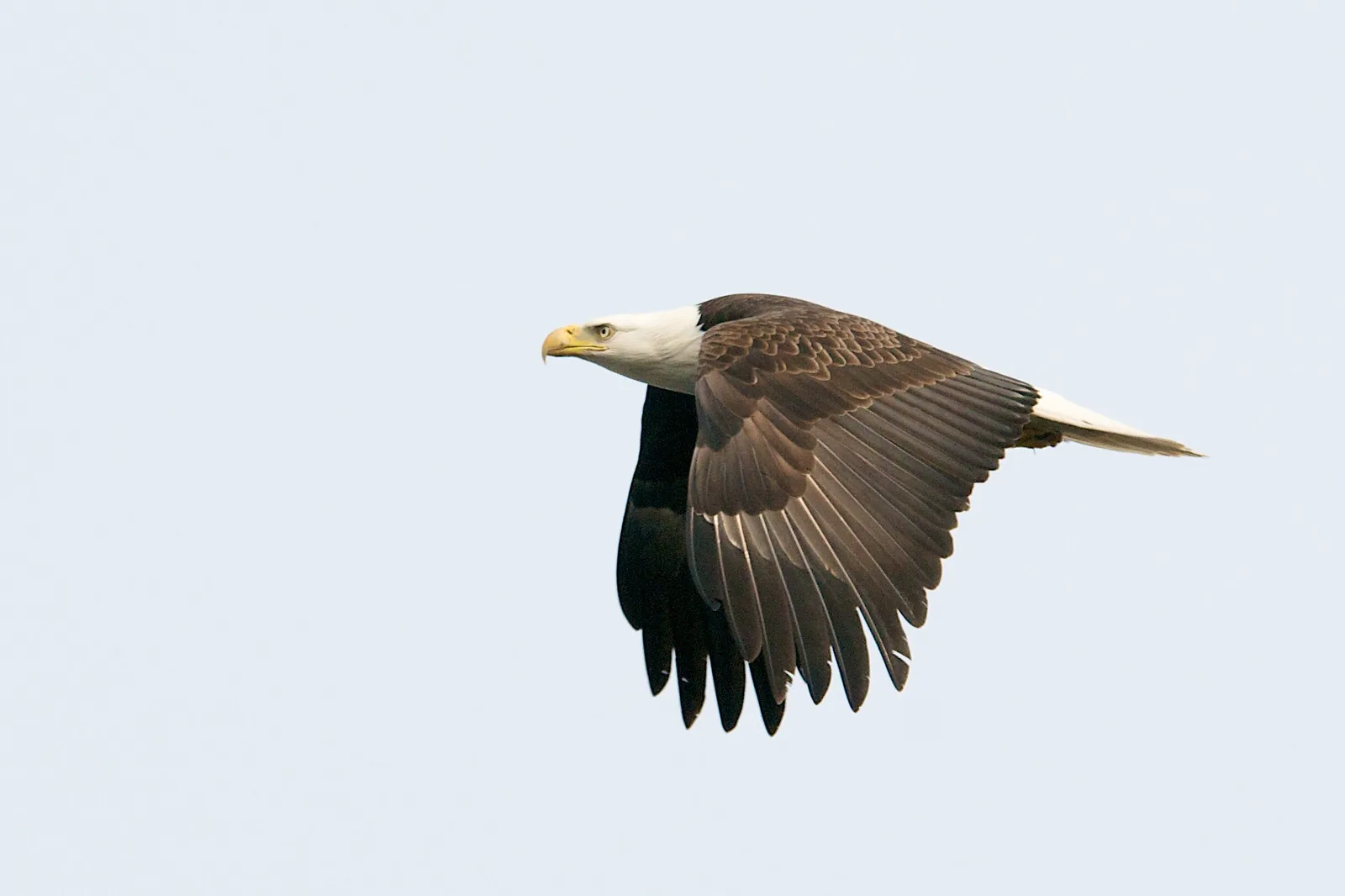
Read the 50% row as a worked example. A bird photographed with a 200mm lens fills too little of the frame, so you crop to the middle half of the width and height. The framing now matches what a 400mm lens would have given from the same spot, but the file has dropped from 24 megapixels to 6. That is plenty for any screen: a 4K display shows about 8.3 megapixels across the whole panel and most online viewing uses far fewer. For paper it is a limit. At 300 pixels per inch, 3,000 by 2,000 pixels makes a 10 by 6.7 inch print, where the uncropped file would have made 20 by 13.3 inches.
Does a crop give the same reach as a longer lens? Teleconverters compares a teleconverter with cropping and with a crop-sensor body.
Two further costs come with a deep crop. Everything is enlarged more to reach the same display size, so noise, slight blur and lens softness all become more visible. And a crop taken from the corner of the frame uses the part of the lens that is usually least sharp. Cropping in is the same operation as digital zoom, a comparison taken further in optical zoom vs digital zoom. For pixel counts at other sensor resolutions, use the megapixel reference table.
Cropping for prints, screens and social formats
Prints
Paper sizes come in several shapes, and many do not match a camera file. If you send an uncropped file to a lab for a size with a different shape, the lab’s software trims it for you, usually from the centre, and it does not know where your subject is. Do the crop yourself:
- Set the crop tool to the ratio of the paper: 4:5 for 8 by 10 inches, 5:7 for 5 by 7 inches, and so on. The table of print sizes and their ratios is in the aspect ratio guide.
- Position the rectangle so nothing important is lost, and keep key details a little way in from the edge. Borderless prints are made slightly oversize and trimmed, and a mat or frame lip covers a few millimetres on every side.
- Check the pixel dimensions against the paper. Divide the pixels by the print length in inches: 3,200 pixels across 10 inches is 320 pixels per inch. Around 300 is ideal for a print viewed in the hand, and 150 to 200 is usually acceptable for a large print viewed from across a room.
- If the picture cannot survive the crop, choose a paper size that matches the file, or print the whole image smaller on the sheet with a white border.
Unsure which pixels-per-inch figure to trust? DPI vs PPI explains how to work out print size from pixel dimensions and why viewing distance changes the number you need.
The print size calculator does the arithmetic, and preparing photos for print covers sharpening and colour for paper.
Screens
Most computer monitors, televisions and video frames are 16:9. A 3:2 photograph shown full screen on one either has bars at the sides or loses about 16% of its height. For a slideshow or a desktop background, crop to 16:9 yourself and choose which part of the height goes. Phones held upright are much taller than any camera frame, so a full-screen vertical image uses only a narrow slice of a horizontal photograph. When you know a picture is headed for a phone screen, shoot it vertically.
Social formats
Platforms change their exact pixel sizes often, so learn the shapes, which stay stable: square (1:1), a vertical 4:5 that takes up more of a scrolling feed, a tall 9:16 for full-screen vertical posts, and wide 16:9 for video frames and banners. Two things catch people out. Grids and previews often show a centre-cropped thumbnail of a different shape from the post itself, so keep the subject near the middle. And interface elements such as captions and buttons cover the top and bottom of full-screen formats, so keep faces and text away from those bands. Current dimensions are collected in social media photo sizes, and exporting photos covers resizing after the crop.
Shooting loose so you can crop later
The best crop is made with your feet or the zoom ring, because it keeps every pixel. But a frame composed tight to all four edges leaves no room to level, reshape or print. The answer is a small, deliberate margin.
- Leave about 10% of the frame clear on each side of the subject when you expect to straighten or to print at a squarer shape. A change from 3:2 to 4:5 alone takes about 8% from each end of the long side, and a 2 degree rotation takes a little more from every edge.
- Leave more for moving subjects. With birds, sport and children, a wingtip or foot leaves a tight frame in an instant. Frame a little wide, keep the whole subject, and trim afterwards.
- Turn the camera for vertical subjects. Cropping a vertical picture from a horizontal 3:2 frame keeps at most 44% of the pixels (a vertical 3:2 from 6,000 by 4,000 is 2,667 by 4,000, or 10.7 megapixels). Rotating the camera keeps all of them.
- Shoot both a tight and a loose version when there is time. It costs one more press of the button and gives you a choice.
- Do not use “crop later” as a plan for distance. A margin is 10%. If the subject fills a tenth of the frame, move closer or use a longer lens.
Cameras offer two crop features of their own. An aspect ratio setting shows a different frame shape while you shoot. A crop mode on a full frame camera records only the central APS-C area: the view is about 1.5 times tighter, and a 24 megapixel sensor delivers about 10.7 megapixels. It is exactly the crop you could make later, done in advance, and useful mainly for smaller files or a closer view in the viewfinder.
Wondering what the crop mode really changes? Full frame vs crop sensor explains crop factor, pixel pitch and resolution, and how lens equivalents shift.
Non-destructive cropping: keeping the pixels you cut
A crop should be a decision you can reverse. Whether it is depends on the software and the file.
- Raw editors and photo library programs store the crop as an instruction alongside the original. The trimmed area is hidden, not deleted. You can reopen the crop tool next week or next year and every pixel is still there.
- Pixel editors may discard the cropped area when you apply the tool. Many have an option, often a checkbox labelled something like “delete cropped pixels”, that controls this. Turn it off and the hidden area stays in the working file.
- Phone gallery apps usually keep the original and offer a revert command, but this varies. Find out before you crop your only copy.
- A JPEG cropped and saved over itself is permanently smaller. It has also been compressed a second time, which lowers quality slightly on every save.
The safe routine is simple. Keep the original file untouched, crop in an editor that remembers its edits, and export a new file for each use. If one picture needs a 4:5 print, a 16:9 screen version and a square post, make three exports from one original. Many editors let you create virtual copies so each crop can be saved without duplicating the file. The wider principle is explained in non-destructive editing.
Common mistakes
- Cropping before straightening. The rotation then takes a strip from your carefully placed edges. Fix: level first, frame second.
- Cropping too tight. The subject presses against the edges and the picture feels cramped. Fix: pull each edge back out until the subject has space on the side it faces or moves toward.
- An edge at a joint. Ankles, knees, wrists and elbows cut by the frame. Fix: move the edge to the middle of the limb or include the whole limb.
- Ignoring the pixel count. A deep crop looks fine on screen and prints soft. Fix: read the dimensions and divide by the print size before ordering.
- Letting the print lab crop. Heads and horizons trimmed by automatic centring. Fix: crop to the paper ratio yourself.
- Saving the crop over the original. The trimmed area is gone for good. Fix: export a copy and keep the original.
- Cropping every picture by habit. A crop that removes nothing in particular only makes the file smaller. Fix: name the job, remove, tighten, reshape or level, or leave the frame alone.
Try this
Pick one photograph with some space around the subject and give yourself fifteen minutes. First straighten it and note how much the crop rectangle shrank. Then make four versions from the same original without saving over it: the tightest crop that still looks comfortable, a square, a vertical 4:5 and a 16:9. For each one, write down the pixel dimensions and work out the largest print at 300 pixels per inch by dividing each dimension by 300. Put the four side by side. Decide which shape suits the subject, and notice which versions you could not make because something important sat too close to an edge. That last observation tells you how much margin to leave next time you shoot.
Frequently asked questions
Does cropping a photo reduce its quality?
It reduces the number of pixels, not the quality of the ones that remain. The picture can still look sharp on a screen, but it cannot be printed as large, and any noise or blur is magnified more when the crop is shown at the same size as the original.
How much can I crop a photo?
It depends on the use. For a screen, 2 megapixels is enough for full HD and about 8 for 4K. For a print, allow about 300 pixels per inch at small sizes: an 8 by 10 inch print wants roughly 2,400 by 3,000 pixels. Work back from the destination and stop cropping when you reach that number.
Should I crop before or after editing?
In an editor that stores edits as instructions, the order does not affect quality, so crop and straighten early: it removes areas you would otherwise waste time adjusting and stops them skewing the histogram. In a pixel editor, keep the uncropped layers and crop a copy at the end.
How do I crop a photo without losing quality?
Crop as little as you need, work from the original file, and export once at the end instead of re-saving a JPEG repeatedly. If the result has too few pixels for a large print, an editor can enlarge it by interpolation, which adds pixels but not real detail.
Is cropping the same as zooming?
Cropping gives the same framing as a longer lens used from the same position, and it is exactly what digital zoom does. The difference from an optical zoom is resolution: the longer lens spreads the subject over the whole sensor, while a crop uses only part of it.
Related guides
- Aspect ratio: what each frame shape does, and the ratios of common print sizes.
- Amputation in photography: more on where the frame should and should not cut a figure.
- Fill the frame: getting closer at the time of shooting so less cropping is needed.
- Image resolution and file sizes: how pixels, megapixels and print size relate.
- Print size calculator: check whether a cropped file is large enough for a given print.
- Non-destructive editing: keeping every edit, including the crop, reversible.
- Tangents, mergers and frame edges: what to look for along the border before you commit.
- Raw vs JPEG: why the file type affects how safely you can re-crop and re-save.