The exposure triangle is the relationship between three camera settings, aperture, shutter speed, and ISO, that work together to control how bright or dark your photograph is. Understanding how these three variables interact is one of the most important technical skills in photography, because every image you take is the result of how you balance them.
See It Side by Side
A well-exposed frame keeps detail in highlights and shadows so the eye reads the subject without strain. An overexposed frame blows the highlights to pure white and loses information that cannot be recovered.
What Is the Exposure Triangle?
The exposure triangle is the foundational concept describing how aperture, shutter speed, and ISO work together to determine the brightness of a photograph. Adjusting any one of these three settings changes the exposure, requiring a compensating change in at least one of the others to maintain the same result.
Think of exposure as a bucket you are trying to fill with exactly the right amount of light. Aperture, shutter speed, and ISO are three different taps you can open to fill that bucket. If you open one tap wider, you need to close another to keep the total the same. The “triangle” metaphor captures this: changing any one of the three settings affects the overall exposure, so you must adjust at least one of the other two to compensate.
Each setting also has a creative side effect beyond its impact on brightness. Aperture controls depth of field. Shutter speed controls how motion is recorded. ISO controls image noise. This dual nature, where each setting affects both exposure and a creative quality, is what makes the exposure triangle so central to photographic decision-making.
If you are new to photography, this concept is one of the best investments of your learning time. Once you internalize the exposure triangle, most other techniques make more sense in context. The Photography Fundamentals course walks through these concepts step by step if you prefer a structured approach.
Aperture: Controlling Light and Depth of Field
Aperture is the adjustable opening inside your lens that controls how much light reaches the sensor. It is measured in f-stops: a smaller number like f/1.8 means a wider opening and more light, while a larger number like f/16 means a narrower opening and less light. This is counterintuitive at first, but becomes second nature with practice.
The creative effect of aperture is depth of field, how much of the scene appears sharp from front to back. A wide aperture like f/2.8 produces a shallow depth of field where only your subject is sharp and the background melts into smooth blur, ideal for portraits and isolating a subject. A narrow aperture like f/11 produces a deep depth of field where everything from the foreground to the horizon is sharp, suited to landscape photography.
Aperture and the F-Stop Scale
The standard full-stop f-number sequence is: f/1.4, f/2, f/2.8, f/4, f/5.6, f/8, f/11, f/16, f/22. Each step halves the amount of light entering the lens. Moving from f/4 to f/5.6 cuts the light by half; moving from f/5.6 to f/4 doubles it. Most cameras also allow 1/3-stop increments for finer control, which is why you see values like f/3.5 or f/6.3 on a camera display.
Every lens has a sweet spot, typically around f/5.6 to f/8, where it produces its sharpest images. At very narrow apertures like f/22, diffraction actually softens the image again, because light bends more as it squeezes through a smaller opening, so stopping down all the way is not always the best choice for sharpness. Most photographers stay between f/2.8 and f/11 for the majority of their work. The full breakdown is on the aperture page.
Shutter Speed: Controlling Light and Motion
Shutter speed is how long your camera’s sensor is exposed to light, measured in fractions of a second or whole seconds. A fast shutter speed like 1/1000s lets in very little light and freezes motion. A slow shutter speed like 1/30s lets in more light but introduces the possibility of motion blur from subject movement or camera shake.
The creative effect is straightforward: fast shutter speeds freeze action, slow shutter speeds blur it. Freezing a sprinter mid-stride at 1/2000s tells one story; blurring a waterfall into silky streams at 1/2s tells another. Both are valid creative choices, and neither is inherently “correct.” It depends on the image you want to make.
The Shutter Speed Scale
The standard full-stop shutter speed sequence is: 1/8000, 1/4000, 1/2000, 1/1000, 1/500, 1/250, 1/125, 1/60, 1/30, 1/15, 1/8, 1/4, 1/2, 1s, 2s, 4s, and so on. Each step doubles the time the sensor is exposed, doubling the light. As with aperture, your camera allows 1/3-stop adjustments between these values.
A useful rule of thumb for handheld shooting is the reciprocal rule: your shutter speed should be at least 1 over your focal length. With a 200mm lens, aim for at least 1/200s to avoid camera shake. Image stabilization can add a few extra stops of handheld latitude, but a tripod eliminates the problem entirely. Full detail is on the shutter speed page.
ISO: Controlling Sensitivity and Noise
ISO controls how bright your camera renders the light it receives, by amplifying the signal after the sensor has already captured it. A low ISO like 100 produces a clean image with minimal noise but needs more light to work with. A high ISO like 6400 brightens the image so you can shoot in dimmer conditions, but it also amplifies noise, the speckled texture visible in shadow areas of high-ISO images. That noise comes mainly from too little light hitting the sensor in the first place, not from the amplification itself; ISO just makes it visible.
The ISO Scale
The standard ISO sequence doubles at each full stop: 100, 200, 400, 800, 1600, 3200, 6400, 12800, and beyond. Each doubling brightens the image the same amount as opening the aperture by one stop or halving the shutter speed. Modern cameras typically offer a base ISO of 100 or 200 and can extend to ISO 25600 or higher.
In practice, ISO is the setting most photographers adjust last. You choose aperture for the depth of field you want, then shutter speed for the motion effect you want, then raise ISO just high enough to achieve proper exposure with those other two settings locked in. Full detail is on the ISO page.
Trade one setting for another
Lock the exposure, then move one setting and choose which other one pays for it. The brightness never changes; the depth of field, the motion and the noise do.
How the Three Settings Work Together
The key concept is that exposure is a zero-sum game. If you change one setting to let in more light, you must change another to let in less, or your photo will be too bright (overexposed) or too dark (underexposed). These adjustments are measured in stops, where each stop doubles or halves the amount of light.
Example 1: Portrait with Shallow Depth of Field
You are photographing a portrait outdoors and your starting exposure is f/5.6, 1/250s, ISO 200. The image is properly exposed but the background is too busy, so you want a shallower depth of field. You open the aperture two stops from f/5.6 to f/2.8, letting in four times as much light. To compensate, you increase shutter speed two stops from 1/250s to 1/1000s, cutting the light by the same factor. The exposure stays the same, but now you have a blurred background and a faster shutter speed.
Example 2: Astrophotography and the Trailing Limit
You are photographing the night sky at 24mm on a tripod and want stars to render as sharp points rather than short arcs. A rough guide for this is the 500 rule: divide 500 by your focal length to get a maximum exposure time before trailing becomes visible, roughly 500 ÷ 24 ≈ 20 seconds here (modern high-resolution sensors are less forgiving, so many photographers use 300 or even 200 in place of 500). At f/2.8, 20 seconds, ISO 3200, the image is properly exposed with pinpoint stars. If you wanted a cleaner, lower-noise result instead and were willing to let the stars trail slightly, you could drop to ISO 800, two stops darker, and hold the shutter open for 80 seconds, four stops brighter, to land on the same exposure. That trade is exactly backward from what point-star astrophotography wants, which is why astrophotographers protect exposure time first and raise ISO to compensate, rather than the other way around.
Want a rule for how long the shutter can stay open before stars trail? How to take pictures of stars covers it, along with focusing in the dark and camera settings to start from.
Example 3: Indoor Sports Without Flash
You are shooting a basketball game in a gymnasium with limited light. You start at f/2.8, 1/500s, ISO 1600 and the images are properly exposed, but the action is slightly soft because 1/500s is not fast enough for the quick movements. You increase shutter speed to 1/1000s, one stop less light, and compensate by raising ISO to 3200, one stop more gain. The exposure stays the same, but motion is now frozen. If noise becomes a concern, you could also try opening the aperture to f/2 if your lens allows it, then bring the ISO back down.
Example 4: Landscape at Golden Hour
You are photographing a golden hour landscape and want maximum sharpness across the frame, so you choose f/11. The light is fading, and your camera suggests 1/15s at ISO 100, too slow for handheld shooting. You have two choices: mount the camera on a tripod and keep those settings, or raise ISO to 400, two stops, which lets you use 1/60s, two stops faster. Both produce the same exposure, but one requires a tripod and the other trades some noise for convenience.
Choosing between a tripod and a higher ISO? How to use a tripod properly covers setting up in the right order, leveling, and why photos can still come out blurry on one.
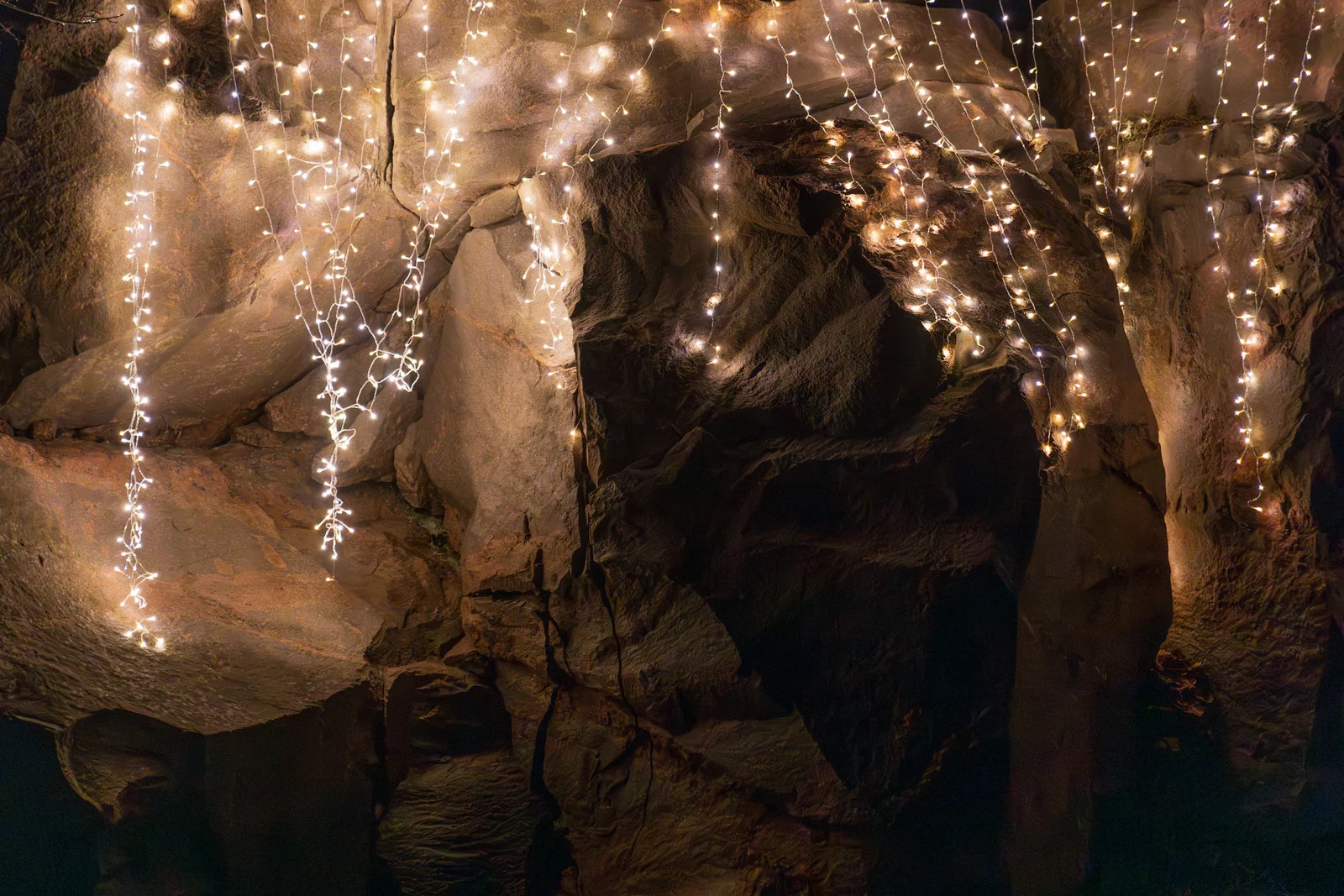
Exposure Triangle in Practice: Comparing Real Photos
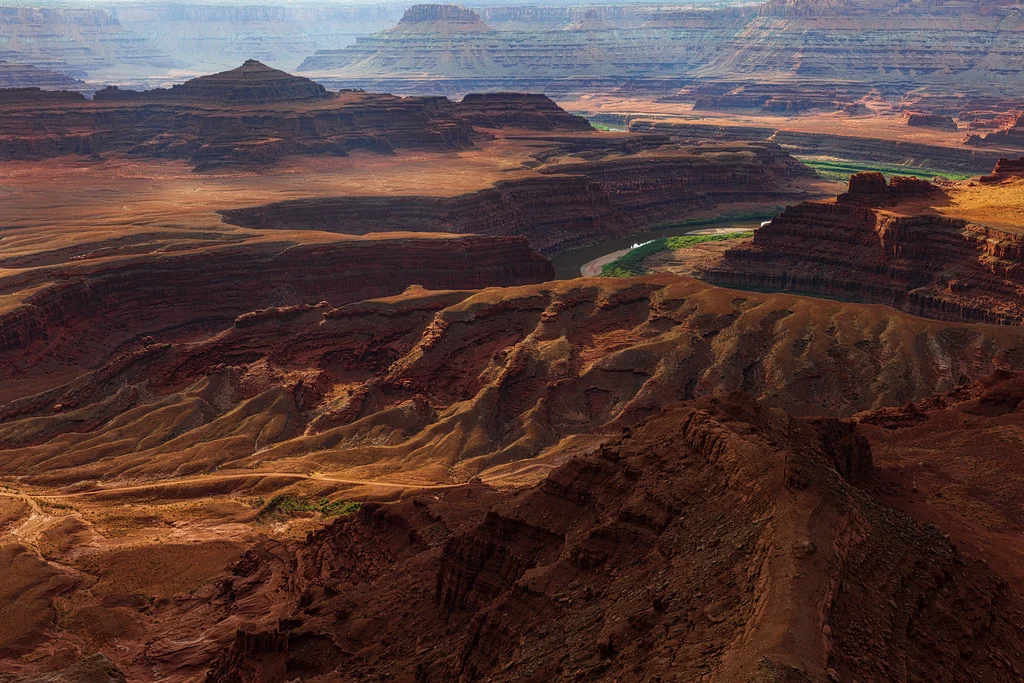
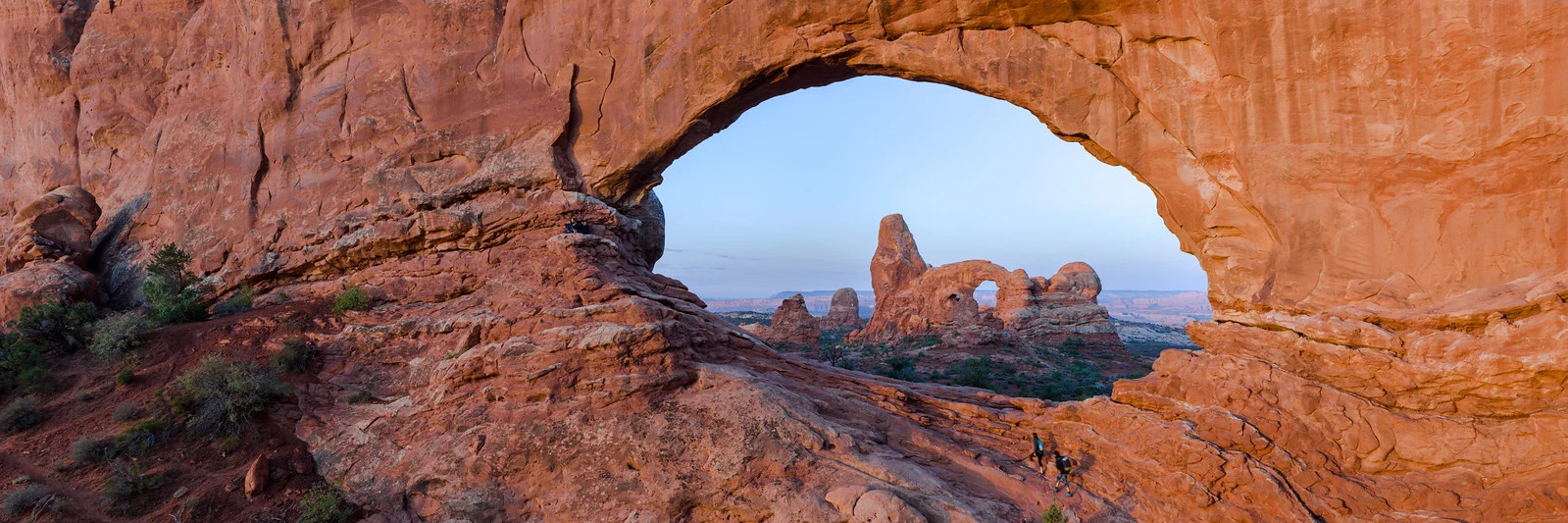
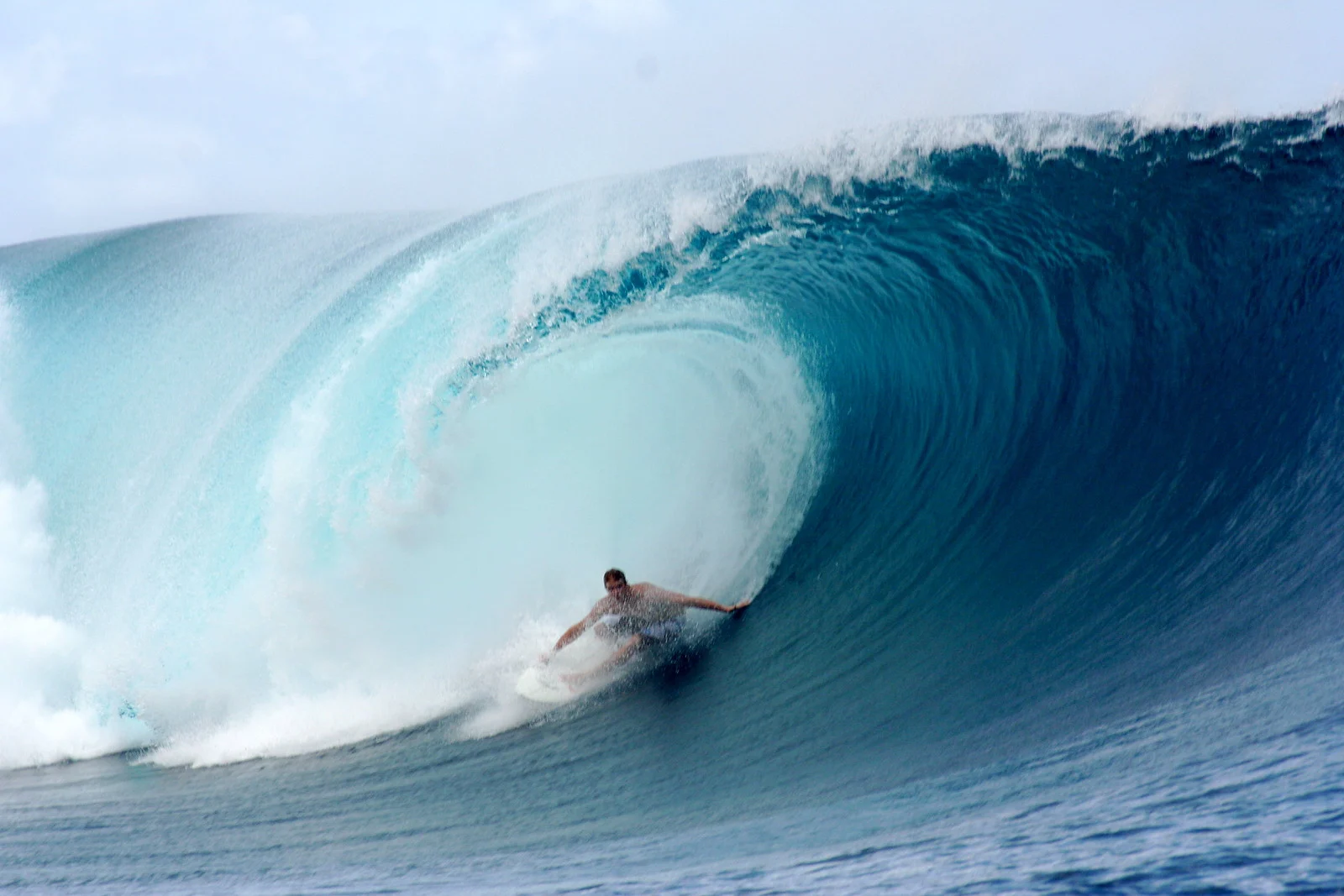
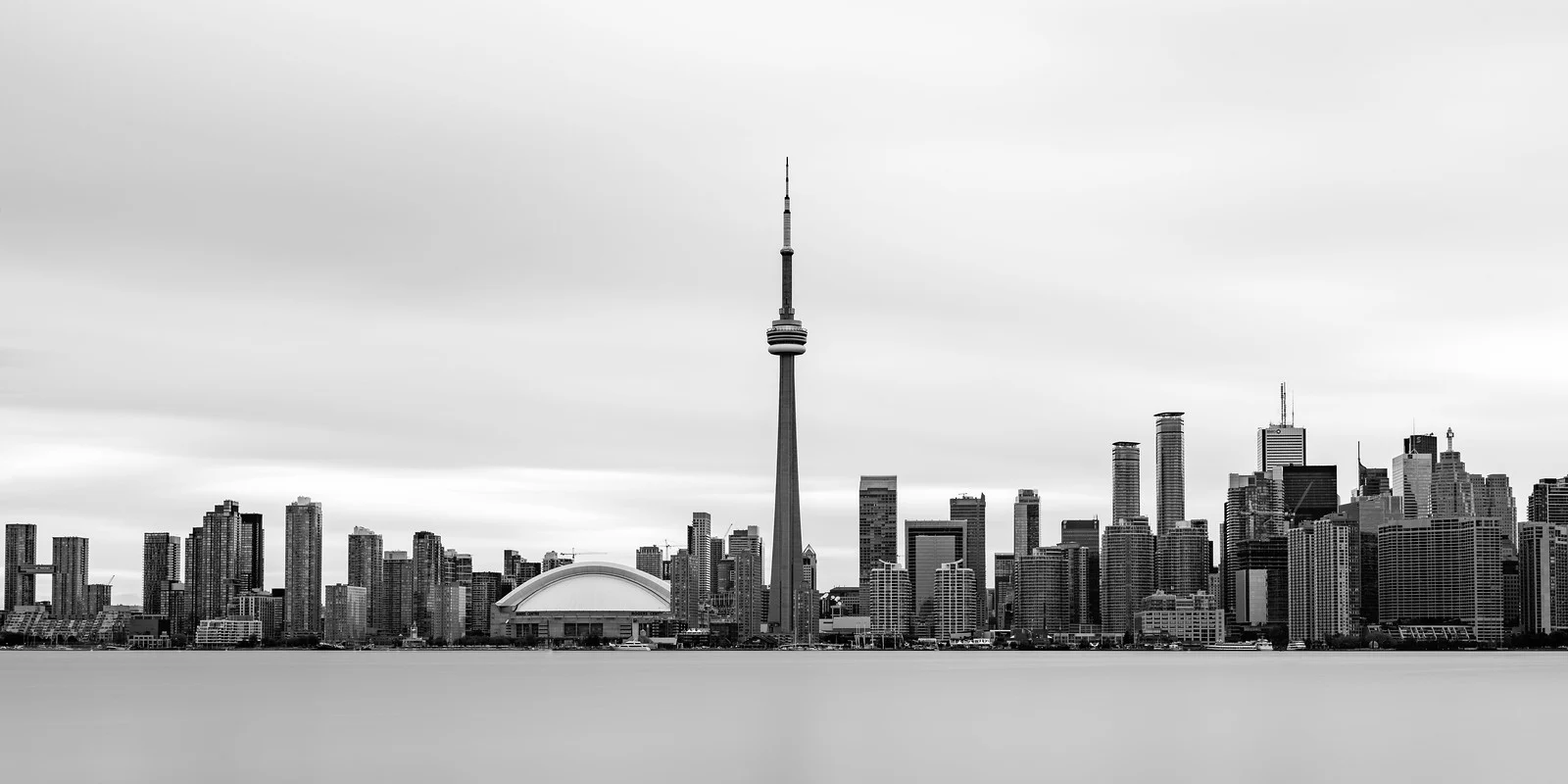
Four real photographs, four different ways of balancing the same three settings for four different situations.
Try It Yourself: Camera Simulator
Experiment with all three exposure triangle controls at once. Watch the exposure meter and try to land on a balanced exposure using different combinations of the three settings.
Want the other challenges? The full camera simulator has all 21, across eight scenes.
Understanding Stops: The Universal Unit of Light
A “stop” is the universal unit used to measure changes in exposure. One stop equals a doubling or halving of light. This is what makes the three settings interchangeable: one stop of aperture equals one stop of shutter speed equals one stop of ISO in terms of exposure.
Curious how stops relate to EV numbers in camera and lens specifications? Exposure value explains what an EV number means and how to convert it to your ISO.
If you need to make your image one stop brighter, you can do any one of these three things:
- Open the aperture by one stop (e.g., f/8 to f/5.6)
- Slow the shutter by one stop (e.g., 1/250s to 1/125s)
- Raise ISO by one stop (e.g., ISO 200 to ISO 400)
Or you can combine partial adjustments: open the aperture by 1/3 stop, slow the shutter by 1/3 stop, and raise ISO by 1/3 stop to reach the same one-stop increase while spreading the impact across all three settings. Semi-automatic modes handle this arithmetic for you, but understanding it lets you override the camera’s choices with confidence.
Using Camera Modes with the Exposure Triangle
You do not need to shoot in manual mode to apply the exposure triangle. Semi-automatic modes let you control the setting that matters most for a given shot and let the camera handle the rest:
- Aperture Priority (A/Av): You set the aperture and ISO; the camera calculates shutter speed. Use this when depth of field is your priority: portraits, landscapes, street photography.
- Shutter Priority (S/Tv): You set the shutter speed and ISO; the camera calculates aperture. Use this when motion control is your priority: sports, wildlife, panning shots.
- Manual (M): You control all three settings. Use this when lighting is consistent and you want total control: studio work, night photography, flash photography.
Want more on letting the camera choose one setting? Aperture priority mode and shutter priority mode each cover when to use it and how exposure compensation works in that mode.
Whichever mode you use, understanding the exposure triangle means you always know why the camera is choosing a particular setting, and whether you should override it.
Common Exposure Triangle Mistakes
Most exposure triangle mistakes come from changing one setting without thinking through what the other two need to do in response, or from trusting a screen instead of data. Recognizing these errors helps you produce consistent, well-exposed photographs.
- Prioritizing low ISO at the expense of everything else. A tack-sharp photo at ISO 3200 is far more useful than a blurry one at ISO 100 taken because the shutter speed was too slow.
- Forgetting the creative trade-offs. Photographers sometimes fixate on getting a “correct” exposure without considering whether their aperture or shutter speed choice actually serves the image.
- Ignoring the histogram. The histogram is the most reliable way to judge exposure. The LCD preview is affected by ambient light and screen brightness, which makes it unreliable.
- Changing one setting without adjusting the others. Open the aperture without touching shutter speed or ISO and the image will overexpose. Always think in terms of compensating changes.
- Using Auto ISO without limits. Auto ISO is useful, but set a maximum ISO value in the camera’s menu so it does not push into noise levels you did not choose.
- Shooting wide open for everything. f/1.4 creates beautiful bokeh, but the depth of field may be so thin that eyes are sharp while a nose already is not. Match the aperture to the subject.
Unsure where to set the minimum shutter speed and ISO ceiling? Auto ISO explains what it does in order, choosing the maximum ISO, and starting settings by situation.
Try This
Meter a single static scene, indoors near a window works well, and find one exposure that looks correct. Then produce the exact same brightness three different ways: once prioritizing a wide aperture, once prioritizing a fast shutter speed, and once prioritizing a low ISO, adjusting the other two settings each time to compensate. All three photos should look equally bright, but each will look different in every other way, depth of field, motion, and noise. That difference is the entire exposure triangle in one exercise.
Quick Reference: Exposure Triangle Cheat Sheet
| Setting | What It Controls | Exposure Effect | Creative Side Effect |
|---|---|---|---|
| Aperture (f-stop) | Size of lens opening | Lower number = more light | Depth of field (wide = shallow, narrow = deep) |
| Shutter Speed | Duration of exposure | Slower = more light | Motion (slow = blur, fast = freeze) |
| ISO | Signal gain after capture | Higher = brighter image | Noise (higher ISO reveals more noise) |
Tips for Beginners
- Start with Aperture Priority. It is the most versatile semi-automatic mode and teaches you to think about depth of field while the camera handles shutter speed.
- Check your histogram after every shot. Get into the habit early. The histogram never lies, even when the LCD preview does.
- Practice the “what if” game. After taking a photo, ask what would change if you opened the aperture by one stop, or slowed the shutter. This builds intuition faster than reading about it.
- Learn to read the metering indicator. In manual mode, most cameras show a scale telling you whether your settings will produce an underexposed, correctly exposed, or overexposed image.
- Use Auto ISO with a ceiling. Set a maximum ISO and a minimum shutter speed matched to your focal length using the reciprocal rule, and you have a solid all-purpose configuration that behaves like Aperture Priority with a safety net.
- Bracket when unsure. Take three shots: one at the metered exposure, one slightly brighter, one slightly darker. It costs nothing digitally and guarantees a usable frame while your instincts develop.
Test Your Knowledge
Continue Learning
The exposure triangle is a foundation that supports every other photographic skill. Explore these guides to deepen your understanding: