ISO is the setting that controls how bright your camera renders a given amount of light. Along with aperture and shutter speed, it is one of the three settings in the exposure triangle. Unlike the other two, ISO does not change how much light physically reaches the sensor, it changes how that light is boosted afterward, which is why it is the setting most closely tied to visible noise.
What ISO Actually Does
ISO stands for International Organization for Standardization, the body that originally defined film speed ratings. In the film era, ISO (also called ASA) described how quickly a roll of film reacted to light: a low ISO film like ISO 100 needed plenty of light and produced fine grain, a high ISO film like ISO 800 worked in dimmer conditions but produced more visible grain. Digital cameras kept the same numbering system for familiarity, but the mechanism underneath is different.
In a digital camera, ISO is a gain applied to the signal after the sensor has already captured the light for that exposure, either by amplifying the analog signal before it is converted to digital data, or by multiplying the digital values afterward, depending on the camera. Raising ISO does not make the sensor more sensitive to light in any physical sense, and it does not add more photons to the exposure. It makes the image brighter by scaling up whatever was already recorded.
This matters because it changes what noise actually is. The dominant source of noise in a photograph is not ISO amplification, it is shot noise: the natural, unavoidable randomness in how few or many photons happen to land on each pixel during a short, dim exposure. Light behaves statistically, so a pixel that should receive, on average, 100 photons might actually receive 90 or 112 on a given frame, and that small variation shows up as noise once the image is processed. The less total light a pixel collects, the larger this random variation is relative to the signal, and the more visible the noise. Raising ISO does not add this noise, it was already present in the low light collected by the sensor; raising ISO simply makes an already-noisy, dim signal brighter and easier to see, including the noise riding along with it.
ISO Invariance
Many modern sensors are close to what is called ISO invariant. On these sensors, taking a photo at a low ISO and brightening it significantly afterward in editing software produces a very similar result, noise included, to taking the same photo at a high in-camera ISO to begin with. This is because the gain step happens at roughly the same point in the signal chain either way. The practical takeaway is simpler than the theory: the amount of light your aperture and shutter speed actually let onto the sensor, the exposure, is what mainly determines how much noise ends up in the final image. ISO decides how bright the file looks out of the camera, not how much noise is fundamentally present in the data. This is also why exposing a scene as brightly as the highlights allow, then adjusting from there, tends to produce cleaner results than underexposing and brightening later.
The ISO Scale
ISO is measured in stops, the same unit used for aperture and shutter speed. Each full stop doubles or halves the image brightness for a given exposure. The standard full-stop sequence is:
100, 200, 400, 800, 1600, 3200, 6400, 12800, 25600
Raising ISO from 400 to 800 makes the image twice as bright without changing aperture or shutter speed. Dropping from 800 back to 400 halves it. As with the other two settings, most cameras also allow 1/3-stop increments for finer control: between ISO 400 and 800, the steps are 400, 500, 640, 800.
Every camera has a base ISO, its lowest native setting, usually 100 or 200, which produces the cleanest possible image and the widest dynamic range the sensor can capture. Many cameras also offer extended ISO values below base (such as ISO 50) or far above the native range (such as ISO 102400). Extended low values are usually simulated by overexposing slightly and pulling the result back down, which can cost highlight detail. Extended high values push amplification well past where the sensor was designed to stay clean, and noise becomes aggressive. Treat both as a last resort rather than a normal working range.
What ISO Does Creatively
ISO’s main creative role is permission: it is what lets you keep a usable shutter speed and aperture when the light will not cooperate. Handheld photography in a dim room, a concert, or after sunset depends on raising ISO, because a tripod is not always practical and the subject will not hold still for a slow shutter speed anyway.
Grain and noise are not only a flaw to be minimized, either. Some photographers, particularly in black-and-white and documentary work, deliberately shoot at a high ISO for the texture it adds, echoing the look of grainy film. There is no ISO value that is correct for every photo; there is only the lowest ISO that still gets you the shutter speed and aperture the photo needs.
See It Side by Side
Low ISO records a clean image with smooth tones and accurate color. High ISO amplifies the sensor signal to shoot in dim light, but adds grain and crushes fine detail.
ISO in Practice: Comparing Real Photos
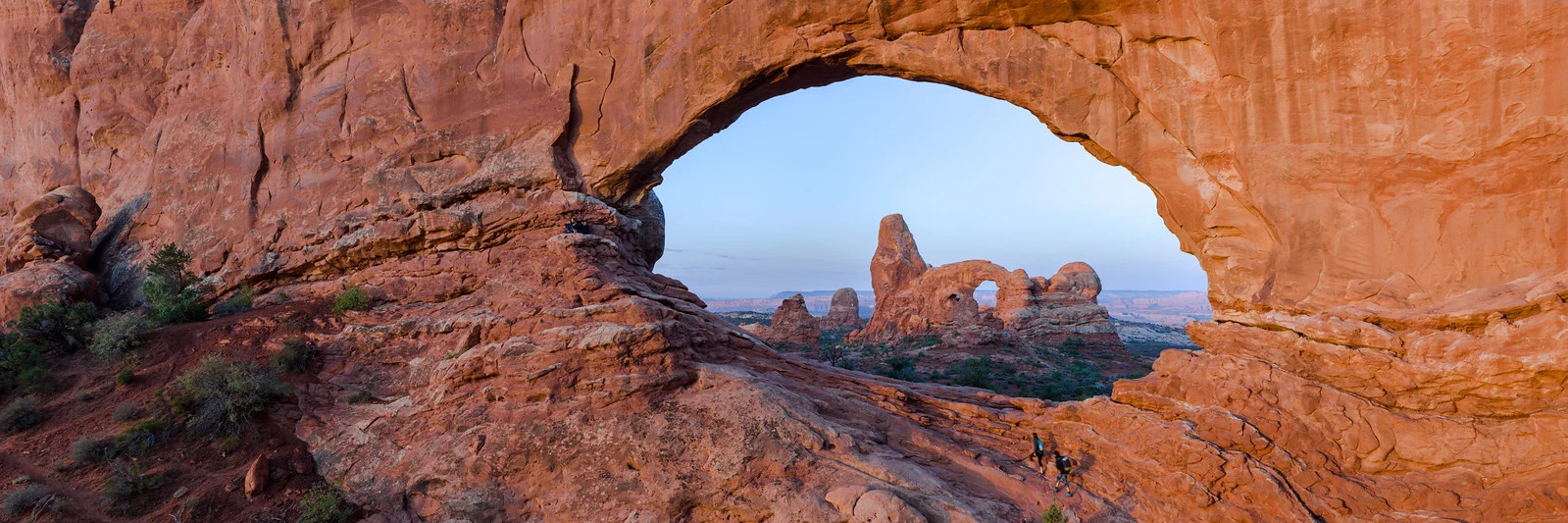
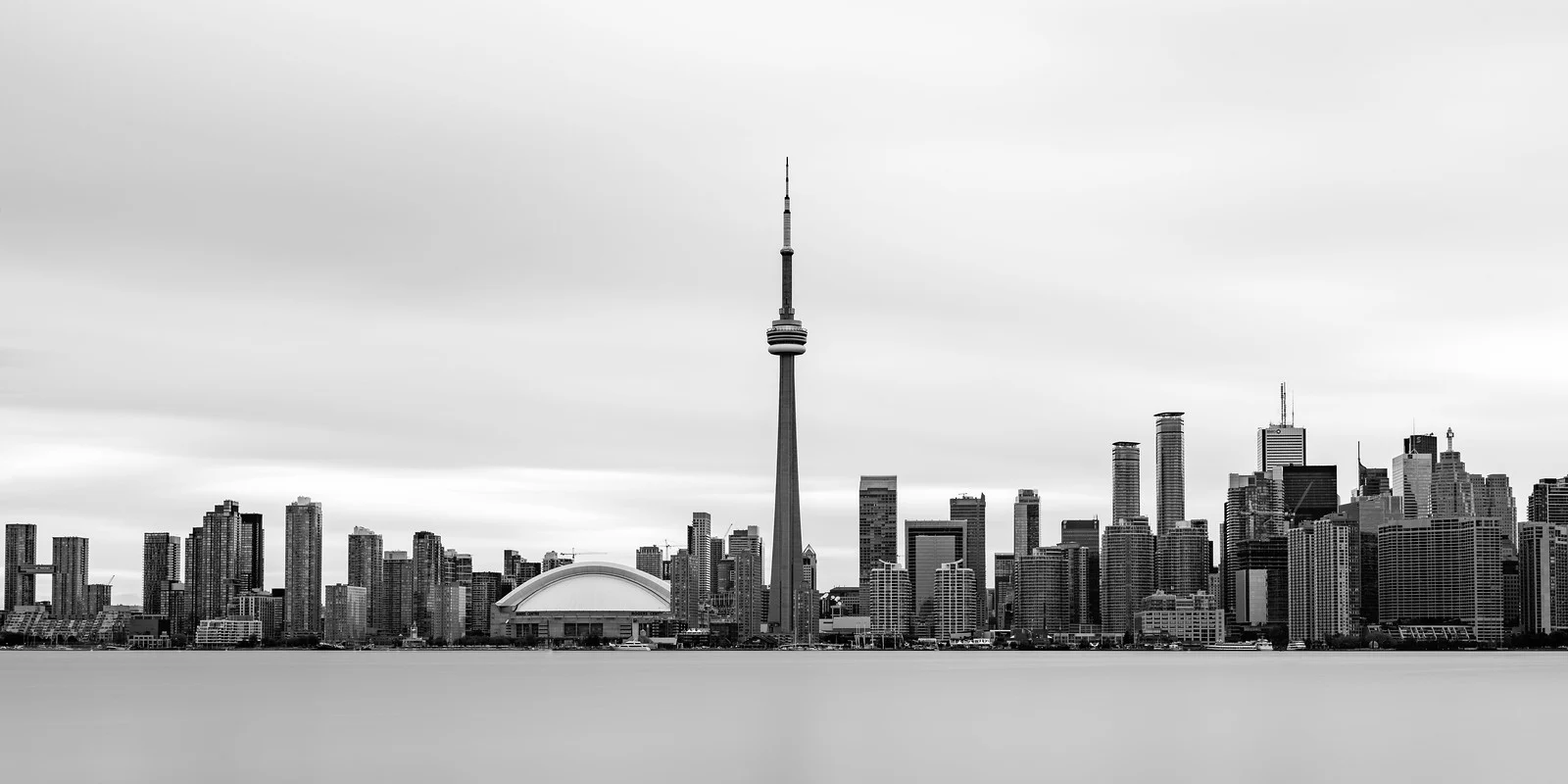
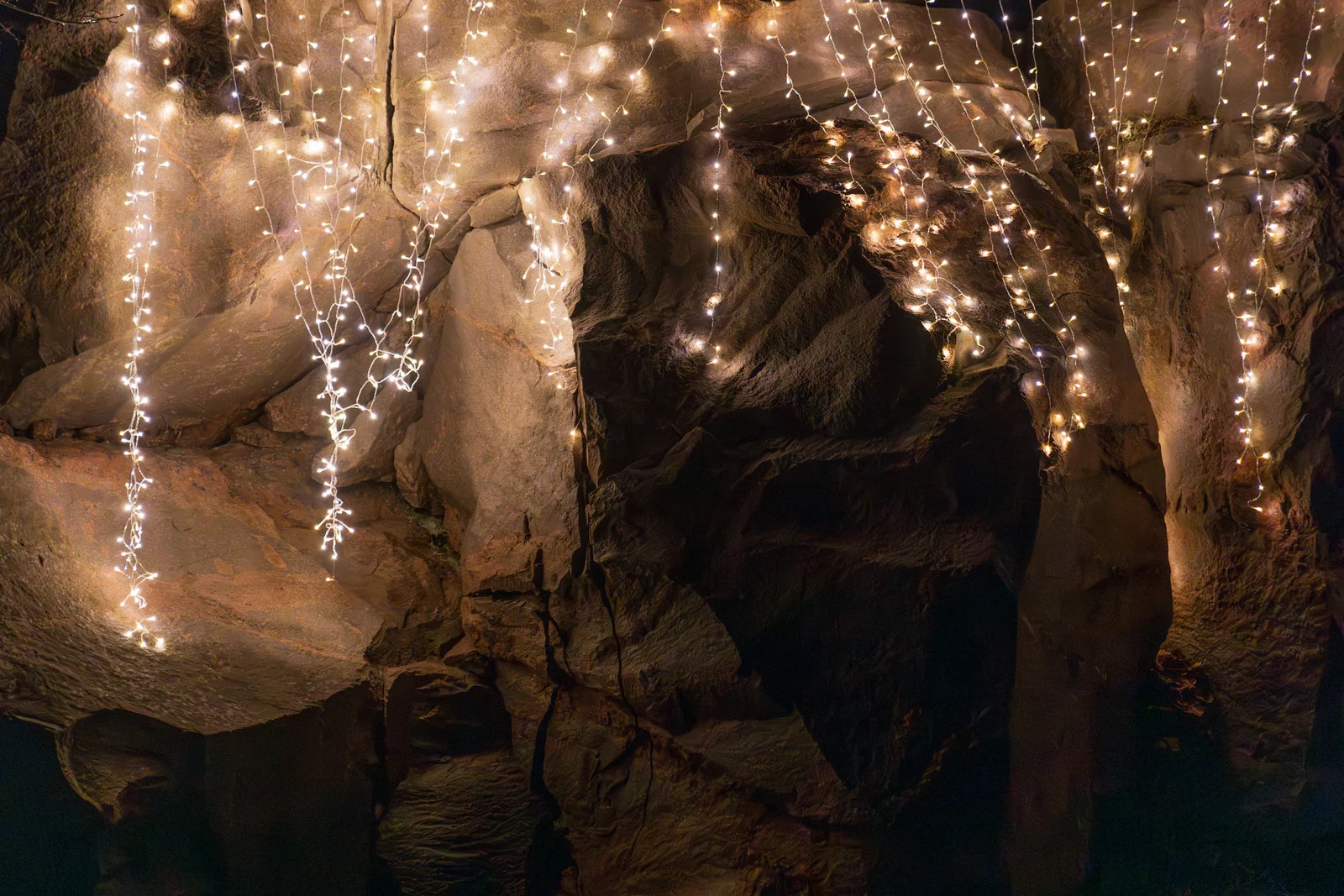
These three photographs show ISO doing its job at both ends of the scale, in daylight, on a tripod at night, and handheld at night.
Try It Yourself: Camera Simulator
The challenge below hands you a dim, handheld scene where a tripod is not an option. Find the ISO that keeps the shutter fast enough to avoid shake without pushing noise further than it needs to go.
Want the other challenges? The full camera simulator has all 21, across eight scenes.
How to Choose the Right ISO
The general approach is to set ISO as low as you can while still achieving the aperture and shutter speed the subject requires:
- Bright outdoor daylight: ISO 100 to 200. Plenty of light means you can keep ISO at its lowest for maximum image quality.
- Overcast or shade: ISO 400 to 800. Less ambient light requires a moderate boost.
- Indoor with window light: ISO 800 to 1600. Indoor light is significantly dimmer than it appears to your eyes.
- Indoor with artificial light, no flash: ISO 1600 to 6400. Venues like gyms, restaurants and churches are much darker than outdoor scenes.
- Handheld at night: ISO 3200 to 12800. A fast enough shutter speed to avoid shake demands a high ISO once the light is this low.
- Night photography on a tripod: ISO 100 to 400. A tripod lets you use a long exposure instead of a high ISO.
- Astrophotography: ISO 1600 to 6400. Stars are faint, and exposure time is limited by star trailing rather than by choice.
Auto ISO
Most modern cameras offer an Auto ISO feature that adjusts ISO automatically within a range you define, while you retain control of aperture and shutter speed. You set a minimum and maximum ISO, for example 100 to 6400, and a minimum shutter speed, for example 1/125s. The camera then keeps ISO as low as possible while making sure your shutter speed never drops below your chosen minimum.
This is especially useful in changing light, such as street photography, events, or travel, where manually adjusting ISO for every frame would mean missing shots. Auto ISO pairs particularly well with Aperture Priority mode: you set the aperture for the depth of field you want, the camera sets the shutter speed, and Auto ISO fills in the remaining variable within the limits you gave it.
Reducing Noise from High ISO
High ISO noise can be reduced through in-camera noise reduction, post-processing software, and good technique at the time of capture. Shooting in RAW preserves the most data for noise reduction later. Because the exposure itself, not the ISO dial, is what mainly determines noise, the single most effective habit is exposing as generously as the scene’s highlights allow rather than underexposing out of caution.
Both Lightroom and Photoshop include noise reduction tools, and dedicated applications built specifically for this use AI-based processing that removes noise while preserving detail more effectively than general-purpose sliders. A related technique is exposing to the right: deliberately keeping the exposure as bright as possible without clipping highlights, then adjusting brightness down in editing, since noise is concentrated most heavily in the shadows and a brighter exposure keeps more of the image out of that noisy region.
Common ISO Mistakes
- Leaving ISO on Auto while shooting on a tripod. With a stationary subject and a stable camera, you can use any shutter speed you like, so there is no reason to let the camera raise ISO. Set it manually to base ISO.
- Being too cautious about raising ISO. A slightly noisy but sharp photo at ISO 3200 is almost always more useful than a blurry photo at ISO 100 taken because the shutter speed was too slow.
- Forgetting to reset ISO after a night shoot. Leaving a camera at ISO 6400 and then shooting outdoors the next day produces badly overexposed images.
- Ignoring the histogram. The LCD screen is unreliable for judging exposure, especially at high ISO where noise makes the preview harder to read. Check the histogram instead.
- Assuming a higher ISO number always means more noise on every camera. Two different cameras at the same ISO can produce very different amounts of noise depending on sensor size and design; ISO is a brightness setting, not a fixed noise measurement.
Try This
In a dim room without a tripod, take the same photo at ISO 400, ISO 1600 and ISO 6400, adjusting shutter speed each time to keep the exposure and brightness the same. Zoom in on the shadow areas of each frame. Notice that the noise you see was already present in the ISO 400 shot, it was just too dark to see until you either raised the ISO or brightened the file in post.