Moire (often called a moire pattern) is a wavy, often colored interference pattern that appears in digital photographs as rainbow-colored lines or rippling distortion over fine, repetitive detail. It shows up when a repeating pattern in the subject (fine fabric weaves, brick walls, distant fences, herringbone suits, window screens, fine printed text, computer screens) has a spatial frequency close to the pixel pitch of the sensor. The sensor samples the scene at discrete intervals, and when the subject’s frequency aligns with that grid in a near-resonance, false patterns and rainbow colors emerge that do not exist in the original scene.
Why Moire Happens
A digital sensor records an image with a grid of photosites arranged in rows and columns. When the subject also has a regular, repeating pattern, the two grids interfere with each other. It is the same principle that makes two overlapping chain-link fences or window screens shimmer when viewed from certain angles.
The phenomenon is mathematically related to aliasing in signal processing. The Nyquist sampling theorem says that to faithfully record a frequency, you must sample at least twice as fast. When a subject contains detail with a period shorter than two pixels, the sensor cannot represent it correctly, and the misrepresented signal aliases into lower frequencies that show as moire. The colored fringes come from the color filter array: in a Bayer pattern each color channel is sampled at a different spacing, so the aliasing produces different errors per channel, and the errors show up as false color.
Common Moire Triggers
Fabric and clothing. Tightly woven suits, herringbone patterns, fine pinstripes, and silk ties are the most frequent culprits in portrait and fashion photography. The weave lines up with the sensor grid at certain distances and focal lengths, producing color fringing and wavy distortion.
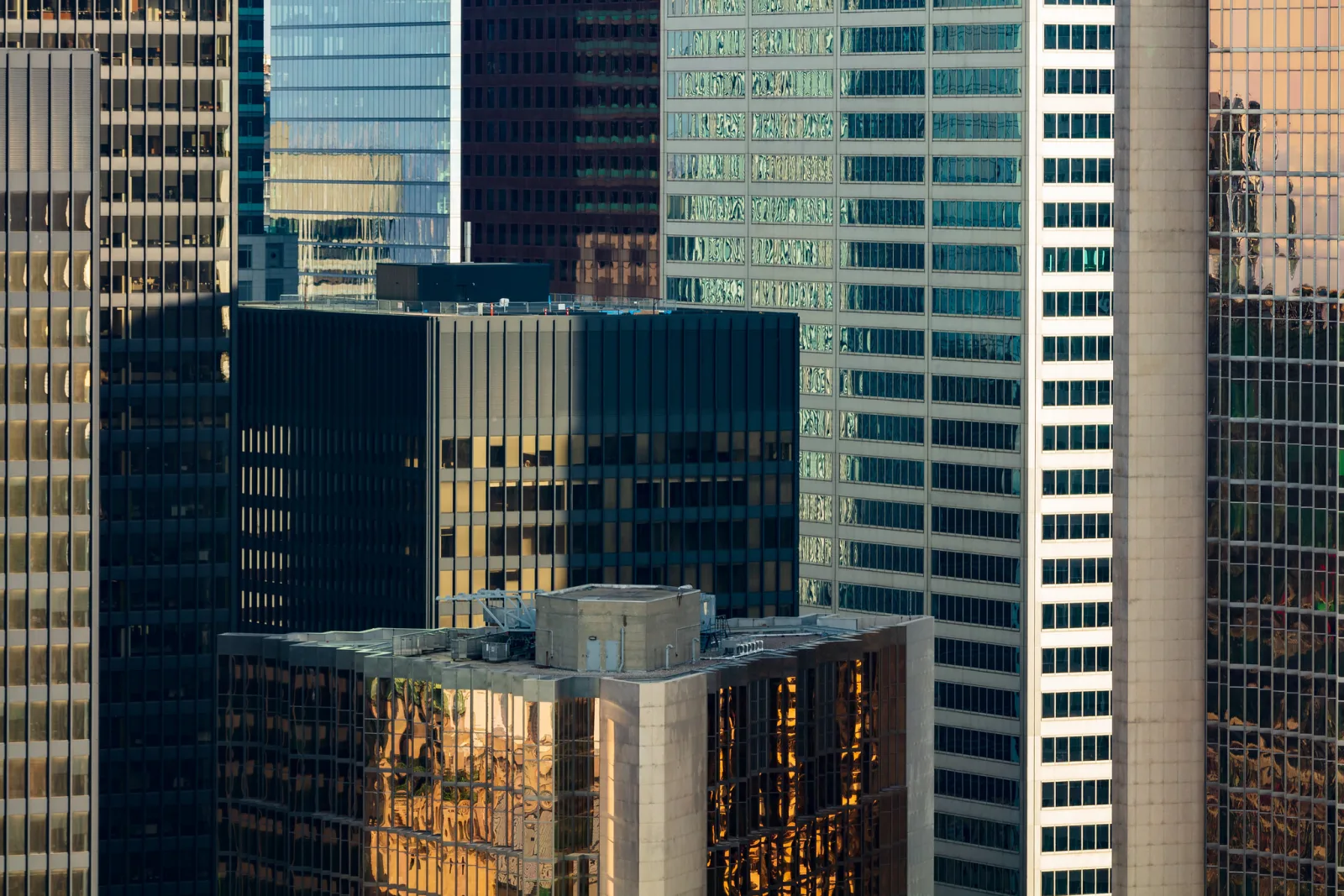
Architecture. Repetitive building elements such as brick walls, roof shingles, roof tiles, louvered vents, and window grilles can trigger moire, especially in real estate and architectural photography, where these patterns fill large parts of the frame.
Screens and displays. Photographing computer monitors, televisions, or LED panels often produces moire, because the pixel grid of the display interacts with the pixel grid of the sensor.
The Anti-Aliasing Filter
Cameras historically combated moire with an anti-aliasing or optical low-pass filter (the AA filter, also called an OLPF), a thin birefringent layer in front of the sensor that slightly blurs incoming light to suppress frequencies above the Nyquist limit. The tradeoff was a small loss of perceived sharpness. As resolution increased to 36, 45, 60, and 100 megapixels, manufacturers began removing the AA filter from some bodies, on the reasoning that the pixel pitch had become small enough that moire was rare in practice and the sharpness gain was worth it. Without the filter the sensor captures finer detail but is more susceptible to moire on patterned subjects, so a body with an AA filter is the safer choice for work where fine weaves and screens are routine.
Fixing Moire in the Field
The most effective prevention is to change how the subject’s pattern lines up with the sensor’s grid, and several techniques do that:
- Change the angle. Shifting the camera angle (a few degrees of rotation or a small step to the side) changes how the two grids align and often eliminates the pattern.
- Change the distance. Stepping closer or further changes the projected frequency of the pattern on the sensor.
- Change the focal length. A longer or shorter focal length has a similar effect to moving, because it changes the size of the pattern on the sensor.
- Defocus slightly. Softening the offending frequency to below the threshold removes the interference. This works best when the patterned area is in the background.
- Stop down. Closing the aperture far enough to invoke diffraction can also reduce moire, though at the cost of overall sharpness.
For video, where moire on suits and fences is particularly visible, oversampling from a higher resolution sensor than the output resolution helps significantly.
Fixing Moire in Post-Production
Most raw processors and image editors offer a moire-reduction tool, global or brushed on locally, that selectively blurs and desaturates the false color in affected areas while preserving luminance detail. Brush-based local correction is usually preferable to a global setting, since the rest of the image rarely needs softening. Shooting in RAW rather than JPEG gives you the unprocessed sensor data to work with, so the false color is not already baked into the file. For stubborn cases, a manual approach (paint a low-saturation layer with its blend mode set to color over the affected region) can clean up patterning where automatic tools fail.
Spotting It on Location
Fashion, product, and architectural photographers shooting on AA-less high-resolution bodies are most likely to encounter moire, and they learn to recognize it on the rear LCD by zooming into suspect areas before leaving the scene. A reshoot with a small angle change is almost always faster than fighting a moire pattern in post.
Common Mistakes
Judging the file by the whole-image preview. Moire often hides until the image is enlarged, and the small preview on the back of the camera can look clean. Fix: zoom in to 100 percent on the patterned areas of a test frame before packing up.
Correcting the whole image for a local problem. A global blur or desaturation to remove moire from one jacket softens every other part of the frame. Fix: use a local brush on the affected region only.
Changing only the aperture. Stopping down to f/16 or f/22 may blunt the pattern but costs sharpness everywhere. Fix: try a small change of angle or distance first, since it costs no sharpness at all.
Expecting the same result at every distance. A pattern that is clean at one distance can ripple at another, because the pattern’s size on the sensor keeps changing. Fix: check the result again whenever the framing changes, for example after zooming.
Try This
Find a fine, regular pattern at home: a tightly woven shirt, a window screen, or a computer monitor. Set the camera on a tripod or a steady surface and take a frame. Then shift the camera a few degrees to the side and shoot again, step half a pace closer and shoot a third frame, and finally zoom the lens slightly and shoot a fourth. Zoom each result to 100 percent on the rear screen and note which change removed the rainbow bands and which left them. Ten to fifteen minutes of this teaches how sensitive moire is to small changes in angle and distance.