Portrait photography is the art of capturing a person’s character, emotion, and presence in a single frame. Whether you are shooting a professional headshot, a family session, an environmental portrait, or a candid moment, the principles are the same: connect with your subject, control the light, and eliminate distractions so the viewer sees nothing but the person in front of the lens.
This guide covers everything you need to create portraits that feel alive, from essential camera settings and lens choices to lighting techniques, posing, and post-processing. All advice here is evergreen and applies to any camera system.
Go deeper: Portrait Posing Guide, Portrait Lighting Patterns, Headshot Photography, Environmental Portrait Photography, and Catchlight.
What Makes a Great Portrait
A great portrait goes beyond a technically correct photograph of a face. It reveals something about the subject, whether that is confidence, vulnerability, joy, or quiet strength. The best portraits draw the viewer’s eye to the subject’s expression and hold it there.
Three elements separate a memorable portrait from a forgettable one:
- Connection – The subject’s expression and body language convey emotion. This requires rapport between photographer and subject.
- Light – The quality, direction, and character of the light shapes the face and sets the mood.
- Simplicity – Everything in the frame serves the subject. Distracting backgrounds, competing colors, and unnecessary elements are removed.
Essential Camera Settings for Portraits
For most portraits, start with aperture priority mode at f/2.8 to f/4 for a pleasing background blur, ISO 100-400 for clean files, and single-point autofocus locked on the nearest eye. Use spot or center-weighted metering to expose for the face. Shoot in RAW to preserve flexibility for skin tone adjustments in post-processing.
Portrait photography rewards a specific set of camera settings that work together to draw attention to your subject while softening everything else in the frame.
Aperture
Open your aperture to f/1.4, f/1.8, or f/2.8 to create a shallow depth of field that separates your subject from the background. The resulting bokeh turns distracting backgrounds into smooth, creamy washes of color. For group portraits where you need everyone sharp, stop down to f/4 or f/5.6.
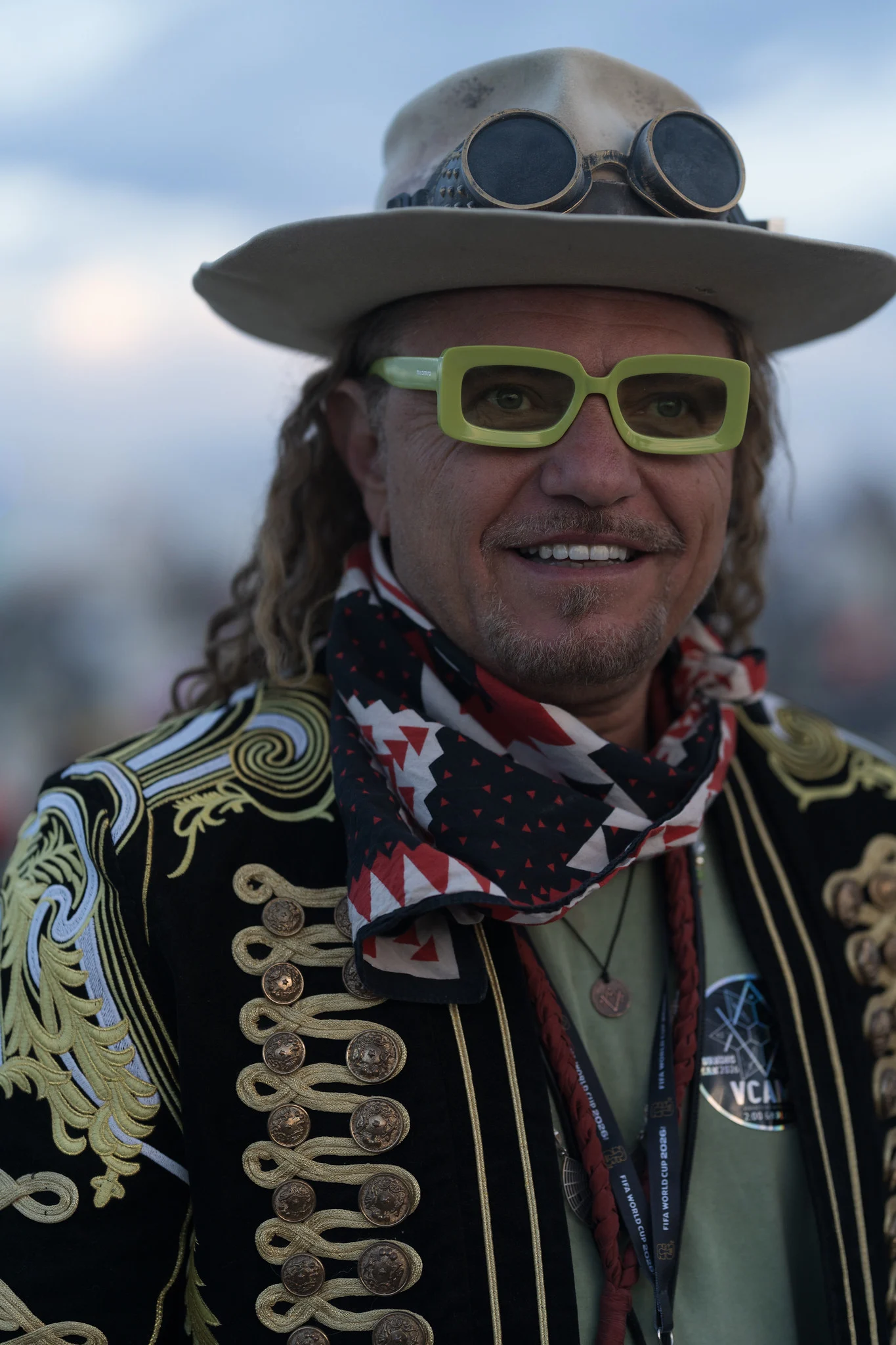
Practice reading how each stop of aperture changes the background blur before you rely on it in the field:
Want the other challenges? The full camera simulator has all 21, across eight scenes.
Shutter Speed
Keep your shutter speed at 1/125s or faster to eliminate motion blur, especially when working with children or active subjects. A useful rule: set your minimum shutter speed to at least 1/focal length of your lens. With an 85mm lens, that means 1/100s or faster.
ISO
Start at your camera’s base ISO (typically 100) when working in good light or with a flash. In natural-light indoor situations, raise your ISO to 400, 800, or even 1600 as needed. Modern cameras handle higher ISO values remarkably well, so do not sacrifice proper exposure to keep your ISO artificially low.
Focus
Always focus on the subject’s nearest eye. If your camera supports eye detection autofocus, enable it and let the camera do the work. For cameras without eye detection, use a single autofocus point placed directly over the eye. With back button focus, you can lock focus and recompose without the camera refocusing when you press the shutter.
Metering
Switch to spot or center-weighted metering and meter off your subject’s face. This prevents bright backgrounds or dark clothing from fooling your camera’s meter into under- or overexposing the face, which is the most important part of any portrait.
Choosing the Right Lens
The ideal portrait lens has a focal length between 50mm and 135mm, which provides a flattering perspective that avoids distorting facial features. An 85mm f/1.4 or f/1.8 is the classic choice, offering beautiful background blur and natural proportions. Wider lenses work for environmental portraits, while longer lenses compress features and increase background separation.
Your lens choice has a dramatic effect on how your portraits look. Different focal lengths compress or stretch facial features, change the relationship between subject and background, and create different moods; the same principles apply to couple and engagement photography.
- 85mm to 135mm (short telephoto) – The classic portrait range. These focal lengths compress facial features in a flattering way, create beautiful background separation, and let you work at a comfortable distance from your subject. An 85mm f/1.4 or f/1.8 is the most popular portrait lens for good reason.
- 50mm (standard) – Natural-looking perspective close to human vision. Excellent for environmental portraits where you want to include context about who your subject is and where they are. A 50mm f/1.4 or f/1.8 is affordable, sharp, and versatile.
- 35mm (wide angle) – Best for environmental portraits, storytelling, and editorial work where the surroundings are part of the narrative. Be cautious about getting too close, as wide angles can distort facial features at short distances.
- 70-200mm (telephoto zoom) – Ideal for events, weddings, and candid portraits where you cannot control the distance to your subject. The long end creates extreme background compression and gorgeous bokeh.
Curious what 35mm, 85mm and 200mm do to a face? Lens compression shows faces at each focal length and why distance, not the lens, does the work.
For deeper guidance on portrait lens selection, see our Best Lenses for Portrait Photography guide.
Portrait Lighting Fundamentals
Light is the single most important variable in portrait photography. The same person photographed in harsh midday sun and in soft window light will look like two entirely different subjects. Understanding how to find, shape, and control light is what separates professionals from beginners.
Natural Light
Natural light is free, beautiful, and always available. The key is knowing when and where to find the best quality.
- Golden hour – The hour after sunrise and before sunset provides warm, directional light that flatters skin tones and wraps around faces with a soft glow. Position your subject facing the light or use it as rim light from behind to create a luminous outline.
- Open shade – Move your subject into the shade of a building, tree, or overhang on a sunny day. The light becomes soft and even, with no harsh shadows under the eyes or nose. Look for shade with a clean direction so the light falls on the face from one side.
- Window light – A large north-facing window (or any window not in direct sunlight) produces soft, directional light that rivals expensive studio setups. Position your subject at a 45-degree angle to the window for classic, sculptural lighting.
- Overcast days – Cloud cover acts as a massive diffuser, creating even, shadowless light across the face. This is ideal for beginners because there are no harsh shadows to manage.
Using the low sun as a rim light from behind? Backlighting covers where to put the light, subject and background, exposing for the subject and filling the shadow side.
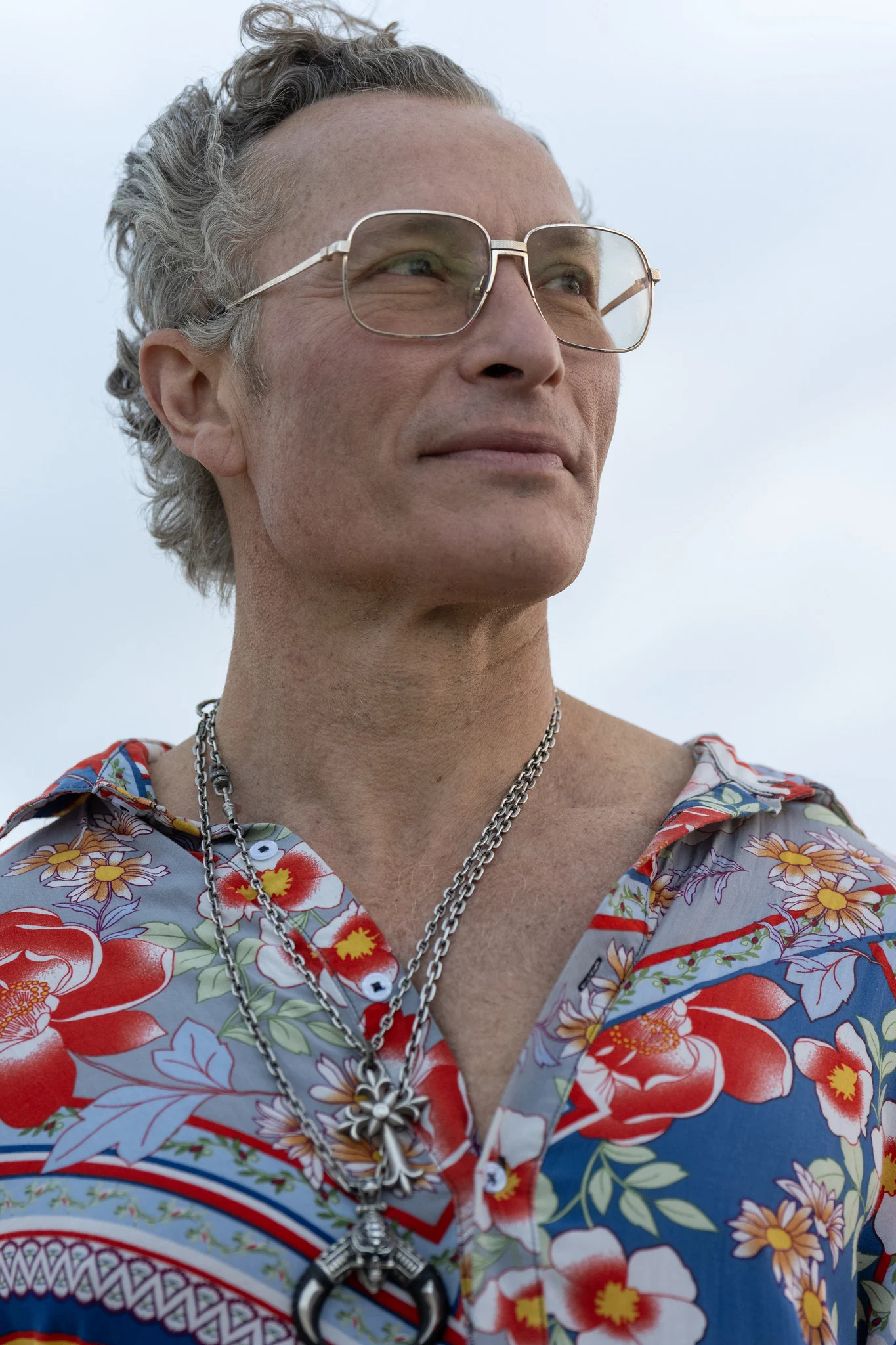
Classic Portrait Lighting Patterns
Professional portrait photographers use specific lighting patterns to sculpt the face. These patterns work with any light source, whether natural light, a flash, or a continuous studio light.
- Loop lighting – The light source is positioned slightly above and to one side of the face, creating a small shadow from the nose that loops down toward the corner of the mouth. This is the most universally flattering pattern and the safest default.
- Rembrandt lighting – Named after the Dutch painter, this pattern creates a triangle of light on the shadowed cheek. It adds drama and depth while still illuminating enough of the face to read the expression clearly.
- Split lighting – Light falls on exactly half the face, leaving the other half in shadow. This creates a moody, dramatic feel best suited for artistic portraits and character studies.
- Butterfly lighting – The light source is directly above and in front of the face, creating a symmetrical shadow beneath the nose that resembles a butterfly. This pattern is classic in beauty and fashion photography because it emphasizes cheekbones.
- Broad vs. short lighting – Broad lighting illuminates the side of the face turned toward the camera (makes faces appear wider). Short lighting illuminates the side turned away from the camera (slims the face). Choose based on your subject’s features.
Flash and Artificial Light
When natural light is not available or not sufficient, flash and continuous lighting give you complete control.
- Bounce flash – Angle your on-camera flash toward a white ceiling or wall so the light bounces back as a large, soft source. This eliminates the flat, harsh look of direct flash.
- Off-camera flash – Moving the flash off your camera and positioning it to the side creates directional light with depth and dimension. Even a single off-camera flash with a simple modifier can produce professional-quality portraits.
- Studio lighting – Continuous lights or strobes with modifiers like softboxes, umbrellas, and beauty dishes give you complete control over every shadow and highlight. Studio lighting is a skill worth developing for anyone serious about portraiture.
For a comprehensive introduction, see our Photography Lighting guide.
Composition and Framing
Portrait composition is about directing the viewer’s eye to the subject’s face and expression while creating a sense of balance and intention in the frame.
The Eyes Are Everything
In almost every portrait, the viewer looks at the eyes first. Place the subject’s eyes along the upper third of the frame using the rule of thirds, and ensure they are critically sharp. A portrait with slightly soft eyes rarely works, no matter how beautiful the lighting or composition.
Headroom and Lead Room
Give your subject appropriate space within the frame. Too much headroom makes the subject feel small and lost; too little feels cramped. If the subject is looking or facing to one side, leave more space in the direction they are looking. This is called lead room, and it creates a natural, comfortable feeling in the image.
Background Control
A distracting background is the most common problem in amateur portraits. Fix it with these approaches:
- Increase the distance between subject and background, then use a wide aperture to blur it
- Move around your subject to find a cleaner background angle
- Step back and use a longer focal length to fill the frame; the background elements stack closer together behind your subject, which reduces their visual weight
- Look for simple, uncluttered backgrounds: solid-colored walls, open sky, dense foliage
- Use negative space to create a sense of calm and draw attention to the subject
Does a branch seem to grow out of the head? Tangents, mergers and checking the edges of the frame shows how to spot mergers and edge problems before the shutter.
Cropping and Framing
Common portrait crops each serve a different purpose:
- Full body – Shows the complete person in their environment. Use for fashion, editorial, and environmental portraits.
- Three-quarter (waist up) – The most versatile crop. Shows enough body language to convey personality without losing facial detail.
- Head and shoulders – Intimate and focused. The default for headshots and business portraits.
- Tight headshot – Crops in close to the face, emphasizing expression and the eyes. Powerful but unforgiving of technical errors.
When cropping, avoid cutting at the joints (wrists, elbows, knees, ankles), which looks awkward. Crop between joints instead.
Wondering exactly where the frame can cut a person? How to crop photos has a table of safe and unsafe cut lines, and amputation in photography covers the joints to watch.
Directing and Posing Your Subject
Most people feel uncomfortable in front of a camera. Your job as a portrait photographer is to make them feel at ease and guide them into poses that look natural and flattering. For detailed techniques, see our Portrait Posing Guide.
Building Rapport
The most important skill in portrait photography is not technical. It is the ability to make your subject feel comfortable. Talk to them before you pick up the camera. Learn something about them. Give genuine compliments during the shoot. Show them a few images on the back of the camera so they can see they look good. A relaxed subject will give you authentic expressions that no amount of posing can replicate.
Essential Posing Tips
- Angle the shoulders – Squared-up shoulders look stiff and wide. Have the subject angle their body 30-45 degrees to the camera.
- Shift weight to the back foot – This creates a natural, relaxed stance and slight lean that looks engaging rather than rigid.
- Watch the hands – Hands should be doing something purposeful: resting on a surface, in a pocket, holding an object. Dangling hands look awkward.
- Chin forward and slightly down – This defines the jawline and eliminates double chins. It feels unnatural to the subject but looks excellent in photographs.
- Create angles – Bent elbows, tilted heads, and crossed legs add visual interest and keep the pose from looking too symmetrical.
- Give actions, not poses – Instead of “put your hand on your hip,” try “walk toward me slowly” or “look over your right shoulder as if someone just called your name.” Movement creates natural-looking moments.
Types of Portrait Photography
Portrait photography encompasses many specializations, each with its own conventions and challenges.
- Headshot photography – Tight framing on the face for business profiles, actors, and professional branding. Requires precise lighting, expression coaching, and clean backgrounds.
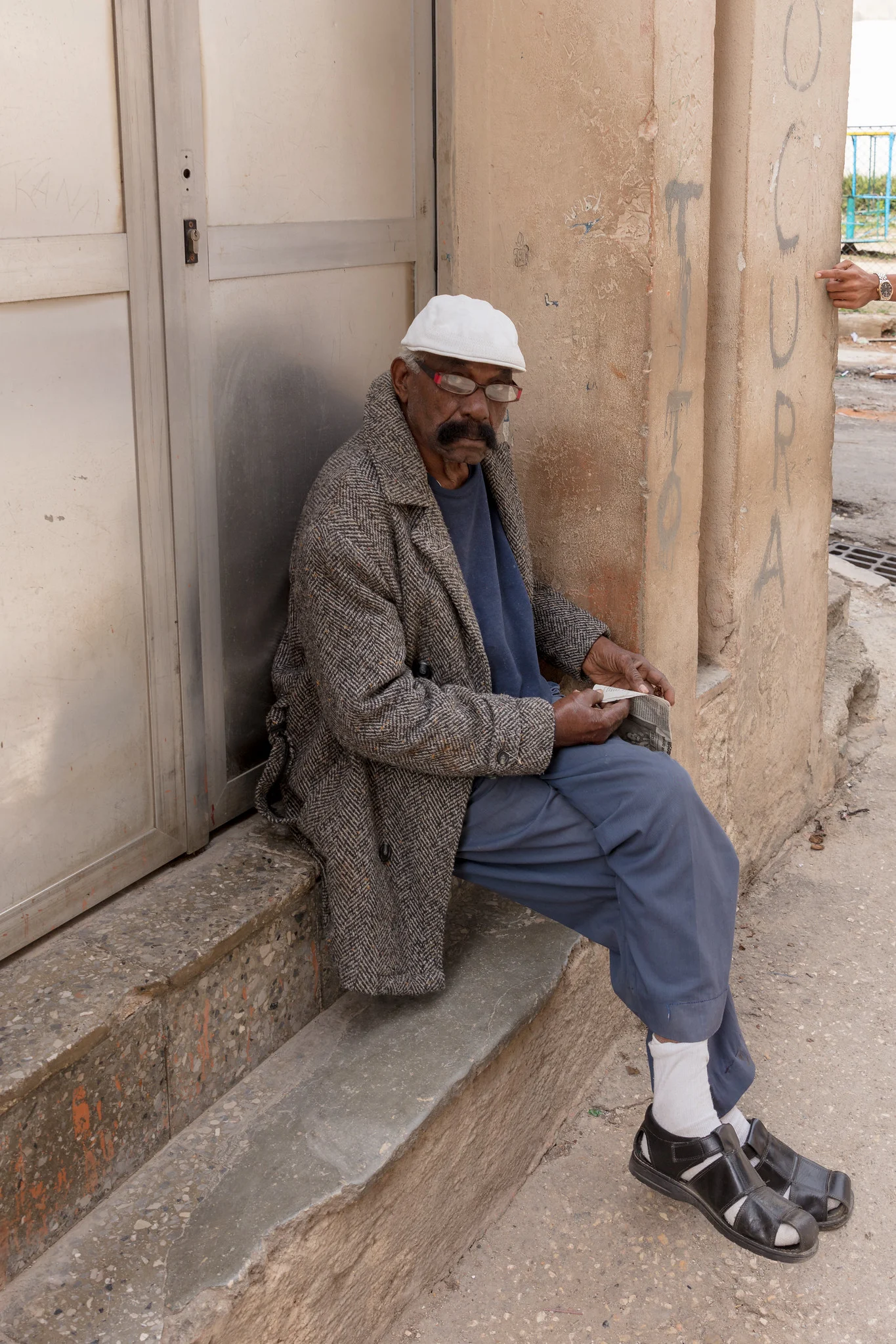
- Environmental portraits – The subject is photographed in a setting that tells their story: a chef in a kitchen, a musician with instruments, an artist in a studio. Context adds narrative depth.
- Family and group portraits – Coordinating multiple people requires patience, humor, and technical adjustments (smaller aperture for sufficient depth of field, wider lens for larger groups).
- Newborn photography – Requires specialized skills in safety, patience, and working with very young subjects in a warm, comfortable environment.
- Self-portraits – Photographing yourself develops your understanding of posing, lighting, and expression from the subject’s perspective.
- Candid portraits – Capturing unposed, spontaneous moments that reveal natural behavior. This overlaps with street photography and documentary work.
Post-Processing Portraits
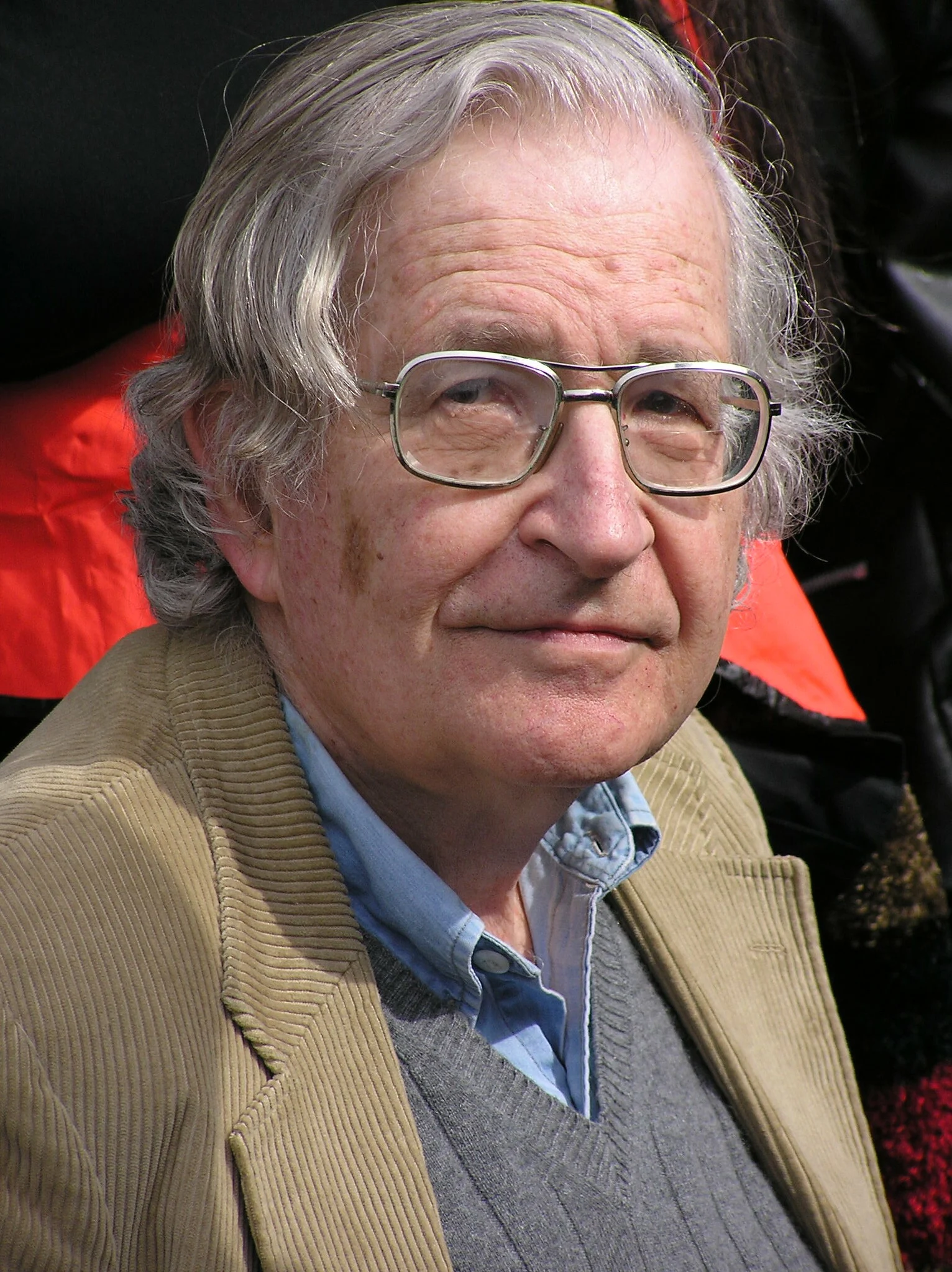
Portrait post-processing should enhance the image without making it look artificial. The goal is to present your subject at their best while maintaining their natural appearance.
Essential Adjustments
- White balance – Correct any color cast so skin tones look natural. Skin that is too warm looks sunburned; too cool looks pallid.
- Exposure and contrast – Adjust overall brightness and add contrast to give the image depth and dimension.
- Vibrance vs. saturation – Use vibrance rather than saturation to boost colors without making skin tones look unnatural. Vibrance protects skin tones while enhancing other colors.
- Skin retouching – Remove temporary blemishes (spots, scratches) while preserving skin texture. Avoid the plastic, over-smoothed look that comes from heavy-handed frequency separation or blur tools.
- Eye enhancement – Subtle brightening and sharpening of the eyes draws the viewer in without looking unnatural.
- Dodging and burning – Selectively lighten and darken areas to sculpt the face, add dimension, and direct the viewer’s eye.
Where does retouching stop looking natural? Photo retouching covers skin and eye work and when to stop retouching.
For step-by-step editing tutorials, see our guide on how to edit portraits in Lightroom and our photo editing for beginners guide.
Common Portrait Photography Mistakes
Common portrait mistakes include focusing on the wrong eye, using too wide a lens up close which distorts features, cluttered backgrounds that compete with the subject, and unflattering overhead light that creates harsh shadows under the eyes and nose. Reviewing your images during the session helps you catch and correct these issues in real time.
- Focusing on the wrong eye. When the subject is at an angle, focus on the eye closest to the camera. A portrait with the near eye soft and the far eye sharp looks like a mistake.
- Using too wide a lens too close. Shooting a headshot with a 24mm lens from two feet away distorts facial features, making the nose appear large and the ears appear small. Step back or switch to a longer focal length.
- Ignoring the background. A tree branch, power line, or bright object “growing” out of someone’s head ruins an otherwise excellent portrait. Always check the edges and background before pressing the shutter.
- Shooting at eye level only. Varying your angle adds variety and can be more flattering. Shooting slightly above eye level slims the face and emphasizes the eyes. Shooting from below can convey power and confidence.
- Over-retouching skin. Removing every pore and wrinkle makes the subject look like a wax figure. Keep the texture. Real skin has character.
- Neglecting body language. A stiff, uncomfortable pose communicates tension regardless of how good the lighting is. Spend more time making your subject comfortable and less time adjusting lights.
- Shooting in harsh midday sun. Direct overhead sunlight creates deep shadows under the eyes and nose (raccoon eyes). Move to open shade or wait for better light.
Test Your Portrait Photography Knowledge
Each quiz takes 2-5 minutes and gives you instant results. See how much you have retained, then revisit anything you missed.
- Portrait Lighting Patterns Quiz – Can you identify Rembrandt, split, loop, and butterfly lighting?
- Professional Retouching Quiz – Test your knowledge of skin texture, dodge and burn, and color grading
- Aperture and Depth of Field Quiz – Prove you understand bokeh, aperture, and sharp focus
Related Guides
- Best Camera Settings for Portrait Photography
- Best Lenses for Portrait Photography
- Portrait Posing Guide: Flattering Poses for Any Subject
- Portrait Lighting Patterns
- Headshot Photography
- Photography Lighting for Beginners
- Photography Composition Techniques
- How to Photograph Newborns
- Self-Portrait Photography
- Landscape Photography
- Street Photography
- photography for parents