Noise reduction is the editing step that smooths random grain and color speckle out of a photo. In a raw editor it is two separate jobs: color noise reduction, which you can apply freely, and luminance noise reduction, which trades grain for fine detail and needs a light hand. Zoom to 100%, clear the color blotches first, add only enough luminance smoothing to calm the grain, then sharpen with a mask so the grain is not sharpened back in.
This guide is the hands-on workflow for the classic slider-based tools found in every raw editor. It goes further than the definitions in noise by explaining what each control does, what order to work in, how to mask the effect, how to tell when you have gone too far, and how stacking and better exposure remove noise before any slider is touched. Machine-learning denoisers work differently and are covered in AI noise reduction.
Two kinds of noise, two different jobs
Open a high ISO file, zoom to 100% on a dark, even area and you will see two things layered on top of each other.
- Luminance noise is pixel-to-pixel variation in brightness. It looks like sand or film grain and has no color of its own. To software it looks almost identical to real fine texture, which is why removing it always costs some detail.
- Color noise is variation in hue: magenta and green blotches, usually larger than a single pixel, strongest in shadows. Real subjects almost never contain random pixel-scale color changes, so software can remove it with very little risk.
The two get separate controls because a raw editor splits the picture into a brightness component and a color component. Your eye resolves fine detail almost entirely from the brightness component and sees color at a much coarser scale. So the editor can blur the color component quite heavily and you will not notice any loss of sharpness, while even a small blur of the brightness component is visible as softness.
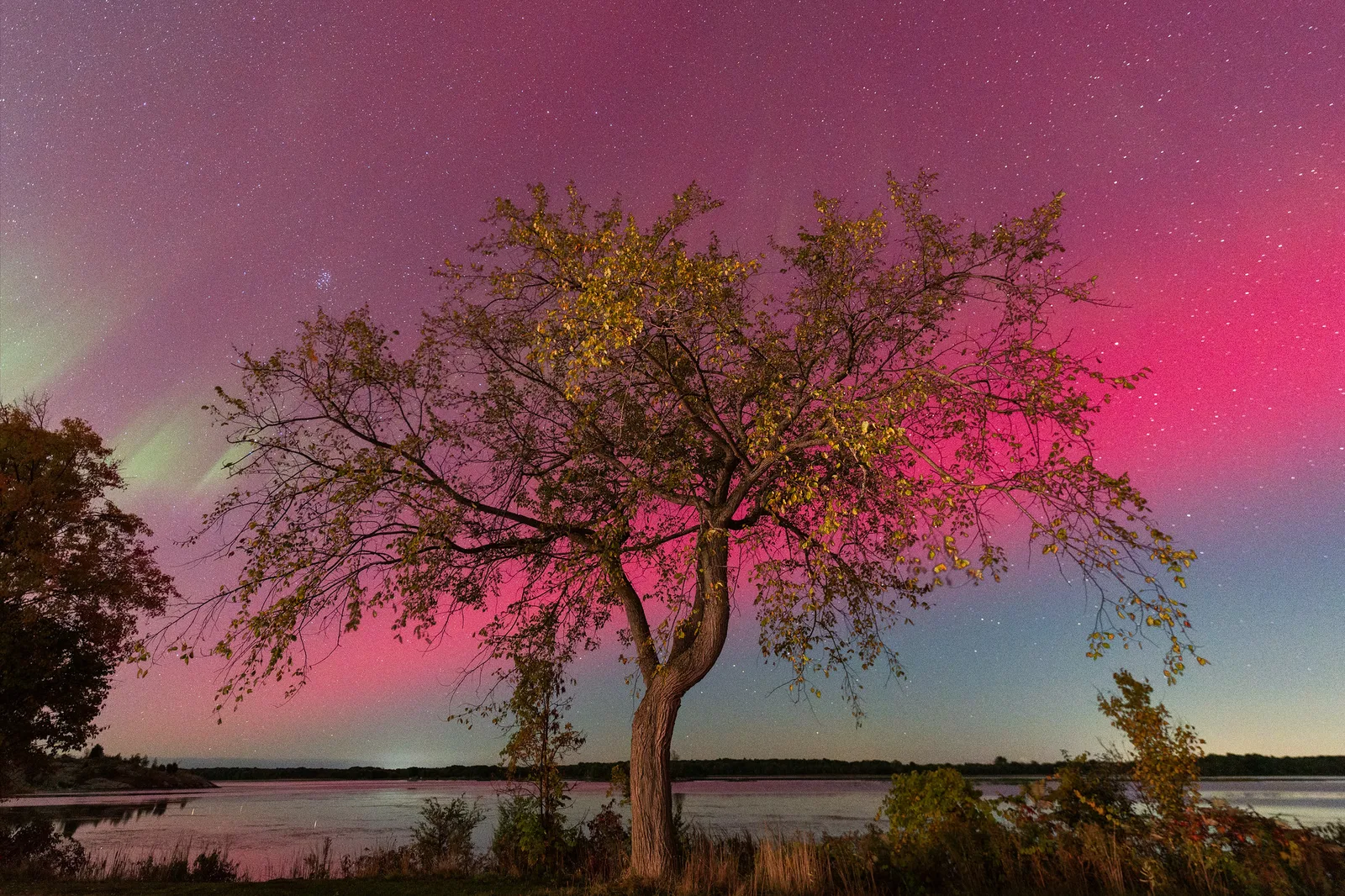
What each slider does, and where to start
Names vary a little between programs and layouts shift between versions, but nearly every raw editor offers the same controls. Luminance noise gets three: amount, detail and contrast.
Luminance amount
This is the strength of the smoothing. At zero nothing happens. As you raise it, the editor averages each pixel with similar neighbors, and the grain flattens. The first third of the slider’s travel usually does most of the useful work. Beyond the midpoint, most files start losing texture faster than they lose noise.
Luminance detail
Detail sets the threshold for what the editor treats as noise. A high setting tells it to protect small variations, which keeps hair, fabric weave and distant branches, but also leaves more grain and can leave small crisp specks that look like sharpened noise. A low setting gives a cleaner, smoother result at the cost of fine texture. The default sits near the middle, and it is right for most files. Raise it for subjects made of fine texture, lower it for smooth subjects such as skies and studio backdrops.
Luminance contrast
Smoothing lowers local contrast, so a heavily cleaned file can look flat at the pixel level. The contrast control restores some of that tonal snap in textured areas. Too much of it produces a mottled, blotchy pattern in areas that should be even. It only matters once the amount is fairly high; at light settings you can leave it at zero.
A reliable way to set the luminance sliders
- Zoom to 100% (one image pixel per screen pixel). Do not judge at higher magnifications; nothing is ever viewed that way.
- Pick a spot that contains both a smooth dark tone and some real texture: the edge of a jacket against a wall, a tree against dusk sky.
- Set amount to zero, then raise it slowly and stop when the grain stops being distracting, not when it disappears.
- Back off by about a fifth. The eye adapts within seconds and asks for more than the picture needs.
- If texture has gone soft, raise detail. If the result looks flat, add a little contrast.
- Zoom out to the size the picture will be seen at and check it still looks like a photograph.
Color amount, detail and smoothness
Color noise reduction usually has an amount slider plus one or two helpers.
- Amount (Color). Most raw editors apply a moderate amount by default to every raw file, which is why you may never have seen strong color noise. Turn it to zero once on a high ISO file to see what it is hiding. Raise it until the magenta and green speckle is gone and no further.
- Detail. Protects thin, strongly colored edges. If small colored things such as distant signs, berries or lights at night lose their color or bleed a faint halo into their surroundings, raise this. If you see colored speckles clinging to edges, lower it.
- Smoothness. Targets large, low-frequency color blotches: patches of faint green or magenta several pixels across that survive the main slider. They show most in deeply lifted shadows and in long exposures. Raise smoothness when the fine speckle is gone but the shadows still look stained.
Starting points by situation
The numbers below assume sliders that run from 0 to 100, as most do. They are places to start, not targets: camera, exposure and output size all move the right answer.
| Situation | Luminance amount | Color amount | Notes |
|---|---|---|---|
| Base or low ISO, well exposed | 0 | Default | Leave it alone; smoothing only removes detail |
| Middle ISO, normal exposure | 5 to 15 | Default | Often needed only in the shadows; mask it |
| High ISO, indoor or event light | 20 to 35 | Default to moderate | Raise detail for hair and fabric |
| Very high ISO, or shadows lifted by several stops | 35 to 50 | Moderate to high, add smoothness | Expect softness; consider a smaller output size |
| Night sky with stars | 10 to 25 | Moderate | Heavy smoothing erases faint stars; stack frames instead |
Order and placement: sharpening and masks
Noise reduction and sharpening: which comes first
The two tools pull in opposite directions. Noise reduction lowers pixel-to-pixel contrast; sharpening raises it. Sharpening cannot tell an edge from a grain speck, so sharpening a noisy file makes the noise crisper and more visible.
Inside a raw editor, the order you touch the sliders does not change the result. The editor stores your settings as instructions and always runs them in its own fixed internal sequence. What matters is the order you make decisions in, because each setting changes how the other looks:
- Set exposure, white balance and shadow recovery first. Lifting shadows changes how much noise is visible, so there is no point judging noise before that.
- Set color noise reduction.
- Set luminance noise reduction.
- Set capture sharpening, using its masking control so that only real edges are sharpened and smooth areas are left alone. The method is shown in sharpening with the masking slider.
- Go back and trim the luminance amount. With the sharpening mask in place you often need less than you first thought.
In a layer-based pixel editor the order is real, because each step permanently changes the pixels the next step works on. There the rule is firm: reduce noise first, on the full-size file, and sharpen afterwards. Output sharpening for a print or a web copy always comes last, after resizing.
Masking noise reduction to shadows, skies and backgrounds
Noise is not spread evenly. It is strongest in the darkest tones, where the least light was recorded, and most visible in smooth areas where there is no texture to hide it. A single global setting strong enough to clean a night sky will smear the building in front of it. Local adjustment fixes that.
Most raw editors include a noise slider among their local adjustment tools. It adds to, or subtracts from, the global setting inside a mask. The practical recipe:
- Set the global amount for the detailed parts of the picture. That is usually low.
- Add more through a sky mask. Skies hold no fine detail except stars, so they tolerate strong smoothing in daylight and at dusk.
- Add more through a luminance range mask limited to the darkest tones. This follows the noise wherever it lives without any brushing.
- Add more to out-of-focus backgrounds. A background mask, or an inverted subject mask, lets you clean blurred areas where there is no detail to lose.
- Subtract on eyes, hair, feathers, fur and foliage. A negative local value gives those areas back their texture.
The mask types, and how to combine them, are covered in Lightroom masking and selective adjustments. Keep mask edges soft. A hard edge between a smoothed sky and a grainy roofline is more noticeable than even grain across both.
How much is too much: plastic skin and smeared foliage
Over-smoothing has a recognizable look. Check for these signs every time.
| What you see | What caused it | What to change |
|---|---|---|
| Skin with no pores, like wax or plastic | Luminance amount too high | Lower the amount, or subtract it on the face with a mask |
| Grass, leaves or gravel merged into a watercolor wash | Fine irregular texture read as noise | Lower the amount, raise detail, mask foliage out |
| Worm-like or mottled patterns in flat areas | Contrast or detail too high at a strong amount | Lower contrast, then lower detail |
| Smooth sky showing stripes of tone | Grain that was hiding the steps has been removed | Reduce smoothing in the sky or add a little grain back |
| Small colored details turning gray | Color amount too high | Lower color amount or raise color detail |
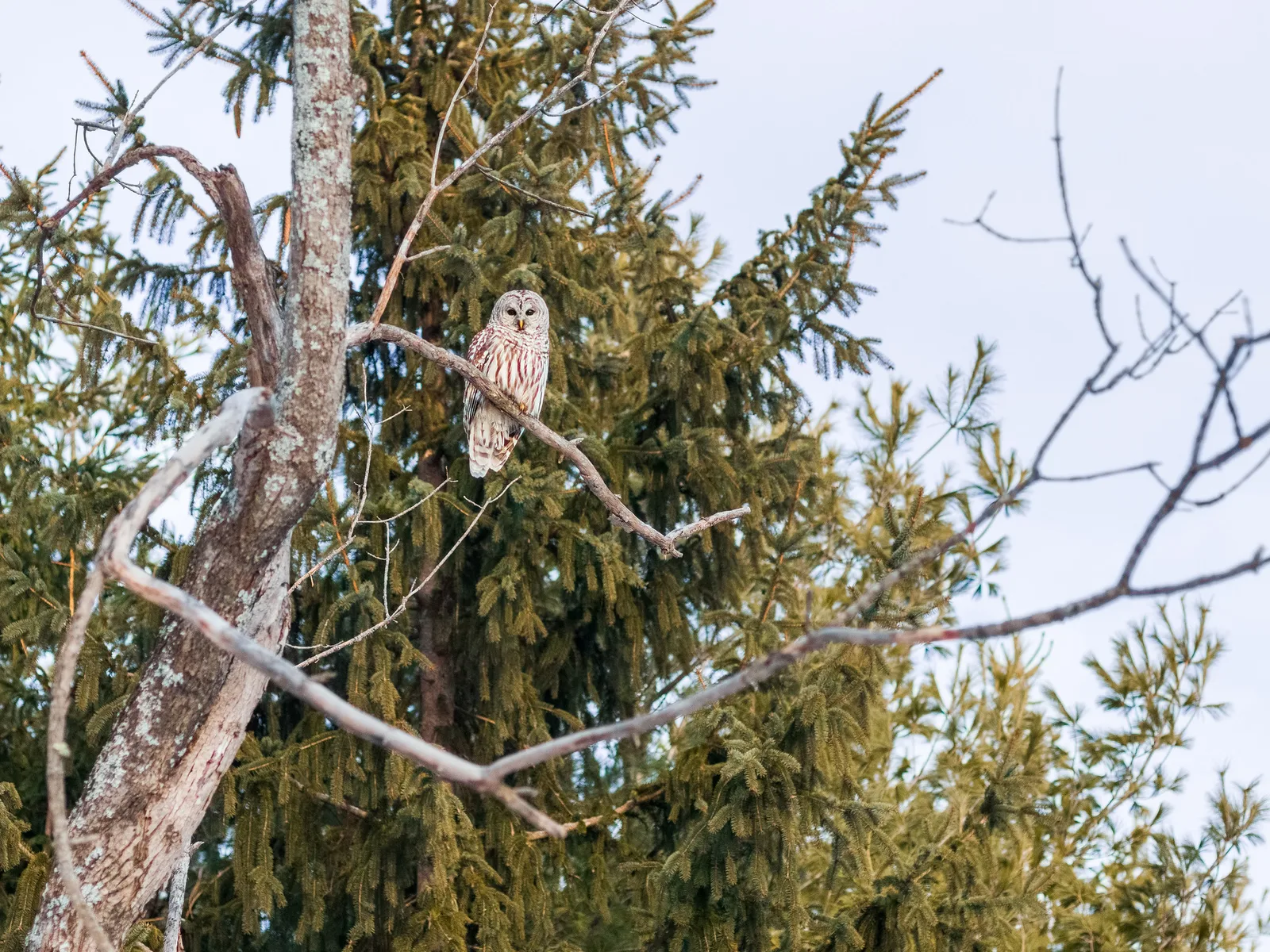
Two ideas keep you on the right side of the line.
Judge at the output size. Noise that looks alarming at 100% often vanishes in use. Shrinking a picture averages neighboring pixels together: halve the width and height and every output pixel is built from four originals, which roughly halves the grain. A file headed for a phone screen needs far less noise reduction than the same file headed for a large print.
Leave some grain. Fine, even luminance grain reads as texture and makes a picture look sharper than a perfectly smooth one. It also hides the tonal steps that cause banding in skies and gradients. If you have cleaned a file and it looks sterile, adding a small amount of fine grain afterwards is a legitimate fix; the technique is in how to add film grain to digital photos.
Beyond the sliders: stacking frames and learned denoisers
Stacking and averaging frames
Every slider above trades noise against detail. Averaging several frames does not. Noise is random, so it differs in every frame; the scene does not. Average a set of identical exposures and the scene stays put while the random part partly cancels.
The improvement follows a square-root rule: noise falls in proportion to the square root of the number of frames.
- 4 frames: noise halves. The result is about as clean as a single frame shot two stops lower in ISO.
- 16 frames: noise falls to a quarter, about four stops’ worth.
- 64 frames: noise falls to an eighth. Returns diminish quickly, so 8 to 16 frames is the usual range.
How to do it:
- Put the camera on a tripod, lock focus and use manual exposure so every frame matches.
- Shoot a burst of identical raw frames with a remote release or self-timer.
- Give every frame the same raw settings, with luminance noise reduction off, and open them as layers in a layer-based editor.
- Align the layers, then combine them with a mean (average) stack mode. If no stack mode is available, set layer opacities from the bottom up to 100%, 50%, 33%, 25% and so on (one divided by the layer’s position), which produces the same average.
A median stack is slightly less effective against noise than a mean, but it throws away anything that appears in only a few frames, so it also removes people walking through a scene. Either way, things that move between frames, such as water, clouds and leaves, come out blurred as if by a long exposure. Sometimes that is welcome and sometimes it rules stacking out.
Stars move too, so night sky work uses dedicated stacking software that aligns on the stars before averaging, a process covered in astrophotography. A related in-camera technique, long exposure noise reduction, subtracts a dark frame to remove fixed-pattern glow and hot pixels. It does nothing for random grain, which is the kind this page deals with.
Reducing noise before you shoot
The cleanest file is one that recorded more light. Noise is a ratio problem: the random part grows more slowly than the signal, so the more light reaches the sensor, the smaller the noise looks in comparison. Doubling the light improves the ratio by about 40 percent, and nothing in software does that for free.
- Give the sensor more light. A wider aperture or a slower shutter speed adds real light. Raising ISO does not; it only brightens what was captured. Use a tripod or stabilization to buy a slower shutter whenever the subject allows.
- Expose as brightly as the highlights allow. At any given ISO, a file exposed so the histogram reaches toward the right edge without clipping has cleaner shadows than a darker one. This is the expose to the right approach.
- Do not underexpose and brighten later. A frame shot two stops dark and lifted in editing shows about the same grain as one shot at an ISO two stops higher, and on many cameras it is worse. How much worse depends on the sensor, a point explained under ISO invariance.
- Shoot raw. In-camera noise reduction is baked into a JPEG and cannot be undone. A raw file leaves every decision to you. The wider trade-offs are in RAW vs JPEG.
- Fill the frame. Cropping throws away light you collected and enlarges the grain in what remains. Cropping to half the width and height costs about as much as two stops of ISO.

When to hand the file to a machine-learning denoiser
Classic sliders smooth by comparing each pixel with its neighbors. Machine-learning denoisers are trained on pairs of noisy and clean images and rebuild the picture from what they have learned, which keeps far more texture at very high ISO. Many raw editors include one alongside the manual controls.
As a working rule, reach for the sliders when a file needs a luminance amount below about 30: they are instant, adjustable at any time and add nothing to your storage. Above that, or when shadows have been pushed hard, the learned approach usually gives a better file. It is slower, it often creates a new, larger file, and it can invent texture that was never in the scene, so it deserves its own checks. How it works, when it fails and how to use it are in AI noise reduction.
Common mistakes
- Judging noise zoomed out, or zoomed far in. At fit-to-screen you cannot see what the sliders are doing; at 300% everything looks terrible. Fix: set noise reduction at 100%, then confirm at the final viewing size.
- Smoothing until the grain is gone. Zero visible grain at 100% almost always means lost texture. Fix: stop when grain stops distracting, then back off by a fifth.
- One global setting for the whole frame. The sky needs more, the subject needs less. Fix: keep the global amount low and add more through sky, shadow and background masks.
- Sharpening the noise back in. Sharpening without a mask crisps every grain speck. Fix: raise the sharpening mask until smooth areas are excluded, and keep sharpening radius small on noisy files.
- Turning color noise reduction off. It costs almost nothing in detail and is on by default for good reason. Fix: leave it at the default or higher, and use smoothness for stained shadows.
- Fixing in software what a tripod would have fixed. Fix: with a static subject, lower the ISO and lengthen the exposure, or shoot a burst for averaging.
Try this
Find one high ISO raw file with both a dark, smooth area and real texture: a person indoors, a street at dusk, a bird against trees. Give yourself fifteen minutes. First, set luminance and color noise reduction both to zero and look at 100%, so you know what you are starting with. Second, raise color amount until the colored speckle is gone and note the number. Third, make three virtual copies with luminance amount at 15, 35 and 60, leaving detail and contrast at their defaults. Fourth, export all three at 2,000 pixels on the long edge and view them at normal size, without zooming. Decide which looks most like a photograph. Most people pick a lower number than they chose at 100%. Finally, on the version you picked, add a sky or shadow mask with extra noise reduction and see how far the global amount can now come down.
Frequently asked questions
Should noise reduction come before or after sharpening?
In a raw editor it does not matter which slider you move first, because the software applies them in its own fixed order. In a layer-based editor, reduce noise first and sharpen afterwards. In both cases, final output sharpening comes after resizing.
Should I turn off in-camera noise reduction?
On most cameras, high ISO noise reduction affects JPEGs and the preview, not the raw data, so raw shooters can usually leave it at any setting. If you shoot JPEG and intend to edit, a low setting keeps more detail. Long exposure noise reduction is a different feature that does change the raw file.
How many frames do I need to stack to see a difference?
Four frames halve the noise, which is clearly visible. Eight to sixteen is a practical range for landscapes and interiors. Beyond that, each doubling of the frame count buys less, and movement in the scene becomes the bigger problem.
Why do my photos look noisier after I lift the shadows?
The shadows recorded the least light, so they have the weakest signal relative to noise. Brightening them amplifies both together. Expose more generously when the highlights allow it, and limit extra noise reduction to the dark tones with a luminance range mask.
Related guides
- AI noise reduction: how learned denoisers work and when they beat the sliders.
- Noise: where grain comes from and what makes it worse.
- Sharpening: the other half of the detail panel, including masking and halos.
- Lightroom masking and selective adjustments: building the sky, shadow and subject masks used here.
- Expose to the right: recording more light so there is less noise to remove.
- Hot, stuck and dead pixels: fixed specks that noise sliders do not handle, and dark frame subtraction.
- How to add film grain to digital photos: putting even texture back after cleaning.
- Night photography: exposure choices that keep ISO down after dark.