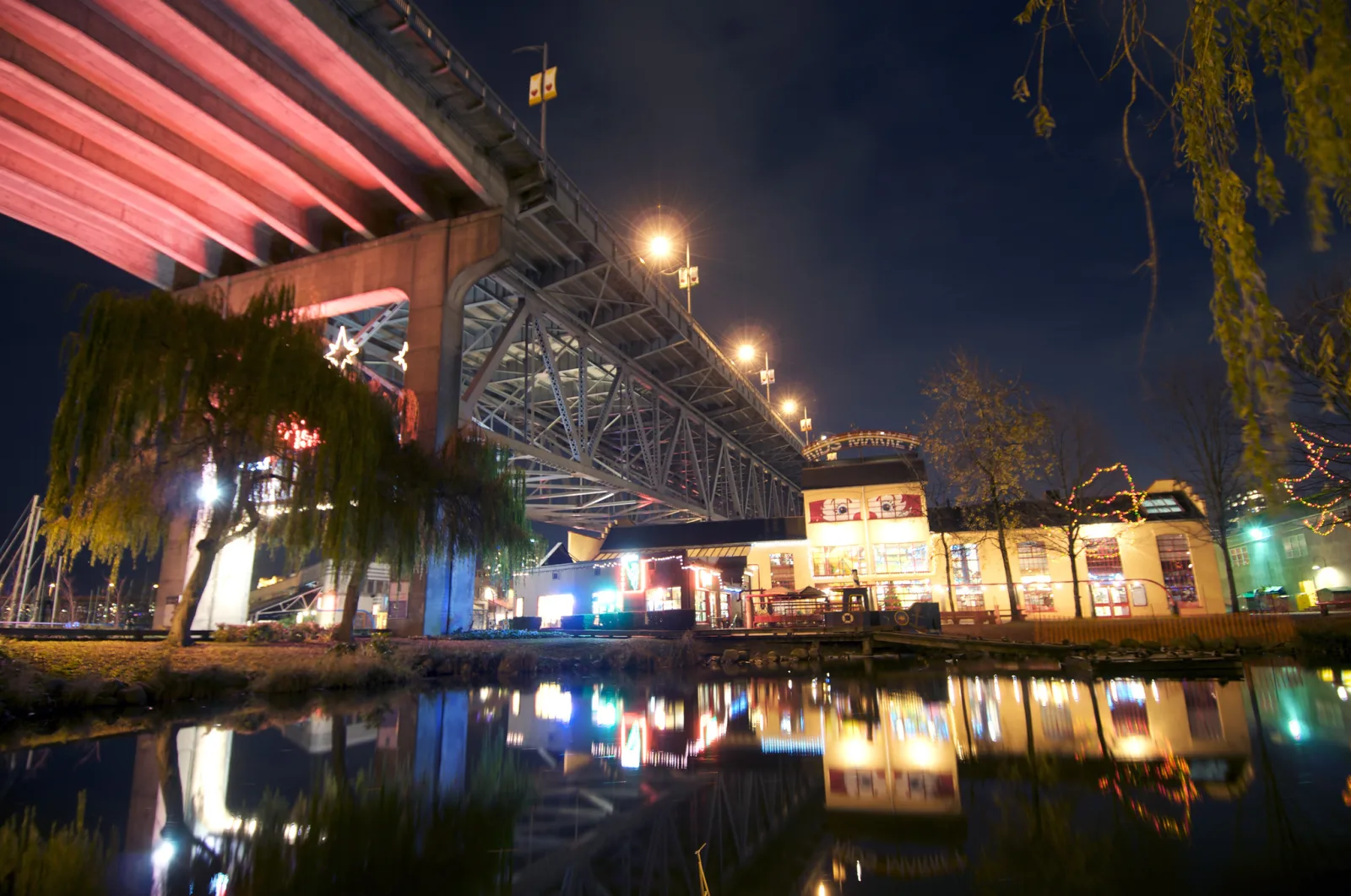
Dragging the shutter means using a shutter speed slower than the flash needs, usually somewhere from 1/60 down to 1/4 second, so the light already in the scene has time to record while the flash lights the subject. The flash burst is brief and freezes whatever it hits. The long exposure fills in the background and any movement. A slower speed gives a brighter background and more blur; a faster one gives a darker, cleaner frame.
The idea that one frame holds two exposures, and the habit of setting the background before adding flash, are explained in balancing flash and ambient light, and the sync setting itself is defined in rear curtain sync. This guide goes further into the slow-shutter case: how to pick the speed for the background you want, which way motion trails fall with each sync mode, how to keep the flash-lit subject sharp, what to do about orange rooms and white flash, starting settings for three common situations, and how to diagnose the frames that fail.
Why the shutter speed changes the background but not the flash
A flash burst lasts roughly a thousandth of a second, and far less at low power. The shutter only has to be fully open when the burst happens. Keeping it open longer adds no flash light at all, because the flash has already finished. It does add room light, which keeps arriving for as long as the shutter stays open.
That gives each kind of light its own set of controls:
| Control | Flash-lit subject | Ambient-lit background |
|---|---|---|
| Aperture | Changes | Changes |
| ISO | Changes | Changes |
| Shutter speed (at or below sync speed) | No change | Changes |
| Flash power | Changes | No change |
| Flash-to-subject distance | Changes | No change |
Shutter speed is the only camera setting that moves the background alone, and flash power is the only one that moves the subject alone.
Automatic flash makes it even simpler. With TTL metering the camera fires a weak pre-flash, measures it, and sets the power needed for the aperture and ISO you chose. If you open the aperture a stop, the camera cuts the flash a stop, so the subject stays the same while the background gets brighter. With the flash on manual power, aperture and ISO change both halves of the picture and only the shutter speed separates them.
The upper limit is the camera’s flash sync speed, usually around 1/200 second, a little slower or faster on some bodies. Dragging the shutter covers everything below it.
It also helps to see why plain flash gives a black background. Suppose a room needs 1/8 second at f/4 and ISO 800 for a normal exposure. At 1/200 the room is between four and five stops too dark, which is close to black. The flash cannot rescue it either, because flash light falls off with the square of distance: a wall twice as far from the flash as the subject gets a quarter of the light (two stops less), and a wall four times as far gets one sixteenth (four stops less). Only time lets the room’s own light catch up.
How short is the burst, and how much movement does it really stop? Flash duration covers how much motion a given duration stops, why lower power means a shorter burst, and ghosting from ambient light.
Choosing a shutter speed for the background you want
Decide the background with the flash switched off. It is quicker than guessing with it on.
- Set the aperture for the depth of field you need and an ISO you are happy with indoors, often 800 to 1600.
- Turn the flash off and photograph the scene at 1/60.
- Look at the background only. The subject will be dark; ignore it.
- Halve the speed (1/30, 1/15, 1/8) until the background looks the way you want it in the final picture.
- Turn the flash on and shoot. Adjust the subject with flash exposure compensation or flash power, not with the shutter.
Each halving of the shutter speed doubles the ambient light, which is one stop. How bright should the background be? Use the camera’s meter scale as a reference, with the flash off:
- At the meter’s zero. The room looks as bright as it would in an ordinary available-light photo. Night no longer looks like night, and ambient light on the subject is strong enough to cause blur.
- One to two stops under. The room is clearly there, lamps and candles glow, and it still feels like evening. This is the usual target.
- Three stops or more under. Only the light sources themselves show, as points and shapes on black. Good for strings of lights, signs and stage lighting.
The second thing the speed sets is how far things travel while the shutter is open. Walking pace is roughly 1.5 meters per second, which makes the arithmetic easy:
| Shutter speed | Distance covered at walking pace | What it looks like |
|---|---|---|
| 1/60 | About 2.5 cm | Slight softening of ambient-lit edges |
| 1/30 | About 5 cm | A thin halo of movement |
| 1/15 | About 10 cm | Clear streaks behind hands and lights |
| 1/8 | About 19 cm | Long trails; a spinning dancer smears |
| 1/4 | About 38 cm | Heavy blur; the flash image floats in streaks |
If the speed that gives the right background brightness also gives more blur than you want, do not compromise on the shutter. Raise the ISO or open the aperture a stop and use a speed one stop faster. In TTL the subject stays the same. If you want more blur than the brightness allows, go the other way: lower the ISO or stop down, and lengthen the shutter.
One practical obstacle: in fully automatic and program modes, and on some cameras in aperture priority, the camera will not go below about 1/60 with a flash attached unless you select a flash mode usually called slow sync. Night portrait scene modes do the same job. Behavior differs between makers, so check yours. Manual exposure mode avoids the question, because you set the speed directly and the flash still meters itself in TTL.
Front curtain or rear curtain: which way the trails fall
The flash can fire at either end of a long exposure, and the choice decides where the blur sits relative to the sharp image.
- Front curtain sync fires the flash as the shutter opens. The subject is frozen first and then keeps moving while ambient light records. The streak extends ahead of the sharp image, in the direction of travel, so a person walking left to right appears to be backing into their own blur.
- Rear curtain sync fires the flash just before the shutter closes. The ambient streak records first and the sharp image lands at the end of it. The trail sits behind the subject, which is how the eye expects movement to look.
For a subject crossing the frame in one direction (a dancer travelling, a cyclist, a child running), rear curtain is the natural choice. It is not automatically the right choice everywhere, because it has three costs:
- You no longer choose the moment. The frozen instant is the end of the exposure, not the press of the button. At 1/4 second you have to press a quarter of a second early and guess where the subject will be.
- TTL fires twice. The metering pre-flash goes off when you press, and the real flash follows at the end. At long speeds people see the first flash, assume the picture is done, and blink, turn or walk away before the second.
- Not every flash and trigger supports it. Some simple radio triggers and manual flashes fire only at the start of the exposure. The setting lives in the camera’s flash menu on some systems and on the flash itself on others.
Front curtain is the better tool when timing matters more than trail direction. The flash fires the instant you press, so expressions are caught on the beat. It also suits deliberate camera movement: press, let the flash freeze the subject, then twist, tilt or zoom the camera during the rest of the exposure so that background lights smear into arcs or lines around a sharp subject. With front curtain you know the sharp image is already recorded before you move.
With slow-moving people at 1/30 the two modes are hard to tell apart. The difference becomes obvious at about 1/15 and slower.
Keeping the flash-lit subject sharp
The flash does not freeze the subject. It records one sharp image of the subject, and the ambient light records a second, blurred image on top of it. Whether the result looks sharp depends on how strong the second image is.
The useful number is how far the ambient light on the subject sits below a correct exposure. At two stops under, ambient contributes about a quarter of the light a full exposure would, and the blurred image shows as a faint veil. At three stops under it contributes about an eighth and is hard to see. At one stop under or less, moving faces and hands show a clear double image, often called ghosting.
The aim is a subject that is dark without the flash and a background that is not. That is mostly a matter of where people stand:
- Put the subject in the dimmer part of the room and the lights behind them. A couple two meters in front of a lit bar is ideal. A couple standing directly under a spotlight is not.
- Watch for bright areas directly behind a moving subject. When a dark figure moves across a bright window or lamp, the bright area records wherever the figure was not, and it eats into the edges of the sharp image so that heads and shoulders look transparent.
Camera movement matters as much as subject movement. If the camera shakes during a 1/8 second exposure, every lamp in the background becomes a squiggle and any ambient light on the subject smears. Brace the camera, tuck your elbows in, and press gently. In-body stabilization or a stabilized lens steadies the static parts of the frame at these speeds, and a monopod does the same job at a long event. None of them can stop a moving person; only the flash and a low ambient level do that.
How slow can you hold a camera steady by hand? Image stabilization covers what stabilization corrects and what it cannot, and shutter speed rules of thumb with and without it.
Where the flash sits changes how the sharp image looks but not the principle. On-camera bounce flash works well under a light-colored ceiling of ordinary height and gives a softer subject. Off-camera flash gives more control over direction and keeps flash light off nearby walls.
Orange rooms and white flash: color mismatch and gels
A long shutter lets in the room’s light, and the room’s light is usually a different color from the flash. Flash is close to daylight, around 5500 K. Household tungsten lamps and most warm-white bulbs sit around 2700 to 3200 K, which is much more orange. The camera can apply only one white balance to the whole frame, so one of the two sources will look wrong unless you change the color of the flash.
| Flash | White balance set for | Subject | Warm-lit background |
|---|---|---|---|
| Bare | Flash or daylight | Neutral | Orange |
| Bare | Tungsten | Blue | Neutral |
| Full orange gel | Tungsten | Neutral | Neutral |
| Partial orange gel | Between the two | Neutral | Slightly warm |
A gel is a sheet of colored plastic fixed over the flash head. The orange correction gel is called CTO (color temperature orange). A full CTO shifts flash to roughly the color of tungsten light, and half and quarter strengths shift it part of the way. A partial gel that leaves the room a little warm often looks more natural than a room corrected all the way to neutral, because people expect lamplight to be warm.
Two limits are worth knowing:
- A gel absorbs light. The flash has to work harder behind one, which matters most when bouncing.
- Colored and mixed lighting cannot be matched. Dance floor lighting, signs and colored LEDs are meant to look colored. Leave the flash bare or lightly gelled, set white balance for the flash so skin is right, and let the background be whatever color it is.
The same gel has a creative use at dusk. Put a full CTO on the flash and set the camera to tungsten white balance: the flash-lit subject comes out neutral, and the sky, which is lit by daylight, turns a deeper blue.
Starting settings for a reception, a dusk portrait and a dance floor
These are places to begin, not answers. Take a frame with the flash off, judge the background, and adjust the shutter speed first.
| Situation | Aperture | ISO | Shutter | Sync | Flash |
|---|---|---|---|---|---|
| Dim reception, people at tables, speeches | f/2.8 | 1600 | 1/30 | Front | TTL, bounced if the ceiling is light |
| Portrait outdoors at dusk | f/4 | 400 | Sky metered about one stop under | Front | TTL at minus one stop, or low manual power |
| Dance floor with colored lights | f/4 to f/5.6 | 800 | 1/15 to 1/4 | Rear, or front with a camera twist | TTL, direct or bounced |
Dim reception. At f/2.8, ISO 1600 and 1/30 the flash sets the people and the shutter speed decides how much of the candle-lit room appears behind them. People at tables move little, so timing matters more than trail direction and front curtain is fine. If the room is still too dark, go to 1/15 before raising ISO further.
Dusk portrait. Meter the sky, not the person, and set the shutter so the sky sits about a stop below the meter’s zero, which keeps its color rich. The sky dims quickly after sunset, so the right speed might be 1/60 on the first frame and 1/8 ten minutes later. Recheck every few minutes, and put the camera on a support once you pass 1/15. Keep the flash gentle; the subject should look lit by the evening, not by a flash.
Dance floor. A smaller aperture gives a margin for focus on people who will not hold still. Expose three or more stops under the meter so only the lights record, then choose the speed by how long you want the trails. Rear curtain keeps trails behind dancers. Front curtain with a quarter turn of the camera after the flash wraps the lights around them.
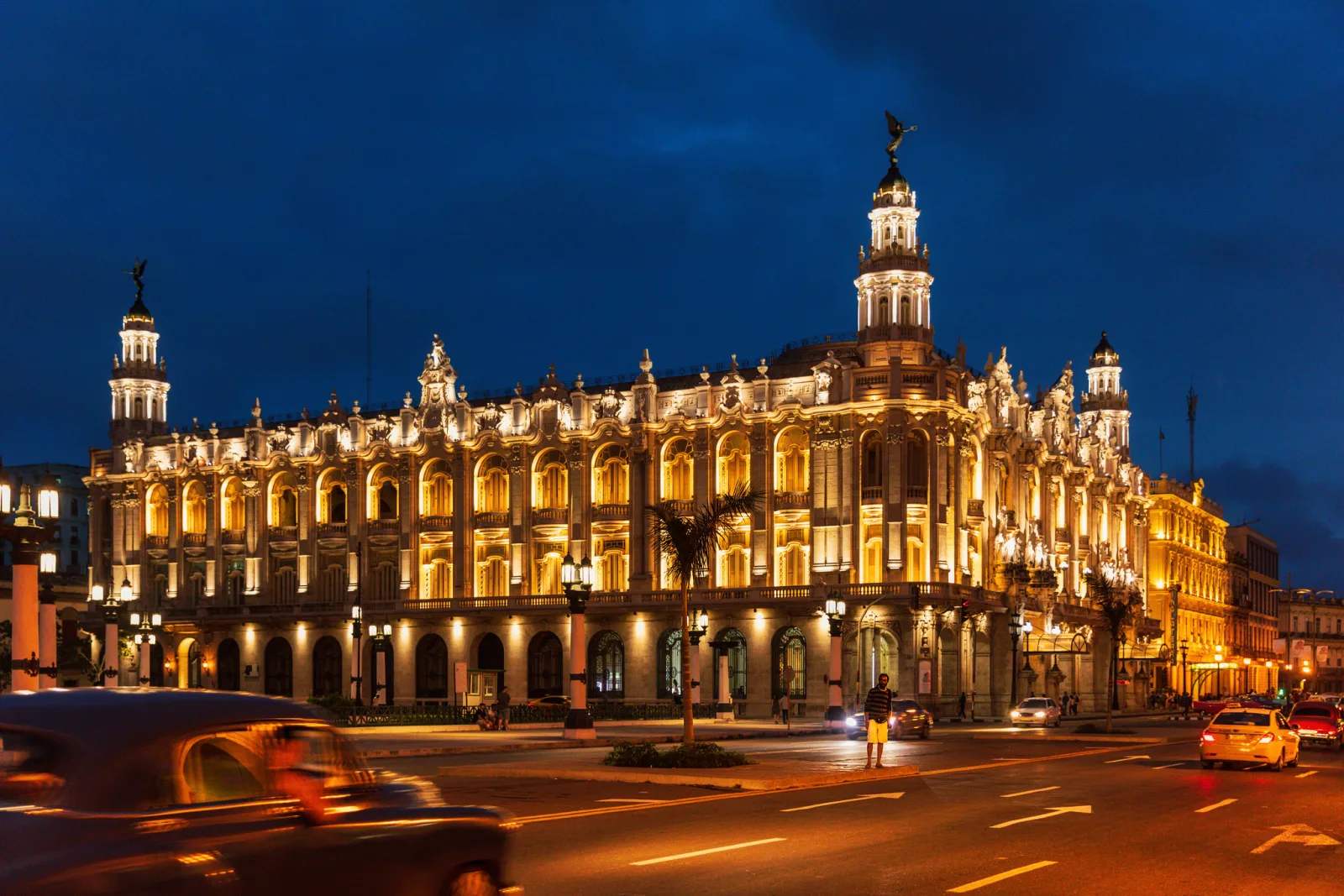
What if the background is too bright even at the sync speed, as it is before sunset? High-speed sync covers how it works, the power cost in numbers, and when an ND filter is the better choice.
What about the opposite case, where daylight does most of the work and the flash only lifts shadows? Fill flash covers how the camera balances flash against daylight and starting values for flash exposure compensation.
Common mistakes
- The background is still black. The shutter speed is too fast, often because the camera is holding 1/60 or faster in an automatic mode. Fix: switch to manual exposure or a slow sync flash mode and work down through 1/30, 1/15 and 1/8.
- Faces have a blurred double edge. Too much ambient light is falling on the subject. Fix: use a speed one stop faster, or move the subject out of the room light so they are at least two stops under without the flash.
- The trail is in front of the moving subject. The flash fired at the start of the exposure. Fix: select rear curtain sync, and press the shutter early to allow for the delay.
- Everything is streaked, including the room. The camera moved by accident. Fix: brace, use stabilization or a monopod, or shorten the exposure a stop and raise ISO to compensate.
- The subject is too bright once the shutter is slowed. Ambient light on the subject adds to the flash. Fix: dial flash exposure compensation down by one third to two thirds of a stop, or lower manual power.
- The subject is neutral but the room is deep orange, or the room is neutral and the subject is blue. The flash and the room light are different colors. Fix: gel the flash orange and set white balance to match, fully or partly.
Try this
You need a flash (a pop-up flash will do), a room at night, and a lamp or a string of lights. Allow fifteen minutes. Place the lights at the far side of the room and stand a person, or a chair with a jacket on it, about two meters from the camera and well away from the lights. Set manual exposure, f/4, ISO 800, and the flash on TTL.
- Shoot the same frame at 1/200, 1/60, 1/15 and 1/4. Compare them: the subject should look almost identical in all four, while the background climbs from black to a visible room.
- At 1/4, select front curtain sync and swing the camera gently to one side right after you press. Note where the light streaks sit relative to the sharp subject.
- Switch to rear curtain sync and repeat the same swing. The streaks now lead up to the sharp image.
- Move the subject next to the lamp and shoot again at 1/4 while they wave a hand. Look for the double image that appears now that ambient light is falling on them.
Frequently asked questions
What shutter speed should I use to drag the shutter?
There is no single figure. Indoors at ISO 800 to 1600, 1/30 to 1/15 usually brings a dim room into view with little blur, and 1/8 to 1/4 gives obvious motion trails. Find the speed by shooting a test frame with the flash off and judging the background alone.
Does shutter speed affect flash exposure?
Not at or below the camera’s sync speed. The burst is over long before the shutter closes, so a longer exposure adds only ambient light. The subject can still get brighter at slow speeds if room light is also falling on it.
Is rear curtain sync always better for dragging the shutter?
No. It puts trails behind a subject that moves in one direction, which looks natural. Front curtain gives exact timing, avoids the gap between pre-flash and main flash, and is the easier choice when you plan to move the camera after the flash.
Why is my subject blurry even though I used flash?
Ambient light on the subject is recording a second, blurred image over the flash image. Use a faster speed, or move the subject somewhere darker so the flash provides nearly all of the light on them.
Related guides
- Balancing flash and ambient light: the two-exposure idea, and deciding whether flash is fill or key.
- Rear curtain sync: the definition of the setting and where it is used.
- Flash duration: why the burst, not the shutter, freezes the subject.
- High-speed sync: flash above the sync speed, for backgrounds that are too bright.
- Fill flash: balancing flash with daylight instead of a dark room.
- Bounce flash: softer light from a ceiling or wall, and mixing it with room light.
- Off-camera flash: triggering and positioning a flash away from the camera.