Before you post a photo online, ask three questions: would the people in it be comfortable with it being public, could anything in it (a face, a school logo, a house number, the location data in the file) let a stranger find someone, and could the location harm a fragile place or animal? Ask adults before posting them, share children sparingly and without identifying details, and check whether your photos carry GPS coordinates before you upload them.
Taking a photograph and publishing it are two different acts. The first puts an image on your card. The second gives it to an audience you cannot see, for a length of time you cannot control, in a form that can be copied, searched and matched to faces. Most of the harm photographs cause happens at the second step, and it is almost always avoidable with a minute of thought before you press share.
Why publishing is different from taking
A photo in your camera, or shared with a few people who were there, reaches the audience the people in it expected. A public post changes three things.
- Reach. Anyone can see it, including employers, ex-partners, and people the subject has good reasons to avoid.
- Permanence. Deleting a post does not delete copies that have been saved, reshared, screenshotted or archived. Assume anything public stays public.
- Findability. Captions, tags and names make photos searchable. Reverse image search and face recognition can connect a face in one photo to a name somewhere else, years later.
In many countries you can legally photograph people in public places, but the law around publishing and using those photographs is often stricter, and it varies widely. The ethical questions about taking pictures are covered in photography ethics. This guide is about the moment after: deciding what to share, with whom, and with what information attached.
Asking before you post people
The simplest rule is the most reliable: if someone is recognizable and the photo is not obviously public in nature, ask before you post. “Is it all right if I put this one up?” takes seconds and settles the question. It also improves your photographs, because people who trust you not to publish their worst moments relax in front of the camera.
Ask with extra care when a photo shows any of these:
- Someone drinking, dancing, in swimwear, crying, or otherwise in a moment they may not want colleagues to see.
- Anything that reveals health, religion, sexuality, relationship status or political activity. A photo that is harmless in your country can put someone at risk in another.
- Someone who has told you they keep a low profile online, or who has left a difficult relationship and does not want to be found.
- A private event, where guests had no reason to expect publication. A photo taken with permission at a dinner party is not permission to post it.
When someone says no, the answer is no, even for your favorite frame. Share it privately with them instead. Also think before you tag. A tag links a face to a name and a profile, often publicly, and on some services a tag spreads the photo to the tagged person’s own network. Let people tag themselves if they want to.
Photos of children online
Children cannot meaningfully agree to being published, and the photos you post now will still exist when they are teenagers and adults with their own opinions. A bath photo, a tantrum or a potty-training milestone is sweet to a parent and mortifying to a fourteen-year-old whose classmates found it. The question to ask is not “is this cute?” but “would my child, grown up, be glad this is public?”
Beyond embarrassment, there is safety. Individually harmless details combine into a profile that tells a stranger exactly where a child can be found. Before posting, look at the whole frame for:
- School uniforms, crests and logos on clothing, bags or buildings, which identify the school.
- House numbers, street signs and distinctive views from your front door or garden.
- Vehicle number plates in the driveway or at the school gate.
- Full names and birth dates in captions, on birthday cakes, on name tags or on sports shirts.
- Routines: the same park every Saturday, the same route to school. Posting after you have left a place, not while you are there, breaks the pattern.
Practical habits help: share family photos in a private album or group rather than on a public profile, use first names or nicknames only, crop or angle to avoid identifying backgrounds, and once children are old enough to understand, ask them. Many children have firm views about which photos of themselves are fine to share, and respecting them teaches consent better than any lecture.
Other people’s children deserve the same care, with one difference: you need their parent’s permission. Many schools, clubs and camps have written photo policies, and some children cannot be shown online for legal or safety reasons their parents will not explain to you. At a school play or sports day, the safest default is to post only your own child, cropped so other children are not identifiable. The photography for parents guide covers the picture-taking side of family life.
Bystanders, strangers and crowds
Street and event photography inevitably includes people who had no say. A dense crowd at a festival or a stadium, where no single person is the subject, is generally low risk: individuals are small, anonymous and in a setting where cameras are expected. The concern rises when one stranger becomes the subject, is clearly recognizable, and is caught in a moment that could embarrass or endanger them.
Use judgment in both directions:
- Sensitive places change the calculation. People outside a clinic, a shelter, a place of worship, a court, or a protest may face real consequences from being identified. A clear photo of a protester’s face can be used to identify them long after the event. Consider photographing from behind, at a distance, or in silhouette.
- Festivals and gatherings often have their own rules. Some ask photographers to get consent before photographing anyone who is the clear subject of a frame, or ban cameras in particular areas. Follow them.
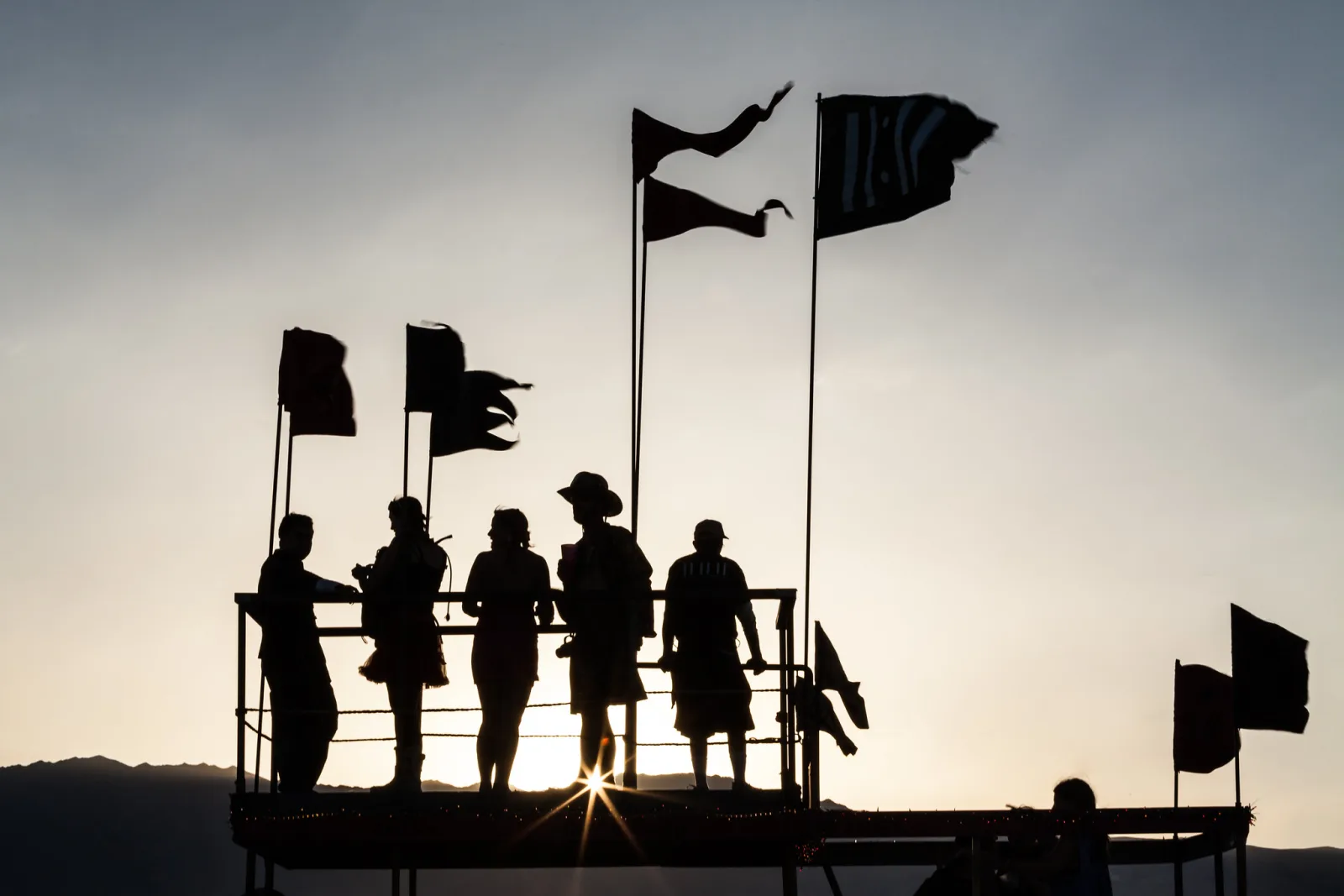
- Distance and light are privacy tools. People seen from behind, small in a landscape, blurred by motion or shown in silhouette tell the story without identifying anyone.
- Blur or crop when in doubt. An editor’s blur or a tighter crop can remove an identifiable face from the edge of a frame without changing the photograph’s meaning.
The strongest street photography often depends on candid strangers, and publishing it can be entirely legitimate. The test is whether the photograph shows the person with dignity and whether publication could cause them harm they did nothing to deserve.
Location data, geotags and places that cannot cope
When location access is switched on, phones (and cameras with GPS or a phone connection) write precise latitude and longitude into every file. Shared as an original file, a photo taken at home can reveal your address. A series of posts can reveal where you go and when. And a caption or geotag can send hundreds of people to a place that was never meant to host them.
Homes and routines
Turn off location tagging in your phone’s camera settings if you mainly photograph at home, or turn it off before sharing (more on that below). Be aware that the picture itself can give a location away even without any metadata: a distinctive view from a window, a street sign or a landmark on the skyline is enough for a determined person. Posting holiday photos after you get home, rather than while the house is empty, is an old but sensible habit.
Fragile landscapes
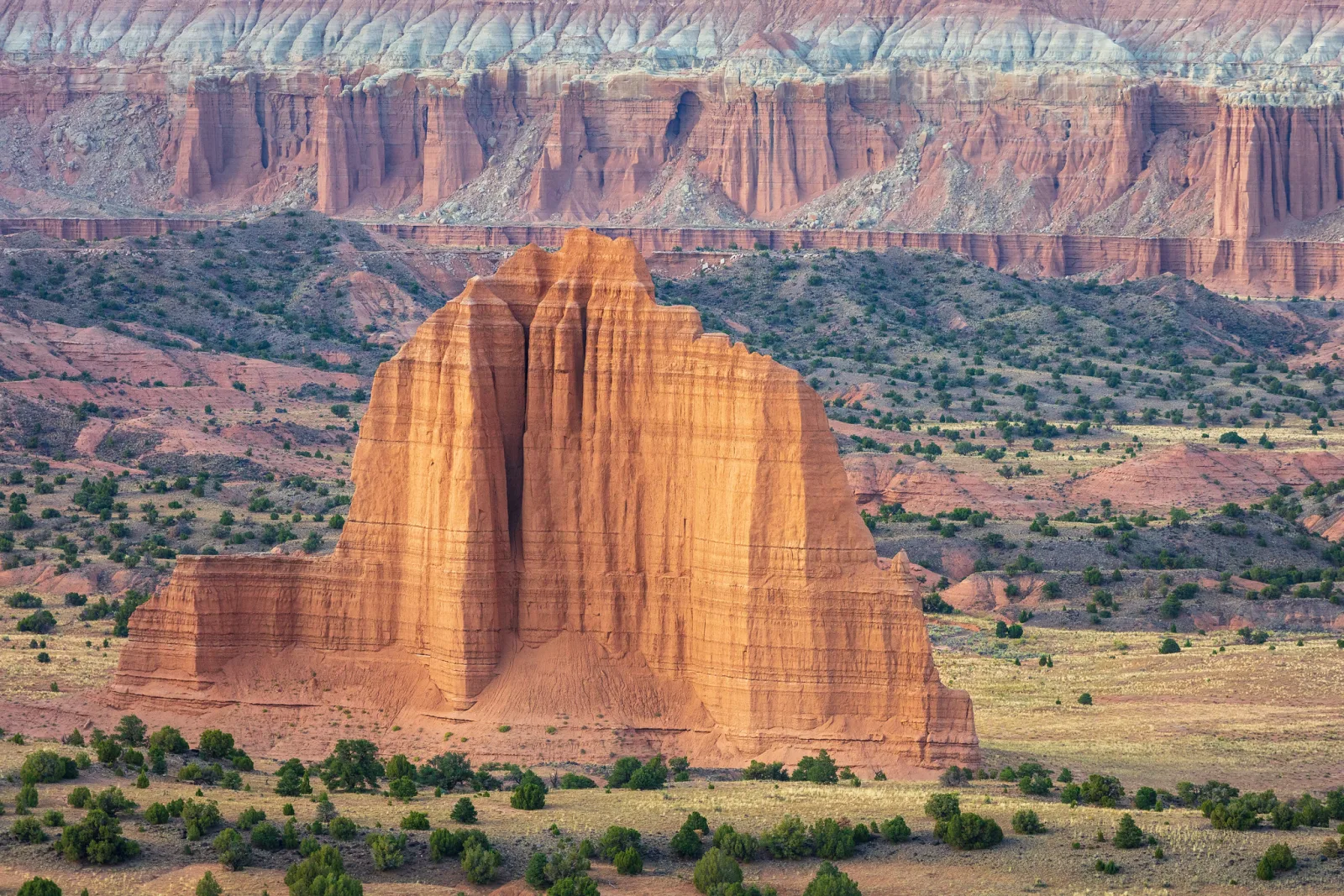
Some quiet places have been overwhelmed after photographs spread online with exact locations attached, leaving trampled vegetation, eroded trails, overflowing parking and litter where there was none. Famous, well-signed landmarks can absorb visitors, and naming them does no harm. A small meadow of rare flowers, an unmarked slot canyon, or a fragile cryptobiotic soil crust cannot. For places like these, name the wider region instead of the exact spot, skip the geotag, and let people who care enough do the research.
Rare wildlife, nests and dens
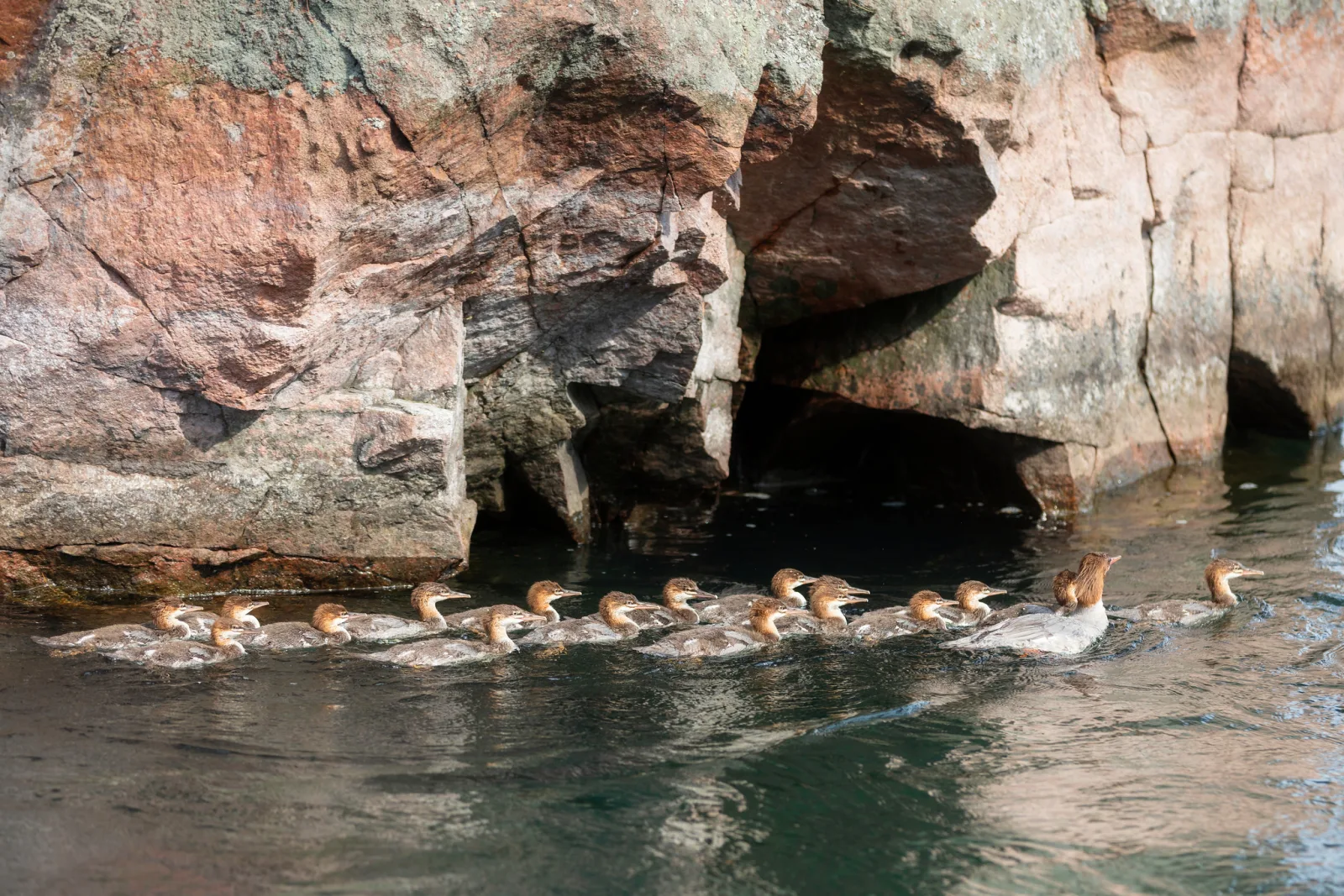
Sharing the location of a rare bird, an owl’s roost, a den or a nest can bring crowds that stress or displace the animals, and can guide collectors of eggs or rare plants straight to their target. Many birding and wildlife organizations ask members not to publish nest sites or the locations of sensitive species at all, especially during breeding season. Post the photograph, keep the place vague (“in the north of the county”), and strip the GPS data from the file. The fieldcraft side of this is in wildlife photography and bird photography.
What metadata stripping on upload does and does not do
Every photo file carries hidden information: the camera settings, the date and time, often the camera’s serial number, and, if location was on, GPS coordinates. The EXIF data guide explains the fields, and editing metadata covers the tools. What matters for sharing is where that data goes when you upload.
Many large social platforms remove location data from the version of the image other people can download. That is useful, but it is not the whole story:
- Behavior varies by service and changes over time. Portfolio sites, forums, blogs, website builders, cloud storage links and email attachments often deliver the original file with all its metadata intact.
- Stripping for viewers is not the same as the service not having it. A platform may read and keep the location before removing it from the public copy, and may use it for its own features.
- How you send matters. Messaging apps that compress photos usually strip metadata; sending the same image “as a file” or “as a document” to preserve quality usually sends the original, GPS included.
- The picture still speaks. Removing coordinates does not remove a street sign, a view or a reflection in a window.
Do not rely on memory or on what a service did in the past. Test it: upload a photo you know contains GPS data to the service you use, download it back as another person would, and inspect the downloaded file with an EXIF viewer (see how on a Mac or a PC). That tells you what your audience actually receives.
Stripping location before you share
The reliable approach is to remove the data yourself, so it never leaves your device:
- At capture, turn off location for the camera app when you photograph at home or at sensitive sites. It is simpler than cleaning files later.
- When sharing from a phone, look for an option in the share sheet to exclude location. Many phones offer one, though it may be hidden behind an options button.
- When exporting from an editor, use the metadata settings in the export dialog to remove location information. Most editors let you keep your copyright and creator details while removing GPS, which is the best of both.
- For whole folders, a metadata tool can remove GPS fields in one step, as described in the metadata guide.
Keep the location in your originals. It is valuable for your own archive. Strip it only from the copies you share.
Takedown requests and responding decently
Sooner or later someone will ask you to remove a photo. How you respond says more about you as a photographer than the photo does. Unless there is a compelling public-interest reason (serious journalism about a public figure’s public conduct, for example), take it down promptly, without argument, and thank them for telling you. You lose one image; they may be protecting their safety, job or peace of mind, and they owe you no explanation.
If you are the one asking, start with a polite direct message to the person who posted it: most people remove a photo quickly when asked. If that fails, most platforms have reporting routes for privacy violations, harassment and images of children. If the photograph is one you took yourself, you usually hold the copyright, and many countries have formal takedown procedures for copyright infringement that platforms must act on. Copyright basics for photographers explains who owns what.
The legal side varies by country
Laws on photographing and publishing people differ enormously. Some countries recognize a strong right to control your own image, even in public. Others allow publication of people photographed in public places but restrict commercial use without consent. Some data protection laws treat an identifiable photo of a person as personal data, with rules about how it can be stored and published. Children often receive extra protection. Using someone’s likeness to promote a product or service generally needs a signed release, which is explained in model release forms.
This guide explains concepts, not the law where you live. If you are unsure whether you can publish a particular photo, especially commercially, or if you receive a legal demand, consult a lawyer in your jurisdiction.
Common mistakes
- Treating “legal to take” as “fine to post”. Publishing reaches far more people for far longer. Ask before posting anyone recognizable in a private or sensitive moment.
- Posting children with identifying details. Uniforms, house numbers and full names combine into a map. Crop, use first names, and share privately.
- Posting in real time. Live location tells people where you and your family are right now. Post after you leave.
- Assuming the platform strips GPS. Many do for public copies, many do not, and files sent as documents keep everything. Test your own uploads.
- Geotagging fragile places and nest sites. Name the region, not the spot.
- Tagging people who did not ask to be tagged. Let people tag themselves.
- Arguing with a takedown request. Remove the photo and thank the person for telling you.
Try this
Audit your own last twenty public posts in fifteen minutes. First, download three of them back from the service as a stranger would, and open them in an EXIF viewer: note whether any location or camera data survived. Then look at all twenty with a stranger’s eyes, and for each one note whether it shows a recognizable person who did not agree to it, a child with an identifying detail (school, street, full name), or an exact location that is either your home or a fragile place. Change the privacy setting, crop, or remove anything that fails. Finally, find the setting on your phone that removes location when sharing, and turn it on.
Frequently asked questions
Do I need permission to post a photo of a stranger taken in public?
In many countries not legally, for non-commercial use, but some countries do require consent, and commercial use needs a release in most places. Ethically, the more recognizable the person and the more sensitive the moment, the stronger the case for asking, blurring, or not posting.
Is it safe to post photos of my kids with a private account?
Safer, not safe. Followers can screenshot and reshare, and accounts can be compromised. Treat anything you post, even privately, as potentially public, and leave out school, address and full-name details.
Does removing GPS data make a photo anonymous?
No. It removes the coordinates, but landmarks, signs, reflections and other visual clues can still reveal where a photo was taken. Look at the picture itself as well as the file.
Should I watermark photos to protect privacy?
A watermark signals ownership; it does nothing for the privacy of people in the photo and does not stop copying. Privacy comes from what you choose to show and the data you strip, not from a logo.
Related guides
- Photography ethics: the choices you make while taking pictures, before you share them.
- Editing photo metadata: tools for removing GPS and adding copyright details.
- EXIF data: what your camera writes into every file.
- Street photography: photographing strangers well and fairly.
- Photography for parents: capturing family life you will want to keep.
- Wildlife photography: fieldcraft that protects the animals you photograph.
- Model release forms: when you need written permission to use a person’s image.
- Copyright basics: who owns your photos and how takedowns work.