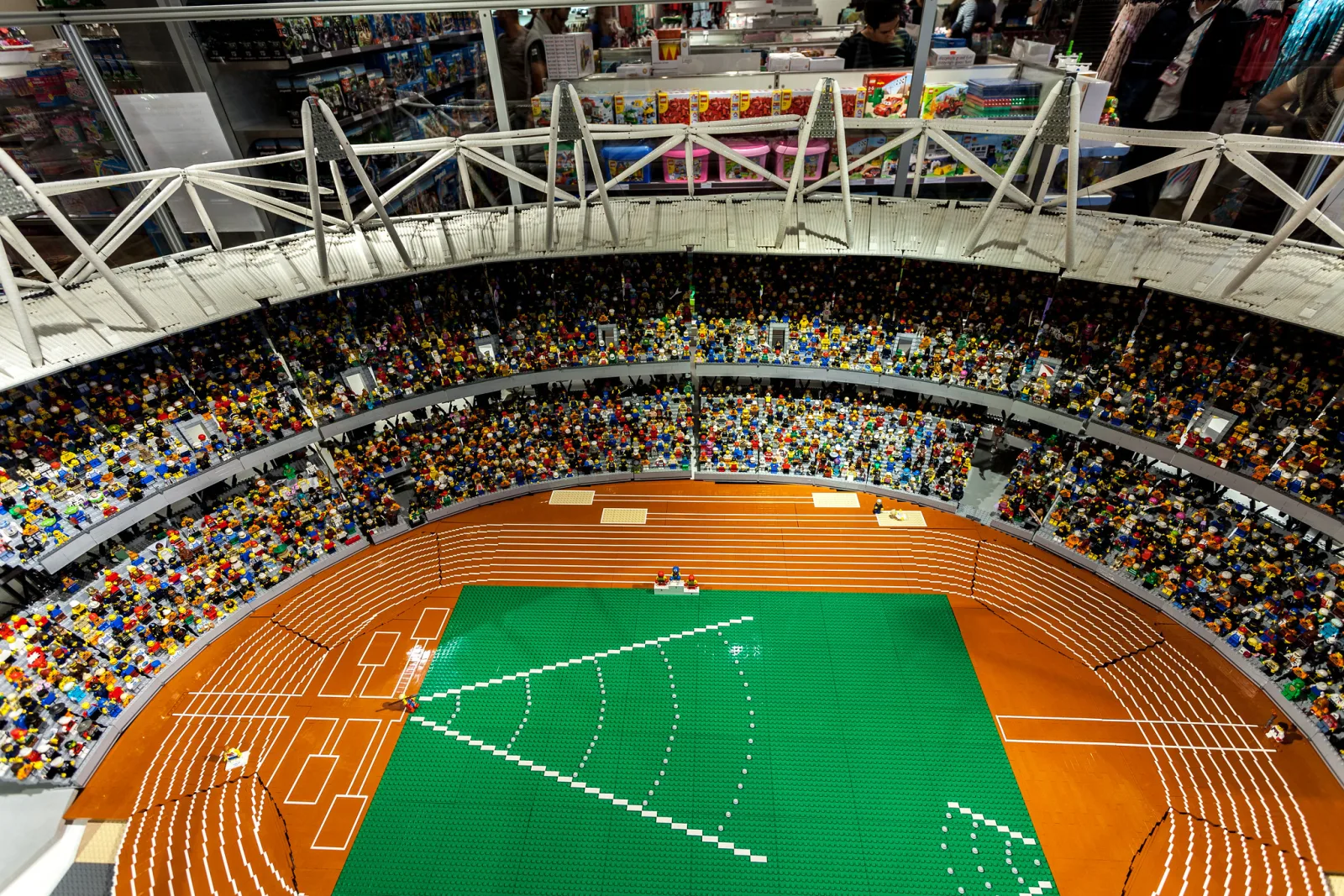
Stop motion is animation made from still photographs: you photograph a subject, move it a little, photograph it again, and play the frames back fast enough that the changes read as movement. Lock the camera on a tripod, set exposure, focus and white balance manually, light the scene with lamps instead of daylight, and plan on 12 photos for every second of finished film, or 24 for the smoothest motion.
This guide covers the whole job with a camera or a phone: locking down the setup, stopping flicker, working out how many frames you need, moving the subject convincingly, working outdoors and with people, and turning the frames into a video with sound. Time-lapse photography uses similar kit to record change that happens without you, and toy photography covers building and lighting miniature scenes for single pictures. This page is about making things move by hand.
How stop motion differs from time-lapse
Both techniques build a video out of still photographs taken from a fixed camera. The difference is who makes the change between frames.
| Time-lapse | Stop motion | |
|---|---|---|
| What changes between frames | The world: clouds, tides, traffic, a flower opening | The subject, moved by hand |
| What sets the timing | A clock: one frame every few seconds or minutes | Nothing: each frame is taken when the move is finished |
| Who fires the shutter | An interval timer | You, with a remote or an app |
| What it does to time | Compresses hours into seconds | Creates movement that never happened |
Two things follow. Because nothing is timed, you can take as long as you like between frames, and ten seconds of film can fill an afternoon. And because the subject is perfectly still in every photo, there is no motion blur, which gives stop motion its crisp, slightly staccato look.
Anything that holds a pose can be animated: modelling clay, toys and building bricks, household objects, food, drawings on a whiteboard, and paper cut-outs laid flat on a table with the camera pointing straight down. People work too, as a later section explains.
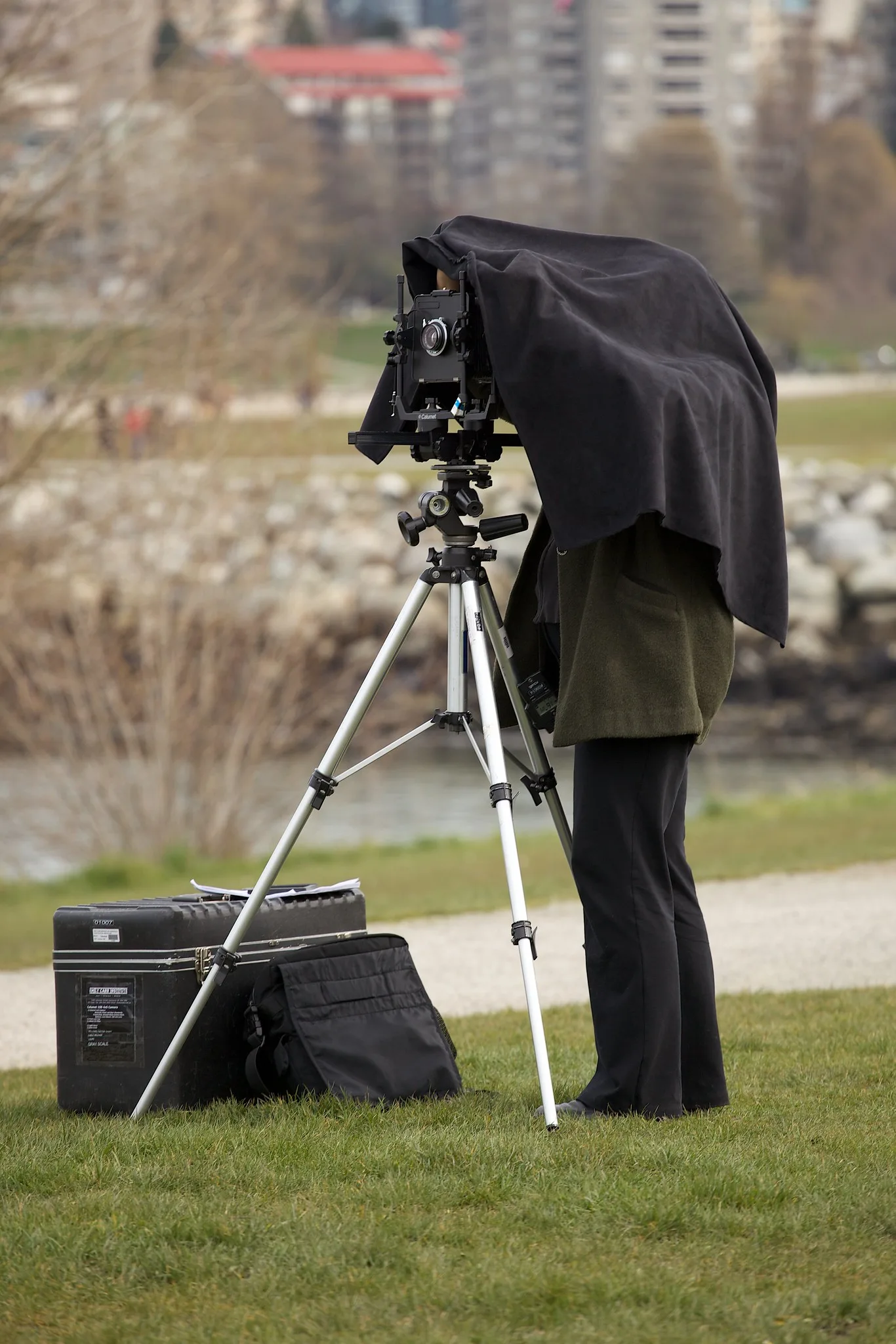
Locking the camera, exposure, focus and white balance
Any change between frames that you did not intend shows up as a jump or a flicker when the photos play at 12 a second. The rule is to fix everything except the subject.
Camera and set
- Use a sturdy tripod with the centre column down. On a smooth floor, tape around the feet so you can see if a leg has moved.
- Fix the set. Tape the baseboard and backdrop to a table that does not wobble, and do not lean on it.
- Never touch the camera to shoot. Use a remote release, the maker’s phone app, or a computer connected by cable, which is called tethering.
- Plan the power. A session can run for hours, and changing a battery can shift the camera. Begin with a full battery, use a mains adapter if you have one, and turn off the automatic sleep timer.
- Turn image stabilisation off. On a tripod some systems drift slightly, which moves the frame.
Camera settings
- Manual exposure. Fix the aperture, shutter speed and ISO, with Auto ISO off. Any automatic mode meters again for each frame, and as the subject moves the brightness of the whole picture changes. How to shoot in manual mode walks through setting the three controls.
- Aperture around f/8 to f/11 for small sets. At close range depth of field is shallow, and a figure walking toward the lens soon leaves the sharp zone. Keep ISO low. The shutter speed can be as slow as it needs to be, because nothing moves during the exposure.
- Manual focus. Focus on the subject, then switch to manual focus so the lens cannot hunt between frames.
- Fixed white balance. Choose a preset or a Kelvin value that suits your lamps. Auto white balance shifts colour as the subject moves through the frame.
- A small image size. A Full HD video frame is 1920 by 1080 pixels, about 2 megapixels, and a 4K frame is 3840 by 2160, about 8 megapixels. A small or medium JPEG is usually plenty and saves hours of file handling.
- Room to crop. Video is normally 16:9, wider than the 3:2 or 4:3 frame of most cameras, so the top and bottom will be trimmed. Compose with that in mind, or set a 16:9 crop in the camera if it has one.
On a phone
Stop motion apps handle capture, playback and export in one place. Choose one that lets you lock exposure, focus and white balance, and use all three locks. Clamp the phone in a stand, trigger it with a remote or the app’s timer so you do not touch the screen, silence calls and notifications, and keep it plugged in.
Most apps and tethering programs also offer onion skinning: the previous frame is shown as a faint ghost over the live view. It lets you judge exactly how far you have moved the subject and put back a prop that fell over.
Lighting that does not flicker
Flicker, a pulsing of brightness from frame to frame, is the signature fault of stop motion. It has five common causes.
| Cause | What you see | Fix |
|---|---|---|
| Daylight changing | Brightness and colour drifting, shadows creeping | Close the curtains and light with lamps only |
| Automatic exposure, ISO or white balance | Brightness or colour jumping as the subject moves | Set everything manually |
| The animator | Random lighter and darker frames | Stand in the same spot for every photo and wear dark, matt clothes |
| Mains-powered lamps | Random lighter and darker frames, sometimes bands | Use a slow shutter speed and avoid dimmers |
| The lens aperture | A fine shimmer | Shoot wide open, or use a lens with a manual aperture ring |
Daylight fails because a scene takes an hour or more to shoot. The sun moves and clouds pass, and played back at 12 frames a second an hour of those changes is squeezed into a few seconds of strobing. Work in a room you can darken.
Your own body is a reflector. Light bounces off a pale shirt on to a small set, and it changes every time you stand somewhere different. After each move, step back to the same place before you fire the shutter.
Mains lamps pulse at twice the supply frequency: 100 times a second on a 50 Hz supply and 120 times on 60 Hz. A fast shutter speed catches a different part of the pulse in each photo. A slow one averages many pulses: at 1/4 second the exposure spans 25 or 30 of them, and the frames match. Lamps on a dimmer often flicker more, so run them at full power and control brightness by moving them.
Aperture flicker comes from the lens. Most lenses stay wide open for viewing and close to the set aperture at the moment of exposure, and the blades do not land in exactly the same place every time. Shooting wide open removes the movement at the cost of depth of field. Many animators accept the shimmer and remove it afterward with a deflicker filter.
For the light itself, two or three continuous lamps are enough: LED panels, or desk lamps with identical bulbs. Put one to the side and above as the main light, a weaker or more distant one on the other side to soften shadows, and a third on the background if it looks dull. Fix the lamps so they cannot be knocked.
Still getting bands or uneven frames under household lamps? Flicker and banding under artificial light explains why lights pulse at twice the mains frequency and lists flicker-safe shutter speeds.
Frames per second and how many photos you need
Frame rate is the number of photos shown each second. It sets how smooth the motion looks and how much work you have.
- 24 frames per second is the cinema standard and the smoothest. Every second needs 24 different photos.
- 12 frames per second is the usual choice for stop motion. Each photo is shown for two frames of a 24 frames per second video, which animators call shooting on twos. It halves the work and motion still reads as continuous.
- Around 8 frames per second is visibly jerky but quick, and suits cut-outs and deliberately rough styles.
| Length of film | At 8 per second | At 12 per second | At 24 per second |
|---|---|---|---|
| 5 seconds | 40 photos | 60 photos | 120 photos |
| 10 seconds | 80 photos | 120 photos | 240 photos |
| 30 seconds | 240 photos | 360 photos | 720 photos |
| 60 seconds | 480 photos | 720 photos | 1,440 photos |
Budget the time honestly. If each frame takes 20 seconds to adjust and shoot, 120 frames take 40 minutes, and that buys ten seconds of film. A script of 10 to 20 seconds is a satisfying project that actually gets finished.
Plan in frames, not seconds. Write the action as a list with a count beside each part: ball rolls in, 24 frames; pause, 6; bounce, 12. At 12 frames per second, 12 frames is one second, 6 is half a second and 3 is a quarter.
Which frame rate should the finished video file use? Camera settings for video covers choosing a frame rate and the 180-degree shutter rule.
Moving the subject: spacing, easing and holds
Speed on screen is set by one thing: how far the subject moves between photos. Large gaps look fast and small gaps look slow.
Spacing. Divide the distance by the number of frames. A toy car crossing 60 cm of table in two seconds at 12 frames per second has 24 frames, so it moves 2.5 cm per photo. The same crossing in four seconds is 48 frames of 1.25 cm. Mark the steps on a strip of masking tape just outside the frame.
Easing. Real objects do not reach full speed instantly or stop dead. Make the first few moves small and growing, and the last few small and shrinking. For the car, three opening steps of 0.5, 1 and 2 cm, eighteen steps of about 3 cm, and three closing steps of 2, 1 and 0.5 cm cover the same 60 cm in the same 24 frames. Animators call this slow in and slow out, and it is the biggest single difference between a slide and a movement with weight.
Holds. A pose needs time to be read. Shoot several identical frames, or duplicate one when editing: six frames at 12 per second is a half-second pause. Hold before an action and after it. A film with no holds feels frantic.
Anticipation and arcs. Before a big move, make a small one the other way, such as a figure crouching before a jump. Move limbs and thrown objects along curves, not straight lines.
Support. A blob of reusable putty under each foot keeps a figure standing mid-stride. For anything that has to fly, prop it on wire hidden behind it, or lay the whole scene flat and shoot from above so gravity stops mattering.
Build a routine and repeat it for every frame: move the subject, take your hands out, step back to your spot, look at the screen, shoot. Play the sequence back every 10 to 20 frames. A bad frame is cheap to delete and reshoot while the set is untouched.
Pixilation and stop motion outdoors
Pixilation is stop motion with people in place of puppets. The person holds a pose for each photo, moves a little and holds again. Played back, people slide across floors without walking, ride invisible cars and sink into the ground.
The classic trick is the glide. The subject jumps straight up, you take the photo at the top of the jump, and they take a small step forward before the next one. Every frame shows them in the air, so on playback they float forward above the ground. Use a shutter speed of about 1/500 second or faster to freeze the jump, which needs far more light than tabletop work. It suits a group: one person on the camera, one directing, the rest performing.
Outdoors you give up control of the light. The sun crosses the sky at about 15 degrees an hour, so shadows swing during a long shoot, and a passing cloud can change the exposure by several stops between two frames.
- Work fast. Plan short sequences you can shoot in a few minutes.
- Pick a stable sky. Fully overcast or completely clear is far easier than broken cloud.
- Stay in manual exposure. Real changes in the light look natural. A camera chasing them with automatic exposure adds flicker on top.
- Use the change. Racing shadows and clouds behind a slowly animated subject mix stop motion with time-lapse, and the mix looks good.
- Weigh things down. Wind moves light props between frames.
In public places, rules about tripods and filming vary, so check them locally, and ask people before you include them.
Assembling the frames, sound and finishing
- Gather the frames. Copy them to one folder, keep the camera’s numbered file names so the order is safe, and delete test shots and frames with hands in them.
- Adjust them as a batch. Apply one crop and one colour correction to every frame identically. Never use an automatic tone button on each photo separately, because it brings flicker back.
- Import as a sequence. Many video editors have an image sequence option that turns a numbered folder into one clip. Otherwise, set the default duration of a still to one frame before dragging the photos to the timeline. For 12 frames per second, a 24 frames per second project with each photo lasting two frames gives a standard video file.
- Fix the timing. Add holds by duplicating frames. If a section is too slow, remove every second photo. Try reversing a clip for things that are hard to animate forward: knock a tower down brick by brick, play it backward, and it builds itself.
- Deflicker if needed, then export. H.264 video in an MP4 file plays almost everywhere.
How do you give several hundred frames the same crop and colour? Batch editing in Lightroom covers Sync Settings and copying and pasting settings across a set.
Want a short loop instead of a video file? How to make a GIF in Photoshop walks through building one.
Sound
Sound is half the effect. Silent footage looks like a test, and the same footage with footsteps and a thud looks finished.
- Effects. Record taps, rustles and voice noises on a phone and place each one on the exact frame of the action. At 12 frames per second one photo lasts a twelfth of a second, and a sound two frames late is noticeable.
- Music. It sets the pace, and holds and moves cut to the beat look deliberate. Use only music you have the right to use, and check the licence terms before publishing.
- Speech. Record the voice before animating. Count how many frames each word lasts in the editor, then shape the mouth or gesture to match.
Common mistakes
- Flicker from automatic settings. Fix: manual exposure, ISO, white balance and focus.
- Daylight in the room. Fix: close the curtains and use lamps.
- A bumped camera or set. Fix: tape everything down and fire the shutter remotely. If it happens anyway, realign with the onion skin, or change the camera angle at that point so the jump becomes a cut.
- Moves that are too big. Everything rushes. Fix: halve the spacing and measure it.
- Constant speed and no pauses. The motion looks robotic. Fix: ease in and out, and hold poses for 6 to 12 frames.
- Hands and shadows in the frame. Fix: follow the same routine for every photo and look at the screen before shooting.
- Focus lost as the subject approaches. Fix: stop down, and move the action across the frame instead of toward the lens.
- A script that is too long. Fix: plan 10 to 20 seconds and finish it.
Try this
Give a coin fifteen minutes. Close the curtains, light a table with one desk lamp and lock a phone or camera in place with everything set manually. Put the coin at the left edge of the frame and shoot 24 photos as it crosses to the right: four small, growing moves, sixteen equal larger ones and four shrinking ones. Add six identical frames at the end as a hold. Then repeat the crossing with 24 equal moves and no hold. Play both at 12 frames per second. The first coin has weight and comes to rest. The second slides like a cursor. That difference is easing.
Frequently asked questions
How many pictures do you need for stop motion?
Multiply the length in seconds by the frame rate. At the usual 12 frames per second, a 10 second film needs 120 photos and a 30 second film needs 360. At 24 frames per second, double those numbers.
What is the best frame rate for stop motion?
Twelve frames per second suits most projects: motion reads as continuous and the work is half that of 24. Use 24 for the smoothest result and about 8 for a quick or deliberately rough look.
Can you make stop motion with a phone?
Yes. A stop motion app captures the frames, shows the previous one as a ghost and exports the video. Clamp the phone in a stand, lock exposure, focus and white balance, and trigger it without touching the screen.
Why does my stop motion flicker?
Something other than the subject changed between frames. The usual causes are automatic exposure or white balance, daylight in the room, your own shadow or reflection, and mains lamps photographed at a fast shutter speed.
What is the difference between stop motion and time-lapse?
In time-lapse the camera fires on a timer and records change that happens without you. In stop motion nothing moves until you move it, and you take each photo when the move is done.
Related guides
- Time-lapse photography: intervals, settings and assembly when the world does the moving.
- Toy photography: building scenes and lighting miniatures.
- How to make a cinemagraph: a still picture with one looping area of motion.
- Video for photographers: frame rates, audio basics and shot sequences.
- How to teach photography: assignments, critique and shared cameras in a classroom.
- Photography for kids: projects and storytelling activities for young photographers.
- Eadweard Muybridge: the photographer whose motion studies broke movement into single frames.