Many artificial lights do not shine steadily. Powered by alternating current, fluorescent tubes, street lamps and many LEDs pulse in brightness 100 times a second where mains power runs at 50 Hz, and 120 times a second where it runs at 60 Hz. At fast shutter speeds, and especially with an electronic shutter, the camera catches only part of each pulse, which shows up as dark horizontal bands across the frame or as brightness and colour that change from one shot to the next. Choosing a shutter speed that spans whole flicker cycles, such as 1/100 or 1/50 second in 50 Hz regions and 1/120 or 1/60 second in 60 Hz regions, removes most of the problem.
Why lights flicker at twice the mains frequency
Mains electricity is alternating current. The voltage swings from positive to negative and back 50 or 60 times a second, depending on where you are. Most of Europe, Africa, Asia and Australia use 50 Hz. North America, much of South America, and a few other countries use 60 Hz. Japan is split: the east runs at 50 Hz and the west at 60 Hz.
A light does not care which direction the current flows. It brightens when the voltage is high in either direction and dims as the voltage passes through zero. That happens twice per cycle, so the brightness pulses at twice the mains frequency: 100 times a second on a 50 Hz supply, 120 times a second on a 60 Hz supply. One flicker cycle therefore lasts 1/100 second or 1/120 second.
How deep the dip goes depends on the light source:
| Light source | Typical flicker behaviour |
|---|---|
| Incandescent and halogen bulbs | Very mild. The hot filament cannot cool much in 1/100 second, so the dips are shallow. |
| Fluorescent tubes on older ballasts | Strong, at twice mains frequency. Modern electronic ballasts run the tube at a much higher frequency and flicker far less. |
| Sodium and other discharge street and stadium lamps | Often strong, at twice mains frequency, sometimes dimming almost to nothing between pulses. |
| LED lights | Anywhere from steady to severe. It depends entirely on the driver electronics, and dimmed LEDs may flicker at rates unrelated to the mains. |
| Screens and LED video walls | Set by their own refresh and dimming rates, which can be almost anything. |
Your eyes and brain average out pulses this fast, so a room that looks perfectly steady can be flickering hard. The camera, working in fractions of a second, does not average them unless you give it enough time.
How flicker becomes bands and uneven frames
The problem appears when the exposure is shorter than one flicker cycle, or when different parts of the sensor are exposed at different moments. Both are common.
Frame-to-frame variation. At a shutter speed of 1/1000 second under 100 Hz flicker, each exposure captures only a tenth of a cycle. If that tenth falls on the peak, the frame is bright; if it falls in the trough, the frame is dark. Shoot a burst and the frames jump around in brightness, sometimes by a stop or more, even though the scene did not change.
Bands within one frame. A focal-plane shutter at high speeds does not expose the whole sensor at once. A narrow slit between the two curtains travels across the sensor, so the top and bottom of the frame are exposed at slightly different moments. If the light brightens and dims during that travel, part of the frame gets more light than the rest, producing a soft band or gradient.
An electronic shutter makes this much worse. With an electronic shutter, the sensor is read out row by row, and on many cameras that readout takes several hundredths of a second, far longer than a mechanical curtain takes to cross the frame. If readout takes 1/30 second under 120 Hz flicker, the rows span four full flicker cycles, and you see four distinct dark bands running across the image. This is the same row-by-row timing that causes rolling shutter distortion of moving subjects. A roughly useful formula is: number of bands equals readout time multiplied by the flicker frequency.
The bands run parallel to the sensor’s rows, which lie along the long side of the frame when you hold the camera normally. Turning the camera to portrait orientation turns the bands with it, a quick way to confirm that what you are seeing is flicker rather than something in the scene.
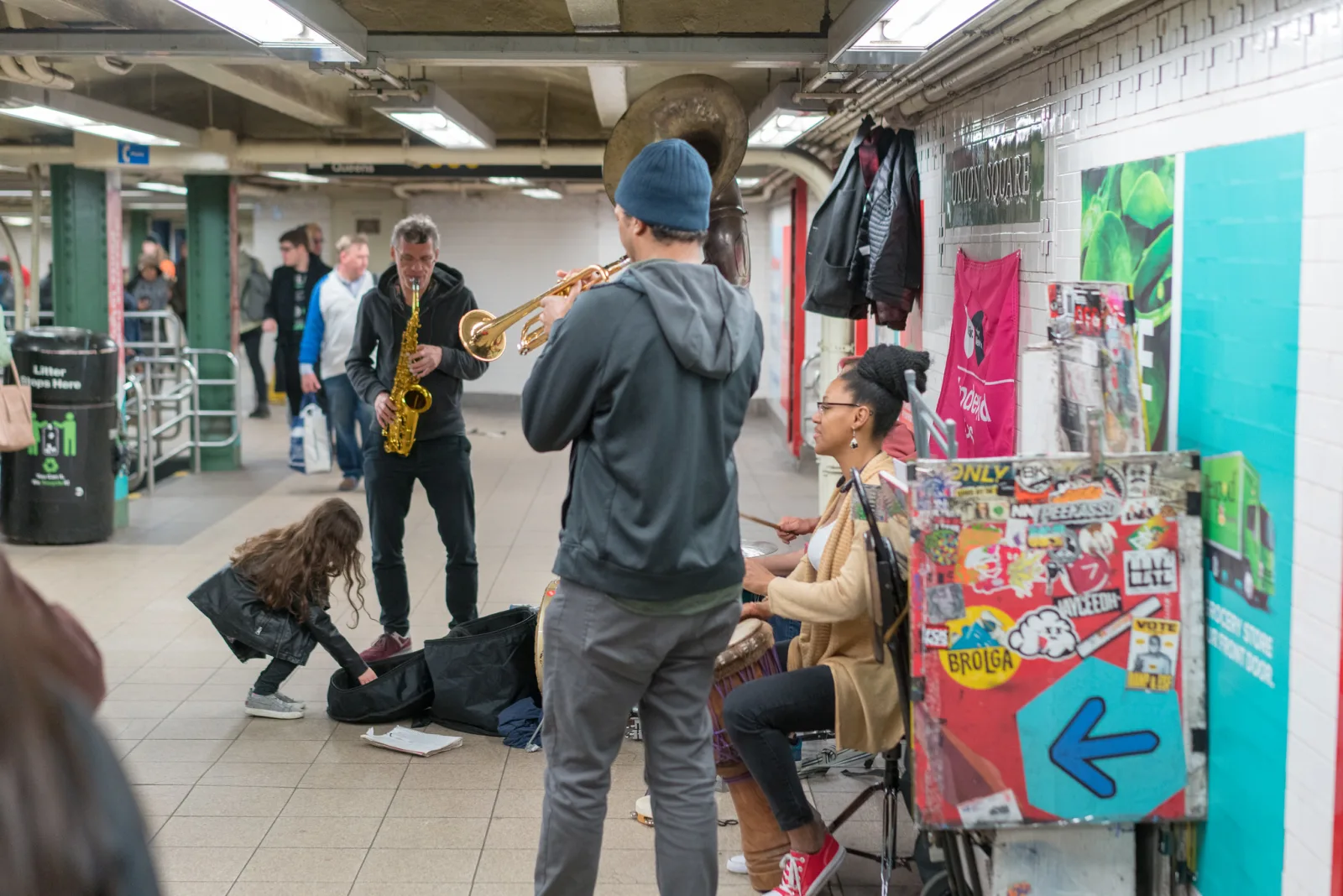
Flicker-safe shutter speeds
The simplest cure is an exposure long enough to contain a whole number of flicker cycles. Then every frame, and every row of the frame, collects the same total light regardless of where in the cycle it started.
| Mains frequency | Flicker frequency | Safe shutter speeds |
|---|---|---|
| 50 Hz | 100 Hz | 1/100, 1/50, 1/25 s and slower multiples |
| 60 Hz | 120 Hz | 1/120, 1/60, 1/30 s and slower multiples |
A few practical points follow from this:
- Check that your camera offers the exact value. In third-stop steps many cameras offer 1/100 and 1/50 but show 1/125 rather than 1/120. On a 60 Hz supply, 1/125 is close enough to 1/120 to help, and 1/60 is exact.
- Slower is always safer. Beyond a handful of cycles, the leftover fraction becomes small compared with the whole exposure. At 1/15 second or slower, flicker rarely shows, and a tripod-mounted exposure of a second or more averages it out completely.
- Match the region, not the camera. A camera bought in one country and used in another still needs speeds that match the local supply.
- Use 1/50 or 1/60 for video. Video shot at 25 frames per second with a 1/50 shutter, or at 30 frames per second with 1/60, lines up naturally with local flicker. The camera settings for video guide covers frame rates.
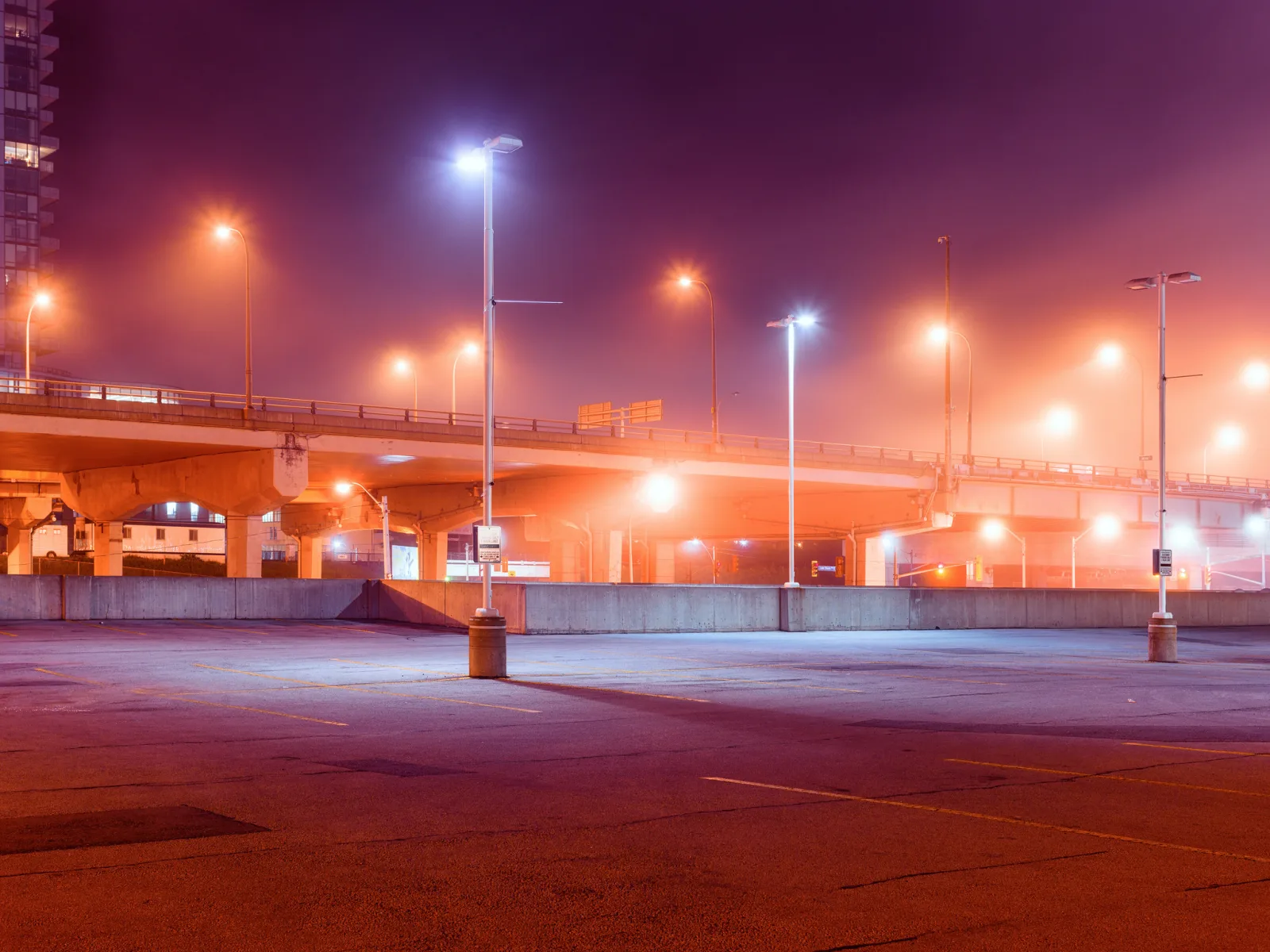
The exposure above lasted five seconds, which spans around five hundred flicker cycles. At that length flicker cannot affect the image at all. It becomes a concern only when you shorten the exposure to freeze movement, which is exactly what happens at events, on stage and in sport.
When you need a fast shutter: anti-flicker modes
Sport and stage work often need 1/500 second or faster, far too short to span a flicker cycle. For this, many cameras offer an anti-flicker or flicker-reduction setting. The idea is the same across brands:
- The camera measures the flicker frequency through its metering sensor.
- When you press the shutter button, it waits a few milliseconds until the light reaches the peak of its cycle.
- It fires the shutter at that moment, so every frame is taken at the same, brightest part of the cycle.
The result is consistent brightness and colour through a burst, plus reduced banding because the peak of the cycle is the flattest part. The costs are a tiny delay before each frame and, on some cameras, a slightly lower burst rate. Most implementations work with the mechanical shutter and handle only 100 Hz and 120 Hz flicker.
Some cameras also offer a fine shutter speed adjustment, sometimes described as high-frequency flicker reduction, that lets you set speeds in very small steps between the usual values. It is designed for LED lights, screens and video walls that flicker at rates unrelated to the mains. You watch the live view with an electronic shutter and nudge the speed until the bands stop moving and disappear.
If your camera has neither feature, switch to the mechanical shutter under artificial light, because its faster curtain travel produces far milder bands than a slow electronic readout. Then shoot short bursts and expect to discard a few frames.
Colour shifts, not just brightness
Flicker does not only change how bright a frame is. Many discharge and fluorescent lamps also change colour through each cycle, because the different phosphors or gases that produce their light brighten and fade at slightly different rates. Catch the cycle at one moment and the frame leans green; catch it at another and it leans magenta or orange.
That is why a burst under arena or gym lighting can produce frames that each need a different white balance, and why automatic white balance seems to wander even when nothing in the scene changes. A matching shutter speed or anti-flicker mode fixes both brightness and colour at once, because every frame then sees the same slice of the cycle, or the whole of it.
Mixed sources make it harder. A street lit by old sodium lamps next to newer LED fixtures has two different colours and possibly two different flicker behaviours. A shutter speed that spans whole cycles still helps with the mains-rate flicker, but the colour mismatch between sources remains and has to be handled as a colour cast in editing.
Stages, stadiums and streets
Concert and theatre stages combine several kinds of light. Traditional tungsten stage lamps flicker little. LED fixtures, lasers and video screens can flicker at their own rates, especially when dimmed. Moving lights and strobe effects change deliberately. A shutter at 1/100 or 1/120 second is often too slow to freeze performers, so anti-flicker mode and a willingness to cull frames are your main tools. The concert photography guide covers the rest of stage work.
Stadiums, gyms and arenas are the classic flicker problem, because sport needs fast shutters and older venues often use discharge lamps that flicker deeply. Many newer venues use lighting designed to be flicker-free for broadcast, but school gyms, community rinks and older halls often do not. Test a burst at your chosen speed before the action starts and look at the frames side by side.
Street lights vary with their age. Older sodium lamps flicker at twice mains frequency and throw a strong orange cast. Many cities have replaced them with LED fixtures, which may or may not flicker. For night street photography at 1/60 second or slower, flicker is rarely a problem; for fast handheld frames of moving traffic, it can be.
Not the same as gradient banding
The word banding also describes a completely different problem. Gradient banding is visible steps in a smooth tone, such as a sky that should fade evenly but shows distinct stripes of colour. It comes from too few tonal levels, usually after heavy editing of an 8-bit file or strong compression, and it has nothing to do with lighting.
- Flicker banding appears in the camera, runs straight across the frame parallel to the sensor’s rows, and changes position from frame to frame.
- Gradient banding follows the shape of the tones in the image, stays the same in every copy of the file, and usually appears or worsens during editing or export.
If the stripes are straight and parallel to the frame edge, and they move when you take another shot, it is flicker. If they curve with a sky or a shadow, it is gradient banding.
Fixing flicker afterwards
Prevention is far easier than repair, but some damage can be reduced in editing.
- Uneven brightness across a burst: this is the easiest to fix. Choose a reference frame, then match exposure and white balance across the others. Editors that sync settings across a selection, or that offer automatic exposure matching, do most of the work. The matching exposures across photos guide explains the approach.
- Soft single bands: a graduated adjustment aligned with the band, raising exposure and correcting colour in the dark stripe, can make a gentle band disappear.
- Multiple hard bands from an electronic shutter: these are very difficult to remove, especially when the bands also shift colour. Usually the honest answer is to use a different frame.
- Time-lapse and video: deflicker tools compare neighbouring frames and smooth out brightness changes. They handle slow flicker well but cannot fix bands within a frame.
Common mistakes
- Using the electronic shutter under artificial light. The slow readout turns flicker into hard stripes. Switch to the mechanical shutter indoors unless you need silence.
- Picking 1/125 in a 50 Hz country. It is not a multiple of the flicker period and gives uneven frames. Use 1/100 or 1/50.
- Blaming white balance for colour that jumps between frames. If the scene is steady but colour wanders across a burst, suspect flicker first and match the shutter speed or turn on anti-flicker.
- Trusting your eyes. Lights that look steady can flicker deeply. Test with a short burst before an important moment.
- Confusing flicker bands with gradient banding. One is a capture problem, the other an editing and file problem. Check the shape and whether it moves between frames.
Try this
Find a room lit by fluorescent tubes or LED ceiling panels, such as an office, a supermarket or a school corridor. Set your camera to shutter priority and a fixed ISO, switch on the electronic shutter if you have one, and photograph a plain wall at 1/2000, 1/500, 1/125 and 1/100 or 1/120 second, whichever matches your region. Then repeat with the mechanical shutter. Finally, shoot a burst of ten frames at 1/1000 second, with and without anti-flicker if your camera has it. Lay everything side by side. In ten minutes you will know how your camera behaves under local lighting and which settings you can trust.
Frequently asked questions
Why do I see stripes on my screen in live view but not in the photo?
Live view often uses the sensor’s electronic readout, which shows flicker bands. If the photo is taken with the mechanical shutter at a flicker-safe speed, the bands will not be in the file.
Do all LED lights flicker?
No. Well designed LED drivers produce nearly steady light. Cheap drivers and many dimmed LEDs flicker, some at mains rates and some at much higher rates. The only way to know is to test.
Does flicker affect phone cameras?
Yes. Phones use electronic shutters, so they can show bands under flickering light. Most phones detect flicker and adjust their exposure time automatically, which is why the problem is more common in slow-motion video and fast bursts.
Can a flash avoid flicker problems?
If the flash provides nearly all the light on the subject, yes, because its burst is far shorter and far brighter than the flickering ambient. Any area lit mainly by the room lights can still show variation.
Related guides
- Rolling Shutter: the row-by-row readout that turns flicker into bands.
- Electronic Shutter: when to use it and when to avoid it.
- Banding: the other kind of banding, caused by too few tonal levels.
- Concert Photography: fast shutters under difficult stage light.
- Camera Settings for Video: shutter speeds and frame rates that avoid flicker.
- Best Camera Settings for Indoor Photography: working under artificial light generally.
- Balancing Flash and Ambient Light: using flash to take control of indoor light.