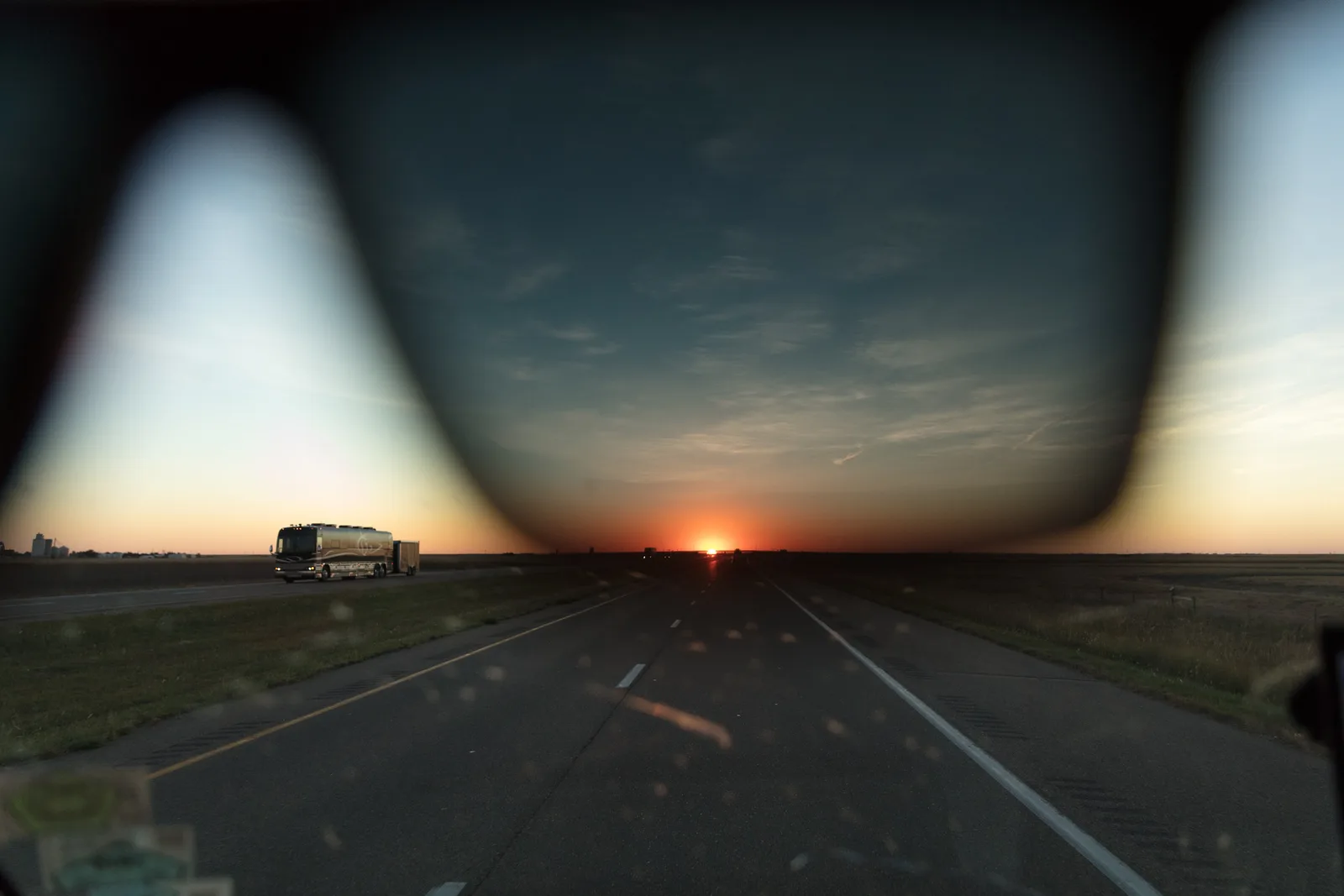
Glare on glasses happens when a light, a window or the flash reflects off the lenses straight back into your camera. To get rid of it, change the angle between the light, the glasses and the camera: move the light higher or further to the side, raise or lower your camera a little, ask the person to tilt their chin down slightly or turn their head a touch, or tilt the glasses down by lifting the arms just off the ears. Turn off any flash pointed straight at the face. If a little glare is left, it can usually be removed in editing.
Photographing someone who wears glasses is one of those things that looks simple until you try it. You take what seems like a lovely portrait, then notice a bright white rectangle covering one eye. Do not worry. With a few small adjustments, you can photograph anyone with glasses and keep their eyes clear, and the person will look like themselves.
This guide explains why glare happens, how to fix it with the light, the camera position and the person’s pose, what to do with a phone, how to handle sunglasses and lenses that darken in sunlight, and how to clean up glare afterward.
Why glare happens
Glasses lenses are curved, shiny surfaces. Like a mirror, they reflect light. The rule for reflections is simple: light bounces off a surface at the same angle it arrives. If light hits the lens and bounces straight toward your camera, you see glare. If it bounces off in any other direction, you do not.
So glare is all about angles. Three things decide the angle:
- Where the light is. A flash on top of the camera, a window behind you or a lamp at eye level are the usual culprits.
- Where the camera is. If the camera is in the path of the reflected light, it sees the glare.
- How the glasses are angled. A tiny tilt of the head changes where the reflection goes.
A quick way to test: look at the glasses from where your camera is. If you can see a reflection of the light in them with your own eyes, the camera will see it too. If you cannot, you are probably fine.
Anti-reflective coatings help a lot, but they do not remove reflections completely. With strong light you may still see a faint green, purple or blue sheen. The same fixes work for that too.
Fix 1: move the light
The light is usually the easiest thing to move, especially indoors.
- Raise it. A light placed higher than the face, angled down, reflects downward off the lenses, away from the camera. This is the most reliable fix of all.
- Move it to the side. Light from 45 degrees or more to one side bounces off to the other side. Side lighting also gives the face a nice shape. The page on key light explains how photographers position their main light.
- Use a window from the side. Put the person beside a window, not facing it with the window directly behind you. The guide to window light portraits has more on this.
- Bounce the flash. If you have a flash that can tilt, point it at the ceiling or a wall so the light comes from above or the side. See bounce flash.
- Turn off the built-in flash. A flash on the camera or phone is right next to the lens, so it almost always reflects straight back. Turn it off and use available light.
Watch out for big light sources directly in front, such as a large window behind you or a big softbox (a fabric box that softens a studio light) placed next to the camera. Large sources make large reflections, which are harder to dodge. Moving them higher or more to the side solves it.
Fix 2: move the camera
If you cannot move the light, move yourself.
- Raise the camera slightly and shoot from a little above eye level, with the person looking up a touch toward the lens. This is flattering for most people anyway.
- Or lower it slightly, if the light is coming from above and reflecting down toward a low camera.
- Step a little to one side. Even a small step can move you out of the reflection.
- Use a longer focal length. Standing further back with a zoom or a telephoto lens means small changes in angle move reflections more, and it also gives more flattering face shapes.
Move in small steps and keep looking at the glasses. You will see the reflection slide off the lens.
Fix 3: adjust the pose and the glasses
Small changes to the person’s pose work wonders. Ask nicely and explain why; people who wear glasses are usually familiar with the problem and happy to help.
- Tilt the chin down slightly. Just a little, so the lenses angle toward the floor and the reflection goes downward. Too much, and the face looks awkward, so watch the result.
- Turn the head a few degrees. A slight turn away from the light often clears the lens nearest the light first.
- Tilt the glasses themselves. Ask the person to lift the arms of the glasses just off the tops of their ears. This tips the front of the lenses down without changing the pose. From the front it is invisible, and it fixes many stubborn reflections. Check it does not look odd from the side if you are shooting a profile.
- Push them up the nose. Glasses that have slid down sit at a different angle and also hide the eyes behind the frame. Ask the person to push them up.
These adjustments are part of posing. The portrait posing guide covers how to direct people kindly and clearly.
Not sure how to light a face in the first place? Portrait photography covers light, posing and framing for beginners.
Outdoors: sky reflections and sunlight
Outdoors, the light source is the sky itself, which is huge. You will often see the bright sky, clouds or trees reflected in the lenses. Try these:
- Turn the person so the bright sky is to the side, not behind you.
- Use shade. In open shade, place the person so they face the bright open area at an angle, rather than square on.
- Use something dark behind you. A building, hedge or dark wall behind the photographer gives the lenses something dark to reflect. Dark reflections hardly show.
- Try a polarizing filter. A polarizing filter on the camera lens can reduce reflections on glass. Turn it slowly while you look at the glasses and stop where the glare fades. It does not work at every angle, and it can create odd color patterns in some lenses, so check the result.
Photographing groups with glasses
Groups are harder, because everyone’s head is at a slightly different angle. A few tips help:
- Raise your light, or bounce it off a high ceiling, so it comes from above for everyone.
- Shoot from slightly above, for example from a step or a chair.
- Before each shot, scan along the row and look for reflections. Ask anyone with glare to tilt their chin down a touch.
- Take several frames. You can often pick the one where everyone’s eyes are clear.
The guide to group photography has more on arranging and lighting groups.
With a phone
Everything above applies to phone photography too, with a couple of extras:
- Turn the flash off. The phone’s flash sits right next to the lens and reflects straight back.
- Use the 2x or 3x lens if you have one. Stepping back and zooming in a little makes it easier to dodge reflections and gives more natural face shapes than the wide main lens close up.
- Watch the screen closely. Zoom in on the screen preview to check the eyes before you shoot.
- For video calls and selfies, raise the phone or laptop a little and move the light source higher or to the side. A lamp behind the screen at eye level reflects right into the glasses.
Sunglasses and lenses that darken in the sun
Sunglasses hide the eyes, and eyes are what draw people into a portrait. For most portraits, ask the person to take them off, or push them up on their head for a relaxed look. If sunglasses are part of the person’s style, keep them on, but watch what they reflect: a reflection of you holding a camera, or a bright sky, can be distracting. Turning the person slightly usually helps.
Lenses that darken in sunlight can look like sunglasses outdoors. Give them a minute in the shade to clear, or shoot in open shade, where they stay lighter. Indoors, near a sunny window, they may darken a little too.
Removing glare in editing
If you have a great photo with a small reflection, editing can often save it.
- Small reflections: use the healing or spot removal tool, found in most editing apps. Paint over the reflection; the app fills it in with nearby texture. Work in small strokes and zoom in.
- Tinted reflections from anti-reflective coatings: use a brush or masking tool to reduce saturation over just the lens area, so the green or purple sheen turns neutral. The guide to masking and selective adjustments shows how.
- Large reflections over the eyes: these are hard to fix well, because the eye behind the glare is hidden. The professional trick is to take two photos without moving: one with glasses on and one with the glasses lifted or removed, then combine the eyes. That takes some practice in an editing app that supports layers, which let you stack one photo on top of another.
Editing is a backup. Ten seconds spent moving a light or tilting the glasses saves a lot of time later.
Other things glasses change
Glare is the big one, but glasses affect a portrait in a few other ways worth knowing about.
Strong prescriptions
Lenses for people who are short-sighted make the eyes look a little smaller, and the edge of the face seen through the lens can appear to step inward. Lenses for long-sightedness make the eyes look larger. This is normal and is how friends see the person every day, so there is no need to fix it. If it bothers the person, a slight turn of the head toward the camera, so you look through the center of the lenses, keeps it to a minimum.
Focus on the eyes, not the frames
Autofocus sometimes locks onto the bright, contrasty edge of the frames instead of the eyes behind them. The frames are a little closer to the camera, so at wide apertures the eyes can end up slightly soft. Use eye detection if your camera has it, check that it has found the eye rather than the glasses, or use a single focus point on the eye. The page on eye detection autofocus explains how it works. A slightly narrower aperture, such as f/4 instead of f/1.8, also gives a little more room for error.
Catchlights and shadows
When you move the light high to avoid glare, you also want a small sparkle of light in the eyes, called a catchlight. Raise the light only as far as you need to clear the reflection. If the light is very high, the frames can cast a thin shadow across the cheeks or eyes. Bringing the light slightly lower or further to the side, or adding a white card below the face to bounce light back up, softens that shadow.
Common mistakes
- Using the built-in flash. It reflects straight back from almost every pair of glasses.
- Light at eye level in front of the person. Move it higher or to the side.
- Asking for a big chin drop. A slight tilt fixes glare; a big one looks unnatural. Tilt the glasses instead.
- Asking the person to remove their glasses without asking first. Many people feel they do not look like themselves without them. Ask, and keep them on if they prefer.
- Not checking the eyes before you shoot. Look at the glasses from the camera position, and zoom in on the screen.
- Forgetting the frames. Thick frames can cast shadows or cover the eyes if the person is looking down. Raise the camera a touch so the eyes are clear of the frame.
Try this: a 10-minute glare test
Find a friend who wears glasses, or use any pair of glasses on a pillow, a mannequin head or even a mug.
- Minutes 1 to 2: Place a lamp at the same height as the glasses, right beside your camera. Take a photo. You should see strong glare.
- Minutes 3 to 4: Raise the lamp well above the glasses, angled down. Take the same photo. Notice the glare drop.
- Minutes 5 to 6: Put the lamp back at eye level but move it to the side, about 45 degrees. Photograph again.
- Minutes 7 to 8: Return the lamp to the start. This time, tilt the glasses by lifting the arms slightly. Photograph again.
- Minutes 9 to 10: Compare the four photos. Which fix worked best? Most people find raising the light is the easiest win.
Frequently asked questions
How do I avoid glare on glasses in photos?
Change the angle between the light, the glasses and the camera. Raise the light or move it to the side, shift your camera a little, and ask the person to tilt their chin down slightly or lift the glasses arms off their ears.
Why do my glasses glare in every photo?
Usually because the light is coming from right next to the camera, like a built-in flash or a window behind the photographer. Move the light higher or to the side.
Do anti-glare glasses work for photos?
They help a lot, but strong light can still create a faint colored reflection. The same angle tricks remove it.
Does a polarizing filter remove glare from glasses?
Sometimes. It reduces reflections on glass at certain angles. Rotate it while watching the glasses and see whether it helps for that particular pair.
Should I ask people to take their glasses off for photos?
Only if they want to. Most people who wear glasses every day look most like themselves with them on, and glare can almost always be fixed.
How do I remove glare from glasses in a photo?
Use the healing or spot removal tool for small reflections, and reduce saturation for tinted ones. Large reflections over the eyes are best avoided when shooting.
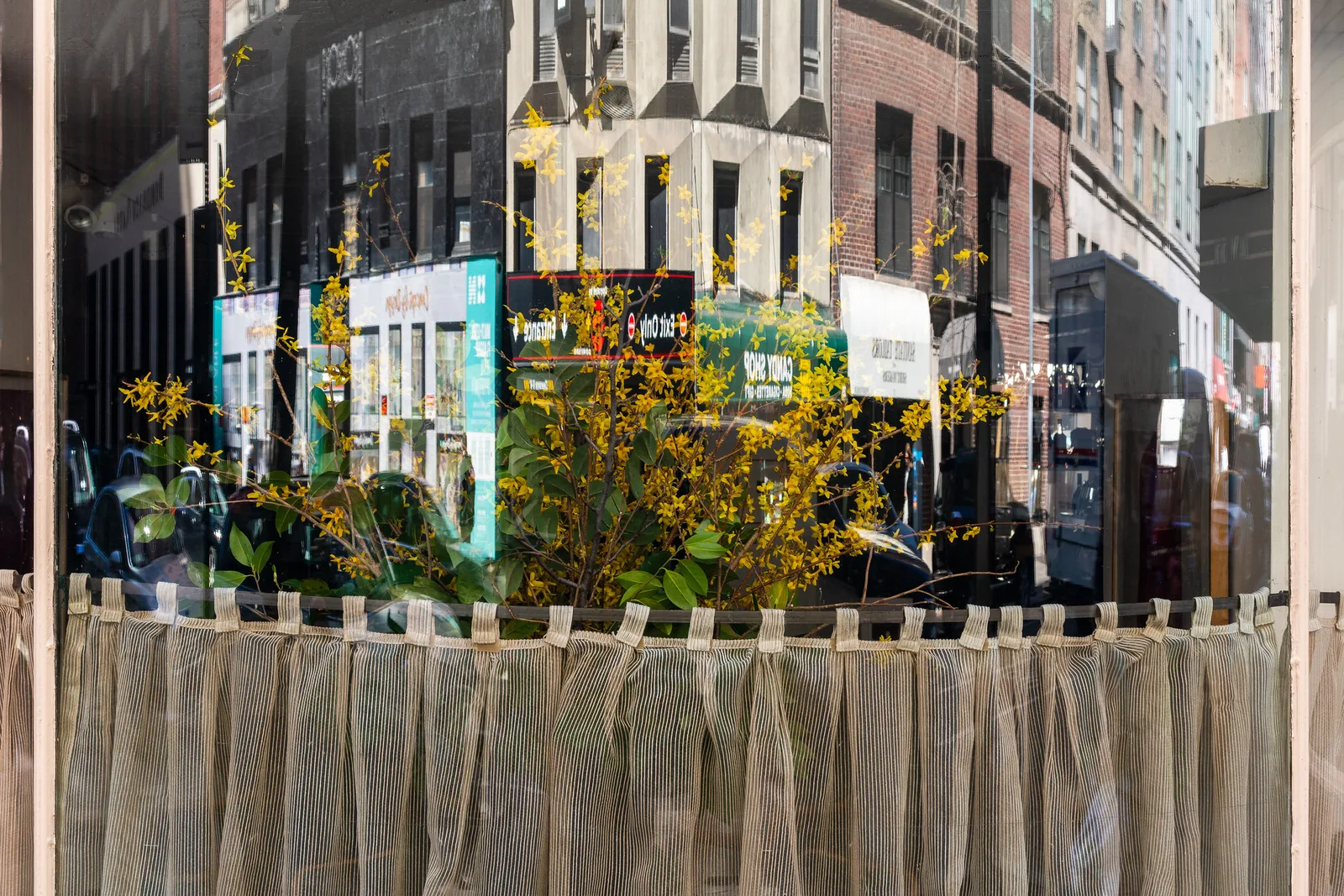
Glare under control and ready to try reflections on purpose? Photographing through glass covers windows, display cases and creative reflections.